FREE CHEATS FOR
ACE COMBAT™ 7: SKIES UNKNOWN
Released January 31, 2019
Updated

 EAGLE CHEATS
How to use Eagle in ACE COMBAT™ 7: SKIES UNKNOWN
With ACE COMBAT™ 7: SKIES UNKNOWN running, press Insert to open the Eagle menu. The quick keys give direct access to No Vehicle Damage and Infinite Fuel. Use the menu for Flight Speed, Set Weather and Save Flight Position and the remaining listed features; close it with Insert to return to the app.
- F2 No Vehicle Damage
Press F2 to turn No Vehicle Damage on or off without opening the menu. - F3 Infinite Fuel
Press F3 to turn Infinite Fuel on or off without opening the menu. - Insert Flight Speed
Press Insert, choose Flight Speed, adjust the value, and apply. - Insert Set Weather
Press Insert, choose Set Weather, adjust its value or option, and apply. - Insert Save Flight Position
Press Insert, choose Save Flight Position, adjust its value or option, and apply.
EXPLORE THE MENUFeatures
8 features
The free ACE COMBAT™ 7: SKIES UNKNOWN trainer includes No Vehicle Damage, Infinite Fuel and Flight Speed. It also offers Set Weather, Save Flight Position and Free Camera. Press Insert to open the menu on Windows PC.
- No Vehicle Damage
- Infinite Fuel
- Flight Speed
- Set Weather
- Save Flight Position
- Free Camera
- Camera Speed
- Freeze Mission Timer
About the game
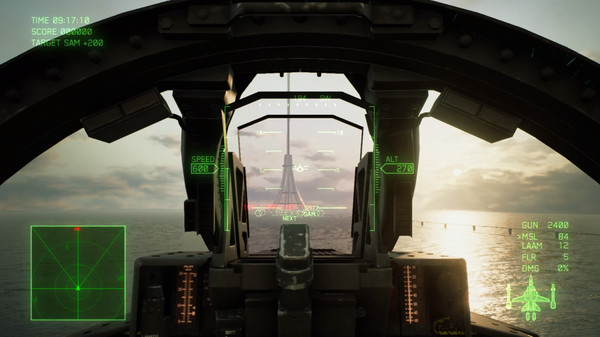
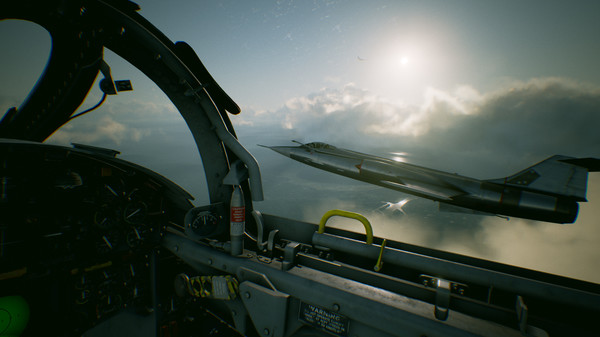
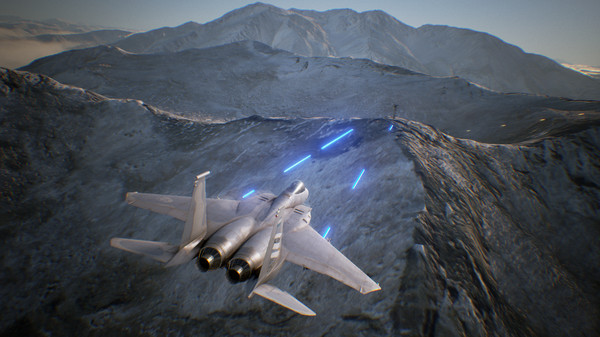
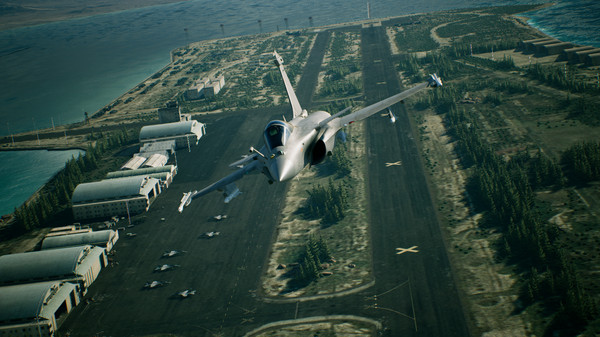
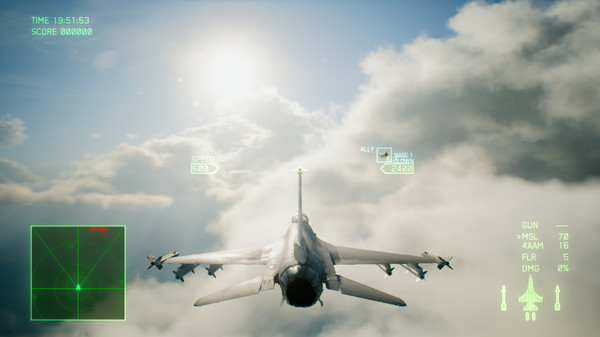
Become an ace pilot and soar through photorealistic skies with full 360 degree movement; down enemy aircraft and experience the thrill of engaging in realistic sorties! Aerial combat has never looked or felt better!.
Official game page