FREE CHEATS FOR
Cronos: The New Dawn
Released September 5, 2025
Updated

 EAGLE CHEATS
How to use Eagle in Cronos: The New Dawn
With Cronos: The New Dawn running, press Insert to open the Eagle menu. The quick keys give direct access to God Mode, Infinite Health and Infinite Ammo. Use the menu for No Reload, Enemy Health View and Weapon Upgrades and the remaining listed features; close it with Insert to return to the app.
- F2 God Mode
Press F2 to turn God Mode on or off without opening the menu. - F3 Infinite Health
Press F3 to turn Infinite Health on or off without opening the menu. - F4 Infinite Ammo
Press F4 to turn Infinite Ammo on or off without opening the menu. - Insert No Reload
Press Insert, find No Reload in the feature list, and switch it on or off. - Insert Enemy Health View
Press Insert, find Enemy Health View in the feature list, and switch it on or off. - Insert Weapon Upgrades
Press Insert, find Weapon Upgrades in the feature list, and switch it on or off.
EXPLORE THE MENUFeatures
18 features
The free Cronos: The New Dawn trainer includes God Mode, Infinite Health and Infinite Ammo. It also offers No Reload, Inventory Slots and Weapon Upgrades. Press Insert to open the menu on Windows PC.
- God Mode
- Infinite Health
- Infinite Ammo
- No Reload
- Inventory Slots
- Weapon Upgrades
- Enemy Health View
- Merge Warning
- Resource Markers
- Game Speed
- Checkpoint Controls
- Infinite Stamina
- Night Vision
- Threat ESP
- Item Highlight
- No Fear
- Save Position
- Free Camera
About the game
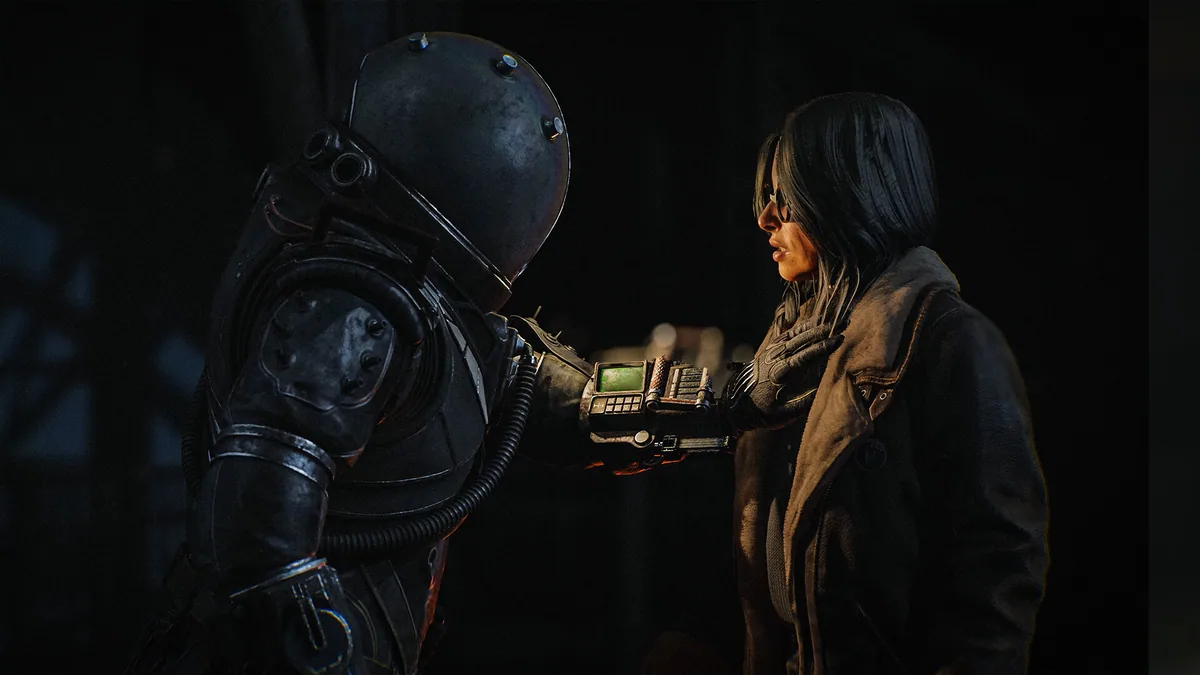
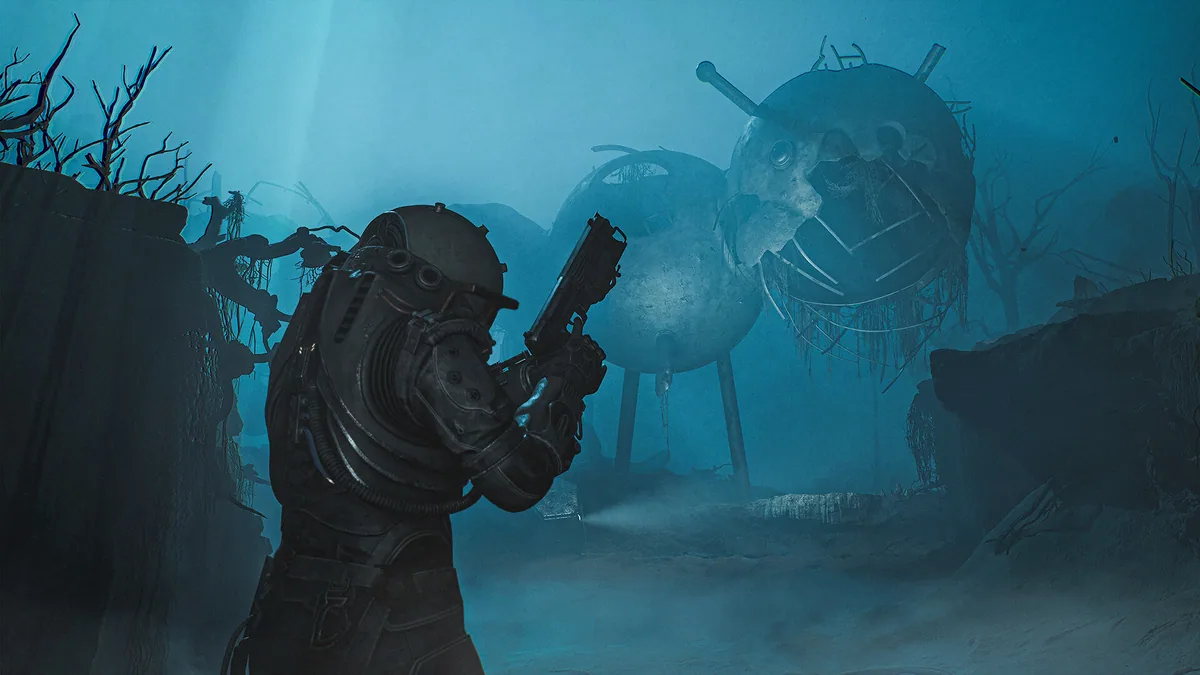
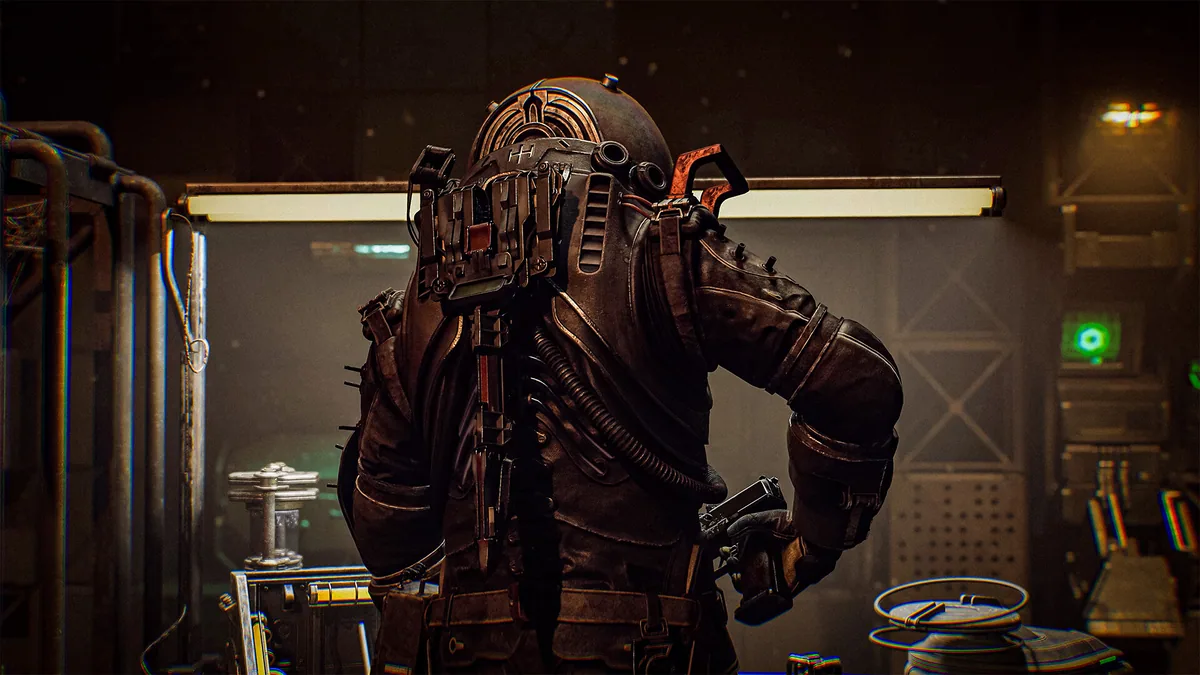
Cronos: The New Dawn is a survival horror game that shifts between a ruined future and a past threatened by catastrophe. A Traveler searches for people whose stories may explain the disaster.
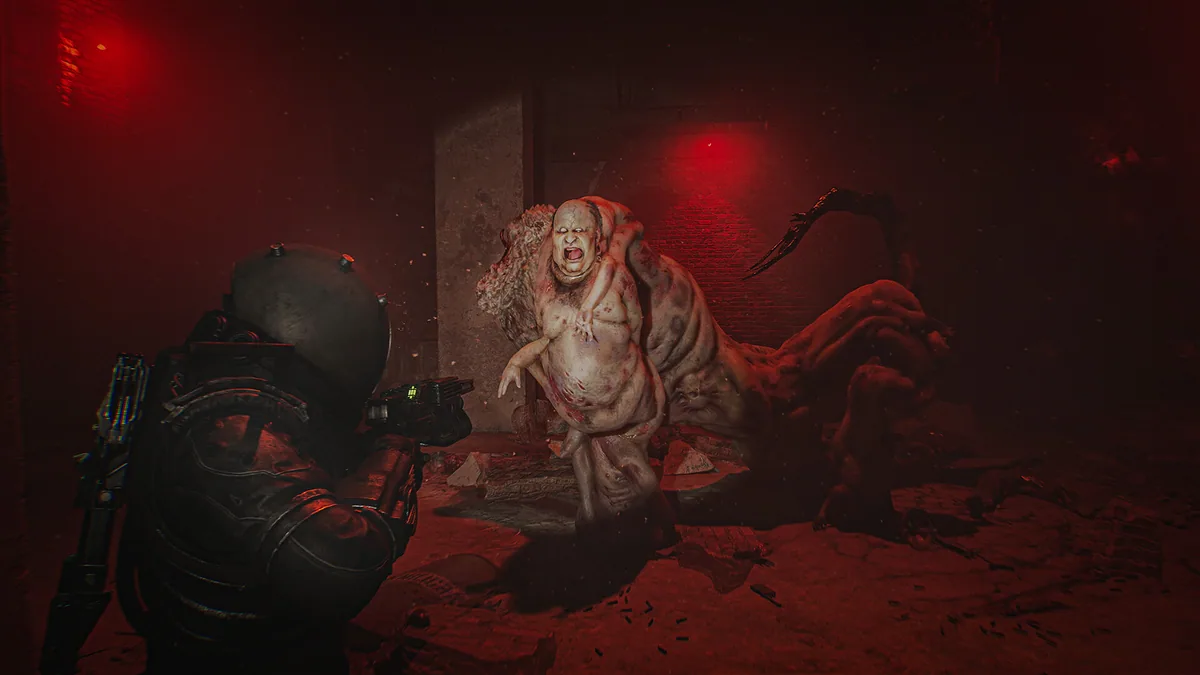
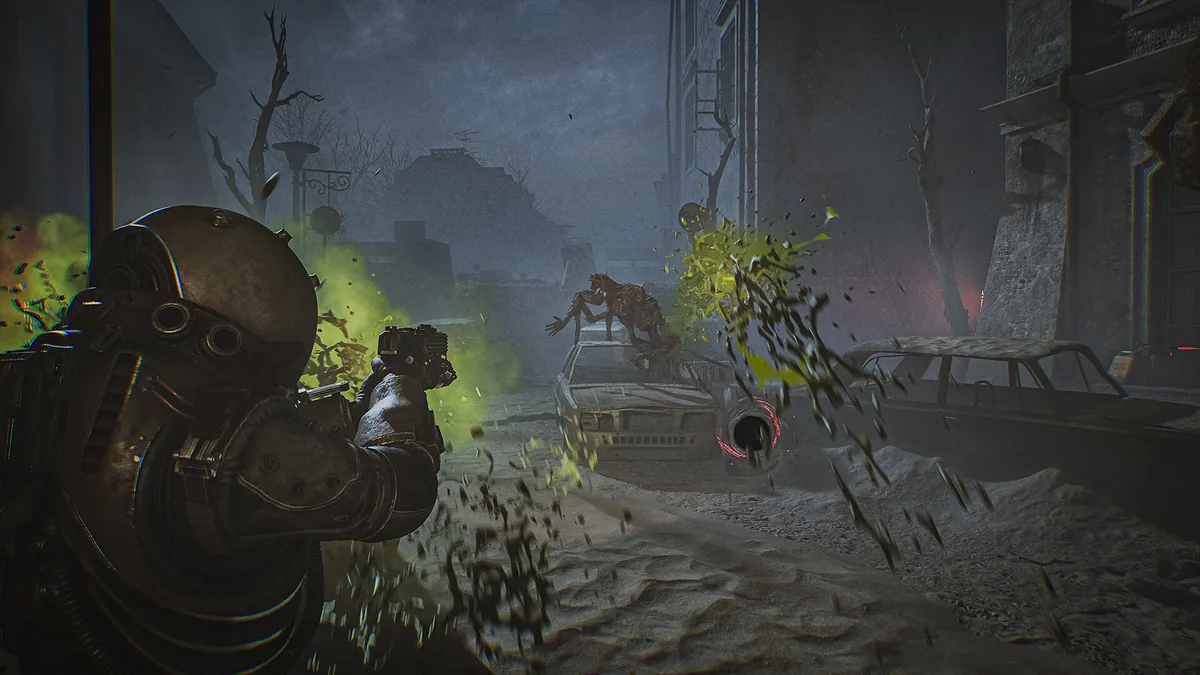
Scarce supplies and hostile environments make every encounter a decision. Creatures can merge into more dangerous forms, so players must manage ammunition, positioning and the timing of an attack.
Official game page