FREE CHEATS FOR
Dverghold
Released July 29, 2026
Updated
 EAGLE CHEATS
How to use Eagle in Dverghold
With Dverghold running, press Insert to open the Eagle menu. The quick keys give direct access to Infinite Party Health and Unlimited Action Points. Use the menu for No Ability Cooldown, Free Skill Respec and Set Game Speed and the remaining listed features; close it with Insert to return to the app.
- F2 Infinite Party Health
Press F2 to turn Infinite Party Health on or off without opening the menu. - F3 Unlimited Action Points
Press F3 to turn Unlimited Action Points on or off without opening the menu. - Insert No Ability Cooldown
Press Insert, find No Ability Cooldown in the feature list, and switch it on or off. - Insert Free Skill Respec
Press Insert, find Free Skill Respec in the feature list, and switch it on or off. - Insert Set Game Speed
Press Insert, choose Set Game Speed, adjust the value, and apply.
EXPLORE THE MENUFeatures
8 features
The free Dverghold trainer includes Infinite Party Health, Unlimited Action Points and No Ability Cooldown. It also offers Instant Level Up, Free Skill Respec and Unlimited Currency. Press Insert to open the menu on Windows PC.
- Infinite Party Health
- Unlimited Action Points
- No Ability Cooldown
- Instant Level Up
- Free Skill Respec
- Unlimited Currency
- Reveal Map
- Set Game Speed
About the game
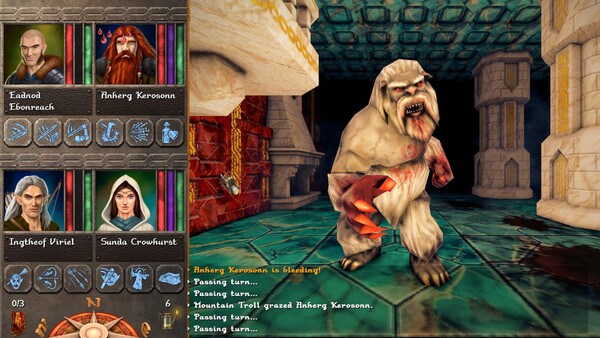
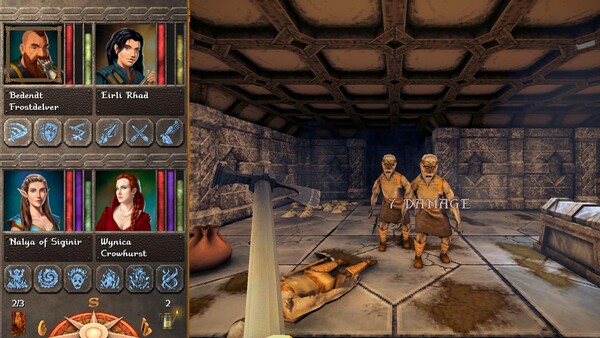
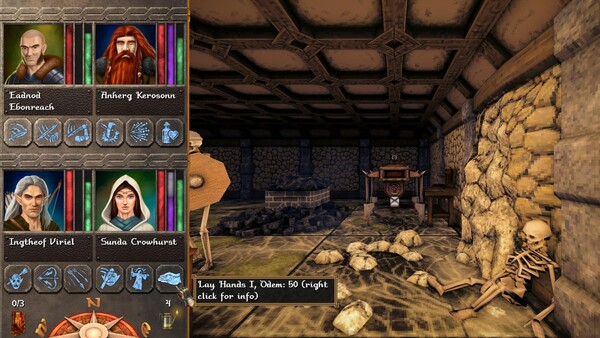
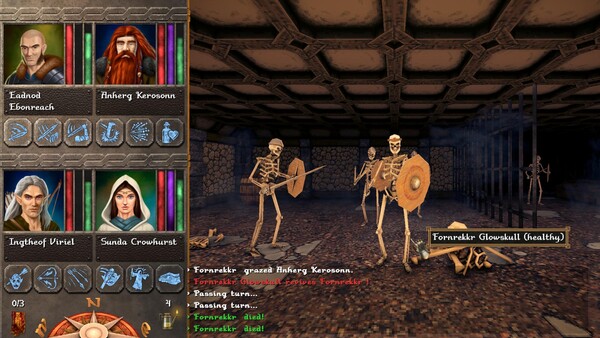
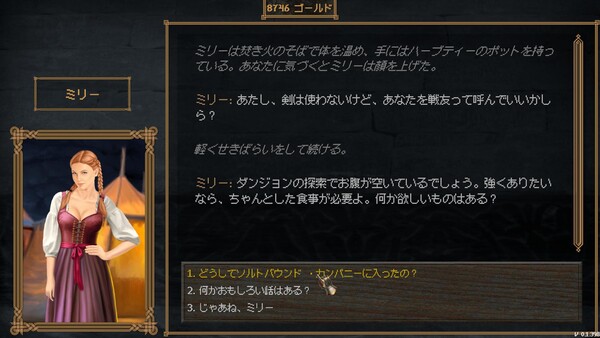
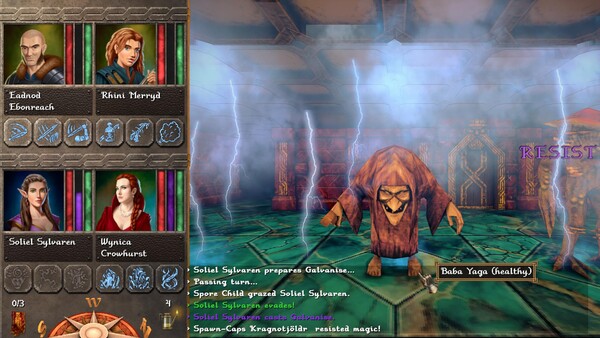
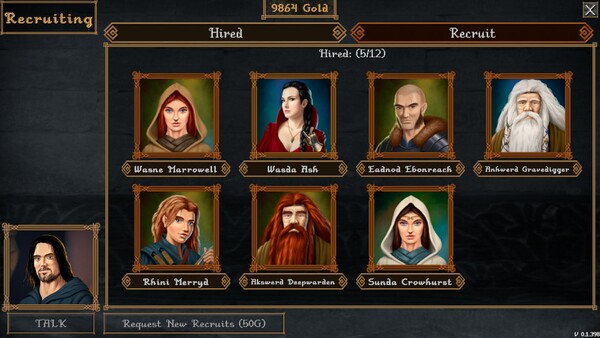
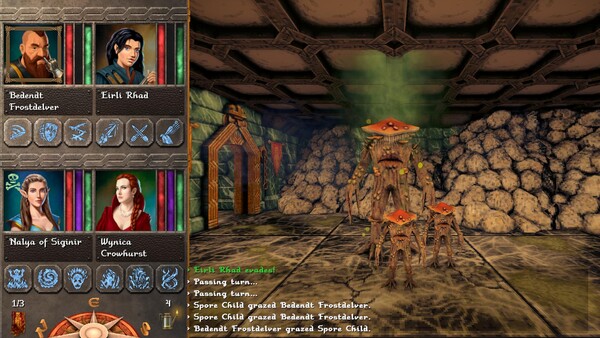
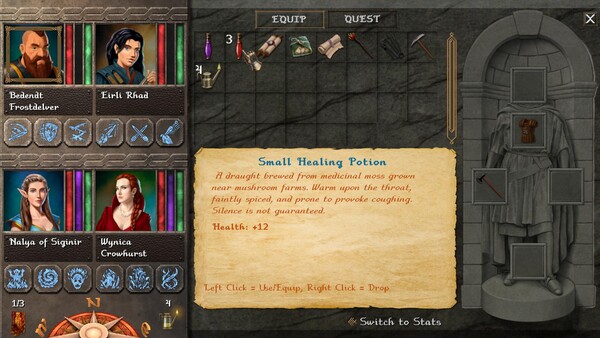
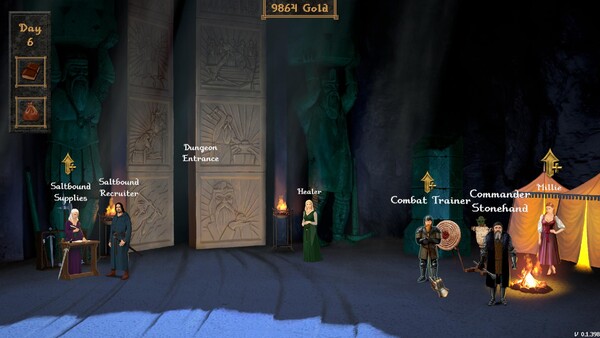
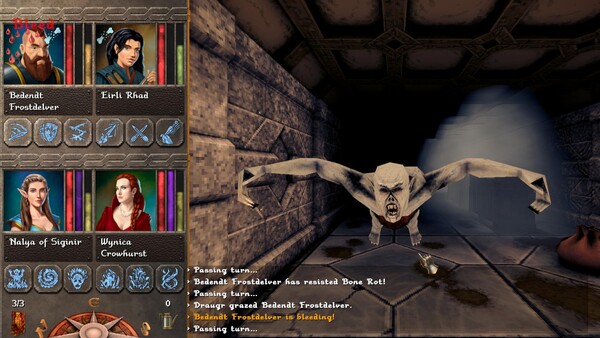
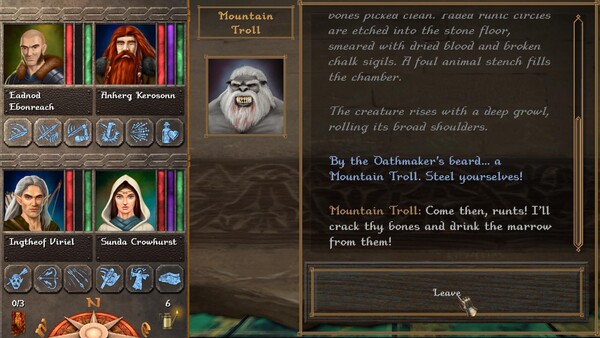
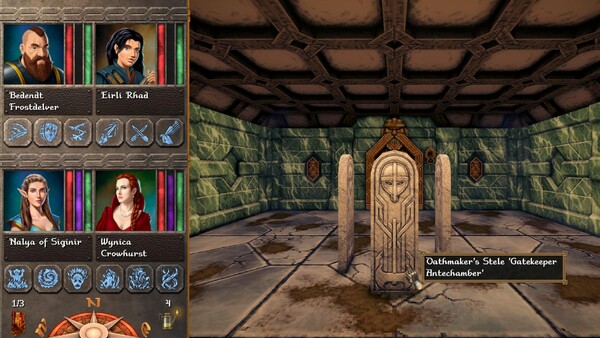
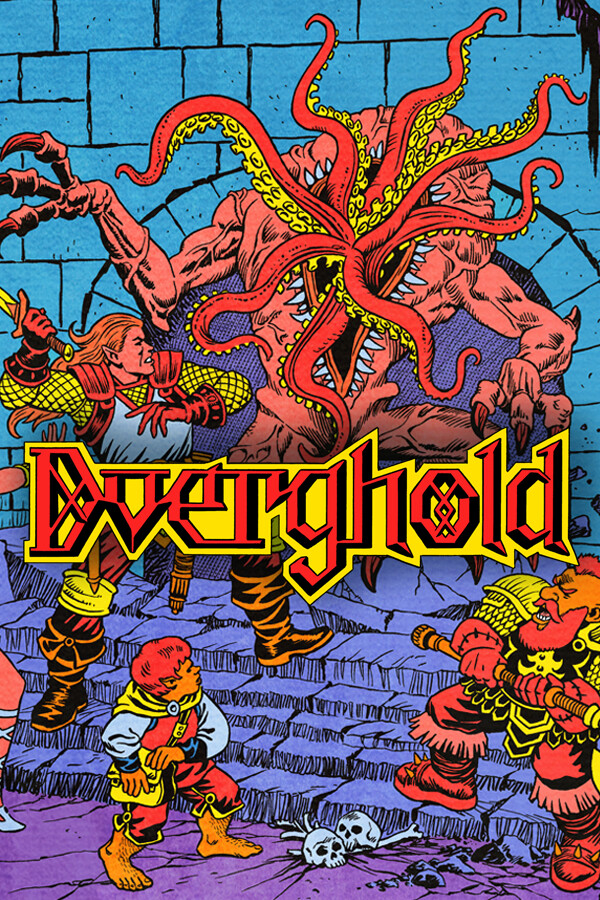
When the Dwarves of Dverghold awakened something ancient beneath the isle of Rekestt, King Sterren sent word across the Shattered Sea: brave the haunted depths, or let the darkness rise. Oldschool dungeon crawler with turn-based combat and atmospheric soundtrack by Dungeon Synth artist Splendorius.
Official game page