FREE CHEATS FOR
Emberward
Released September 17, 2026
Updated
EAGLE CHEATSEmberward
 EAGLE CHEATS
How to use Eagle in Emberward
With Emberward running, press Insert to open the Eagle menu. The quick keys give direct access to Infinite Health, Unlimited Run Currency and Free Rerolls. Use the menu for Choose Reward, Set Game Speed and Unlimited Materials and the remaining listed features; close it with Insert to return to the app.
- F2 Infinite Health
Press F2 to turn Infinite Health on or off without opening the menu. - F3 Unlimited Run Currency
Press F3 to turn Unlimited Run Currency on or off without opening the menu. - F4 Free Rerolls
Press F4 to turn Free Rerolls on or off without opening the menu. - Insert Choose Reward
Press Insert, choose Choose Reward, adjust its value or option, and apply. - Insert Set Game Speed
Press Insert, choose Set Game Speed, adjust the value, and apply. - Insert Unlimited Materials
Press Insert, find Unlimited Materials in the feature list, and switch it on or off.
EXPLORE THE MENUFeatures
14 features
The free Emberward trainer includes Infinite Health, Unlimited Run Currency and Free Rerolls. It also offers Choose Reward, Unlock Upgrades and Reveal Next Room. Press Insert to open the menu on Windows PC.
- Infinite Health
- Unlimited Run Currency
- Free Rerolls
- Choose Reward
- Unlock Upgrades
- Reveal Next Room
- Save Run State
- Set Game Speed
- Instant Crafting
- No Build Cost
- Unlimited Materials
- Tower Range Overlay
- Instant Tower Upgrade
- Freeze Wave Timer
About the game
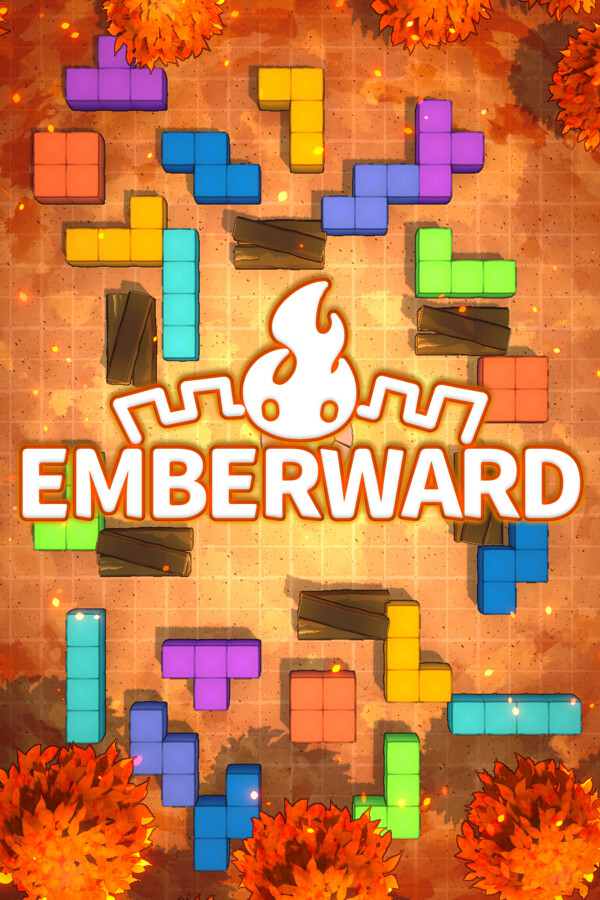
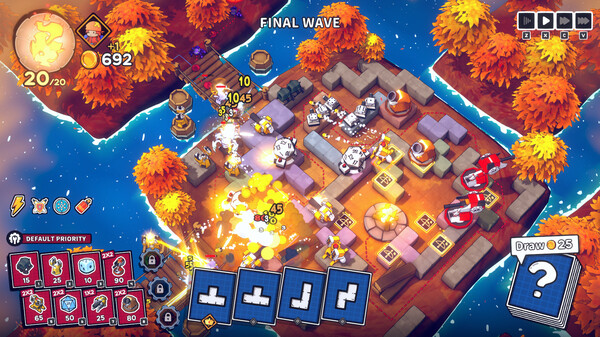
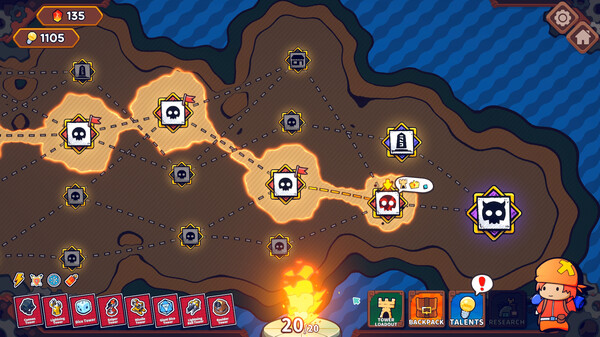
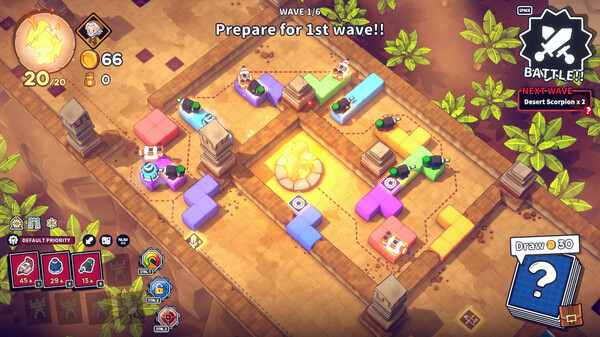
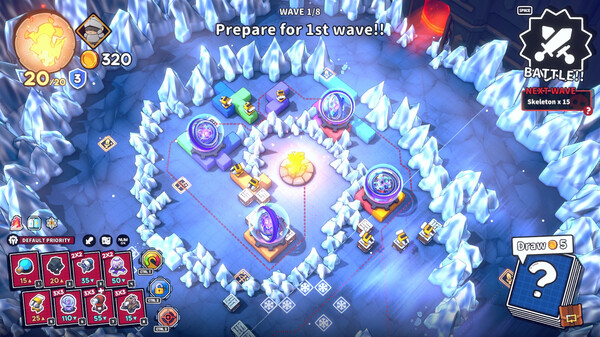
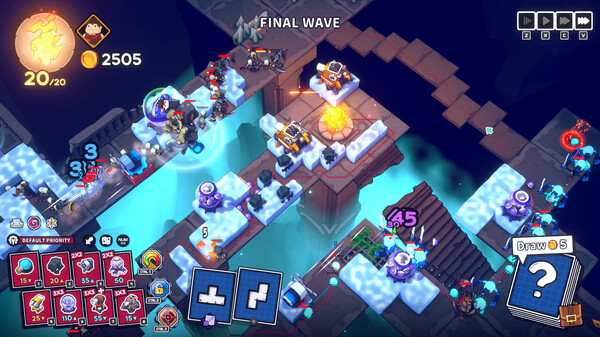
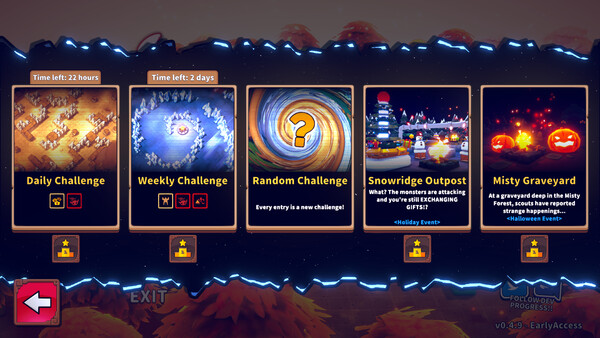
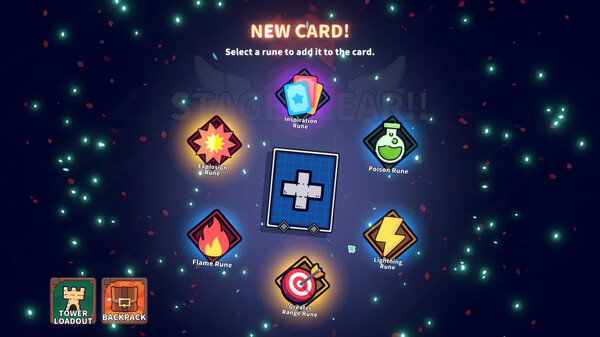
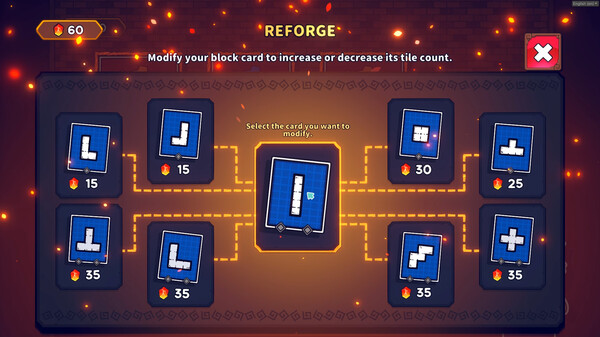
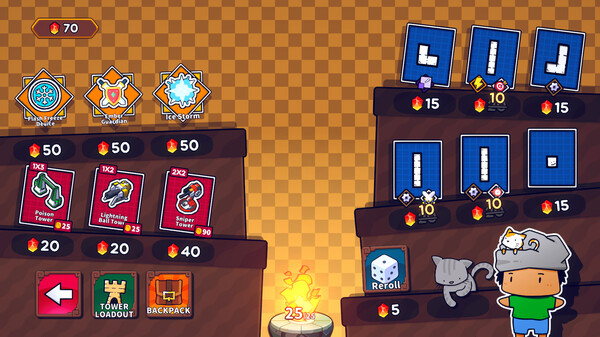
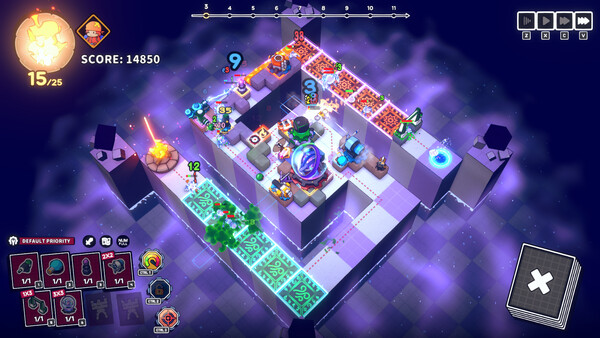
Build twisting mazes with tetromino blocks and deploy unique towers in this strategic roguelite tower defense adventure!.
Official game page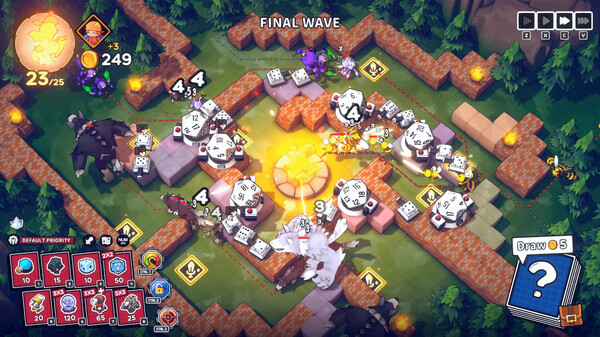


KEEP EXPLORING