FREE CHEATS FOR
ENA: Dream BBQ
Released March 26, 2025
Updated

 EAGLE CHEATS
How to use Eagle in ENA: Dream BBQ
With ENA: Dream BBQ running, press Insert to open the Eagle menu. The quick keys give direct access to Area Map and Object Highlights. Use the menu for Dialogue History, Inventory Search and Quest Clues and the remaining listed features; close it with Insert to return to the app.
- F2 Area Map
Press F2 to turn Area Map on or off without opening the menu. - F3 Object Highlights
Press F3 to turn Object Highlights on or off without opening the menu. - Insert Dialogue History
Press Insert, find Dialogue History in the feature list, and switch it on or off. - Insert Inventory Search
Press Insert, find Inventory Search in the feature list, and switch it on or off. - Insert Quest Clues
Press Insert, find Quest Clues in the feature list, and switch it on or off.
EXPLORE THE MENUFeatures
8 features
Area, dialogue and object information for ENA's surreal journey.
- Area Map
- Object Highlights
- Dialogue History
- Quest Clues
- Inventory Search
- Character Tracker
- Scene Select
- Camera Controls
About the game
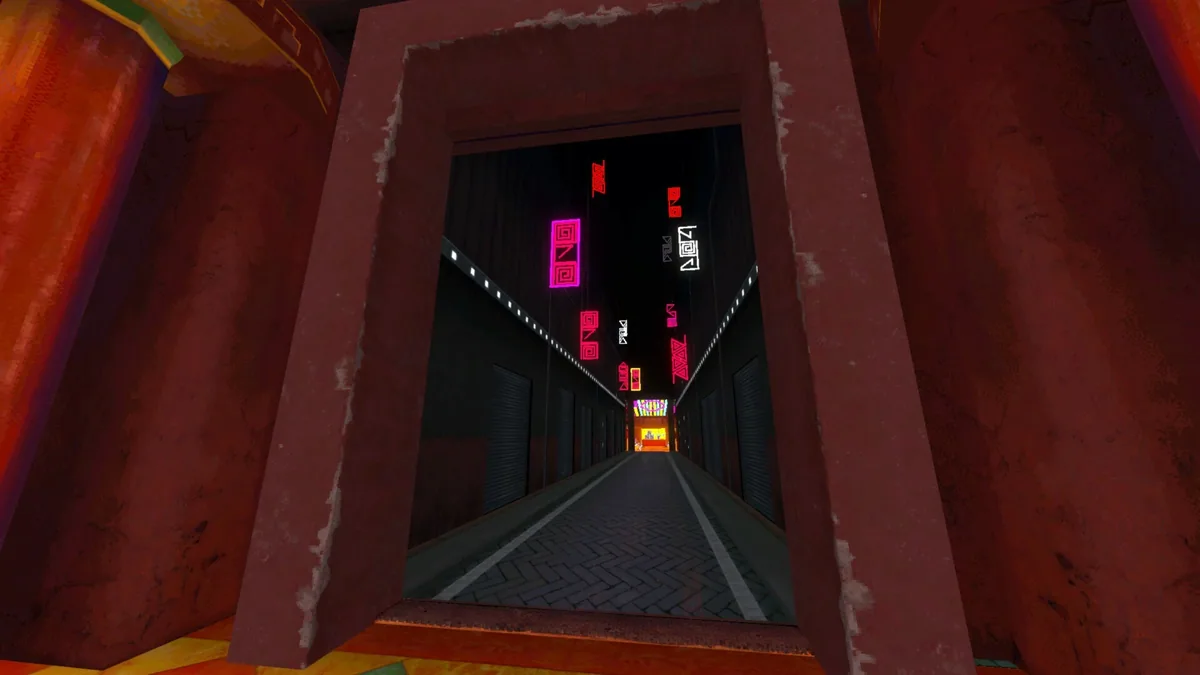
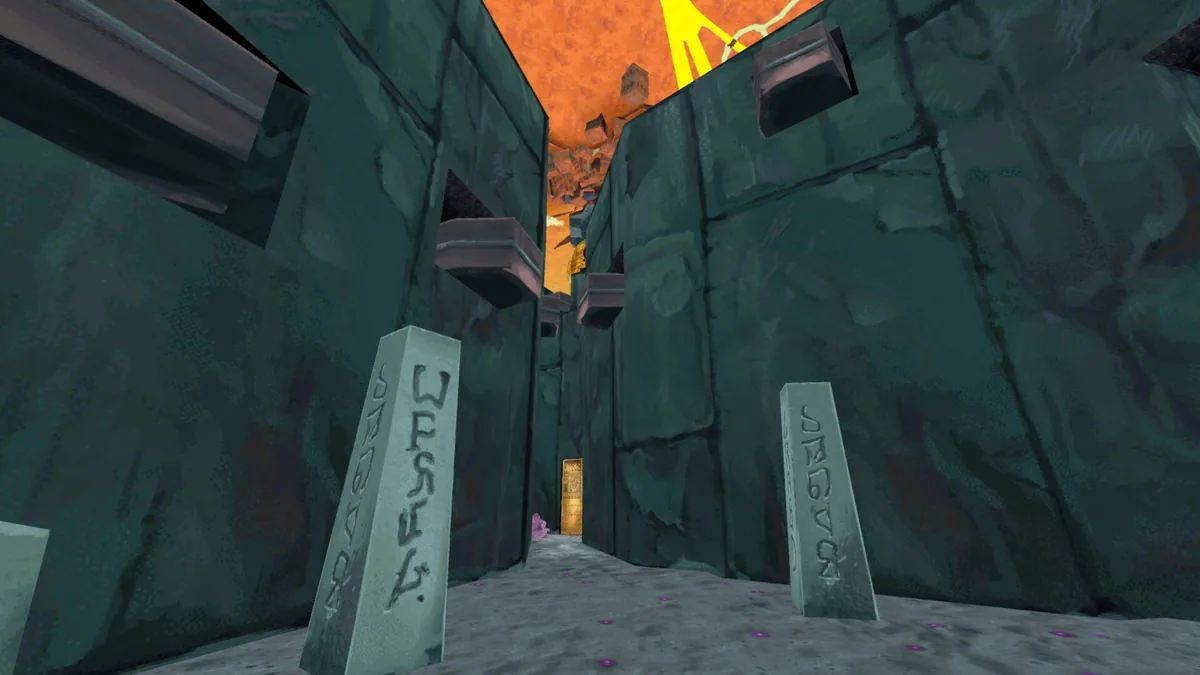
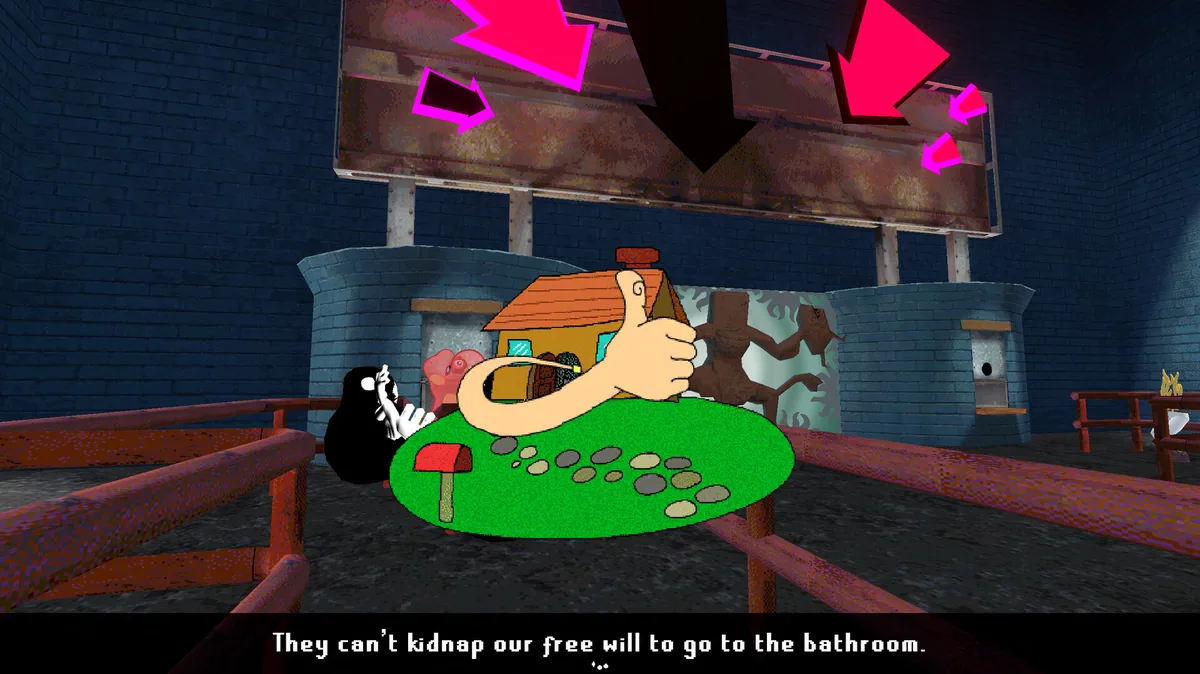
ENA: Dream BBQ follows ENA through surreal places filled with eccentric characters and abrupt changes of tone. Players talk to strangers, gather objects and work through a world that rarely explains itself in ordinary terms.
Exploration and dialogue reveal small goals within a much stranger journey. The visual style and unexpected encounters give each area a distinct personality.
Official game page