FREE CHEATS FOR
Gas Station Simulator
Released September 15, 2021
Updated
 EAGLE CHEATS
How to use Eagle in Gas Station Simulator
With Gas Station Simulator running, press Insert to open the Eagle menu. The quick keys give direct access to Max Customer Satisfaction and Fast Orders. Use the menu for Reveal Customer Demand, Instant Repair and No Repair Mistakes and the remaining listed features; close it with Insert to return to the app.
- F2 Max Customer Satisfaction
Press F2 to turn Max Customer Satisfaction on or off without opening the menu. - F3 Fast Orders
Press F3 to turn Fast Orders on or off without opening the menu. - Insert Reveal Customer Demand
Press Insert, find Reveal Customer Demand in the feature list, and switch it on or off. - Insert Instant Repair
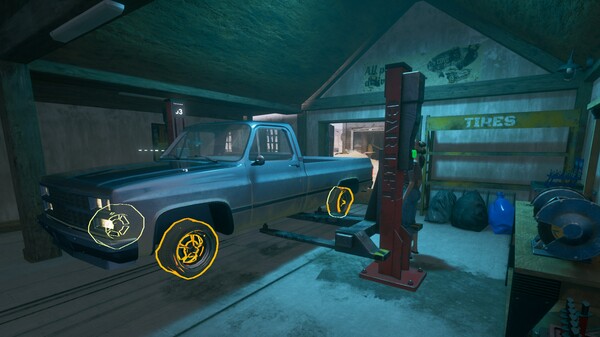
Press Insert and choose Instant Repair when you want to run this action. - Insert No Repair Mistakes
Press Insert, find No Repair Mistakes in the feature list, and switch it on or off.
EXPLORE THE MENUFeatures
6 features
The free Gas Station Simulator mod menu includes Max Customer Satisfaction, Fast Orders and Reveal Customer Demand. It also offers Instant Repair, No Repair Mistakes and Highlight Missing Parts. Press Insert to open the menu on Windows PC.
- Max Customer Satisfaction
- Fast Orders
- Reveal Customer Demand
- Instant Repair
- No Repair Mistakes
- Highlight Missing Parts
About the game
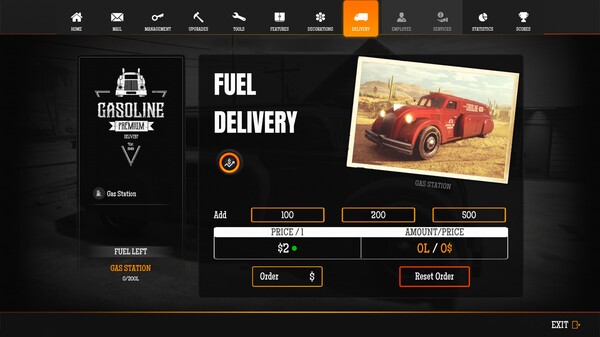
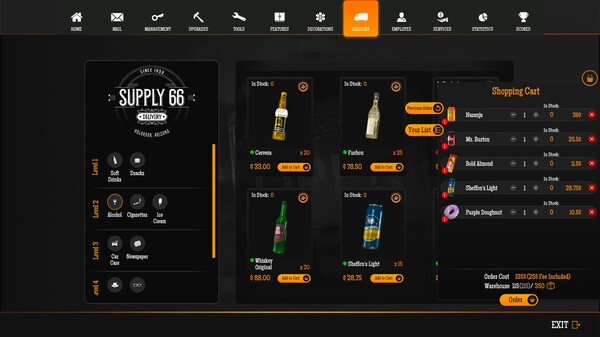
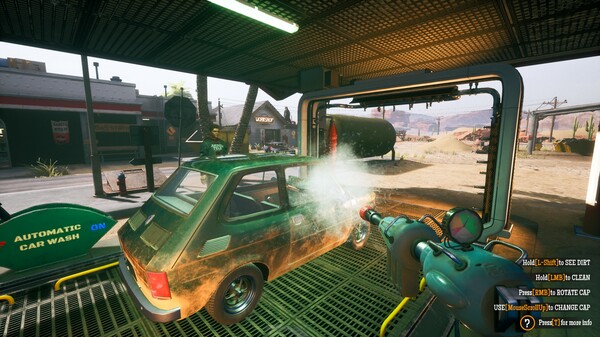
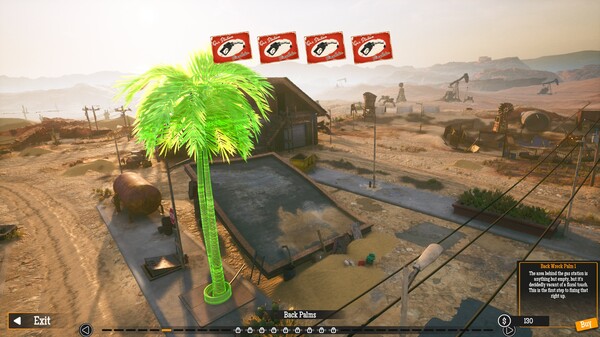
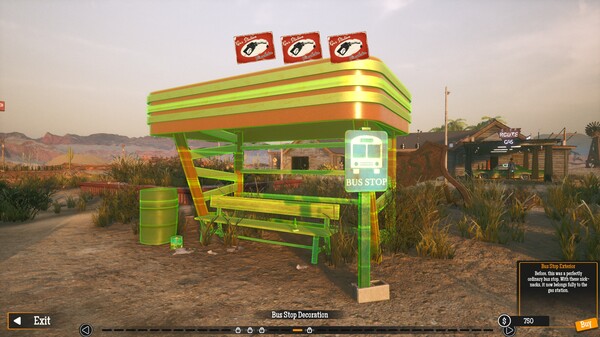
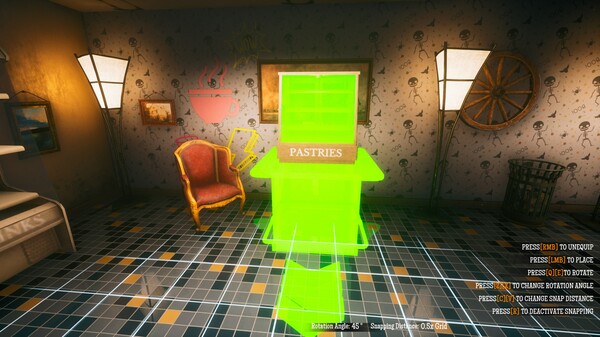
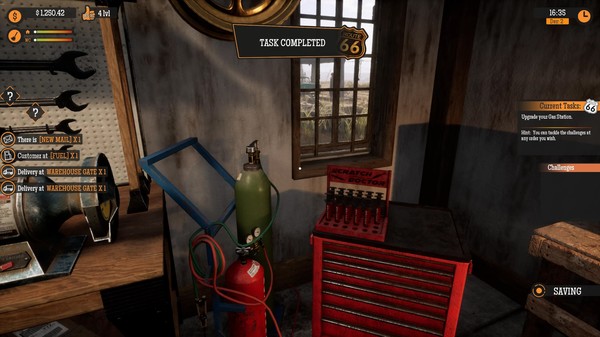
Buy an abandoned gas station and restore it to its full glory. Renovate, upgrade and expand upon the offered services to keep up with your clients demands.
Official game page