FREE CHEATS FOR
Happy Wheels
Released September 21, 2026
Updated

 EAGLE CHEATS
How to use Eagle in Happy Wheels
With Happy Wheels running, press Insert to open the Eagle menu. The quick keys give direct access to Invincible Rider and No Vehicle Damage. Use the menu for Set Game Speed, No Fall Damage and Freeze Time and the remaining listed features; close it with Insert to return to the app.
- F2 Invincible Rider
Press F2 to turn Invincible Rider on or off without opening the menu. - F3 No Vehicle Damage
Press F3 to turn No Vehicle Damage on or off without opening the menu. - Insert Set Game Speed
Press Insert, choose Set Game Speed, adjust the value, and apply. - Insert No Fall Damage
Press Insert, find No Fall Damage in the feature list, and switch it on or off. - Insert Freeze Time
Press Insert, find Freeze Time in the feature list, and switch it on or off.
EXPLORE THE MENUFeatures
10 features
Control rider durability, vehicle movement, speed and checkpoint practice in Happy Wheels.
- Invincible Rider
- No Vehicle Damage
- Set Game Speed
- Slow Motion
- Freeze Time
- High Jump
- Vehicle Boost
- No Fall Damage
- Save Position
- Teleport to Position
About the game
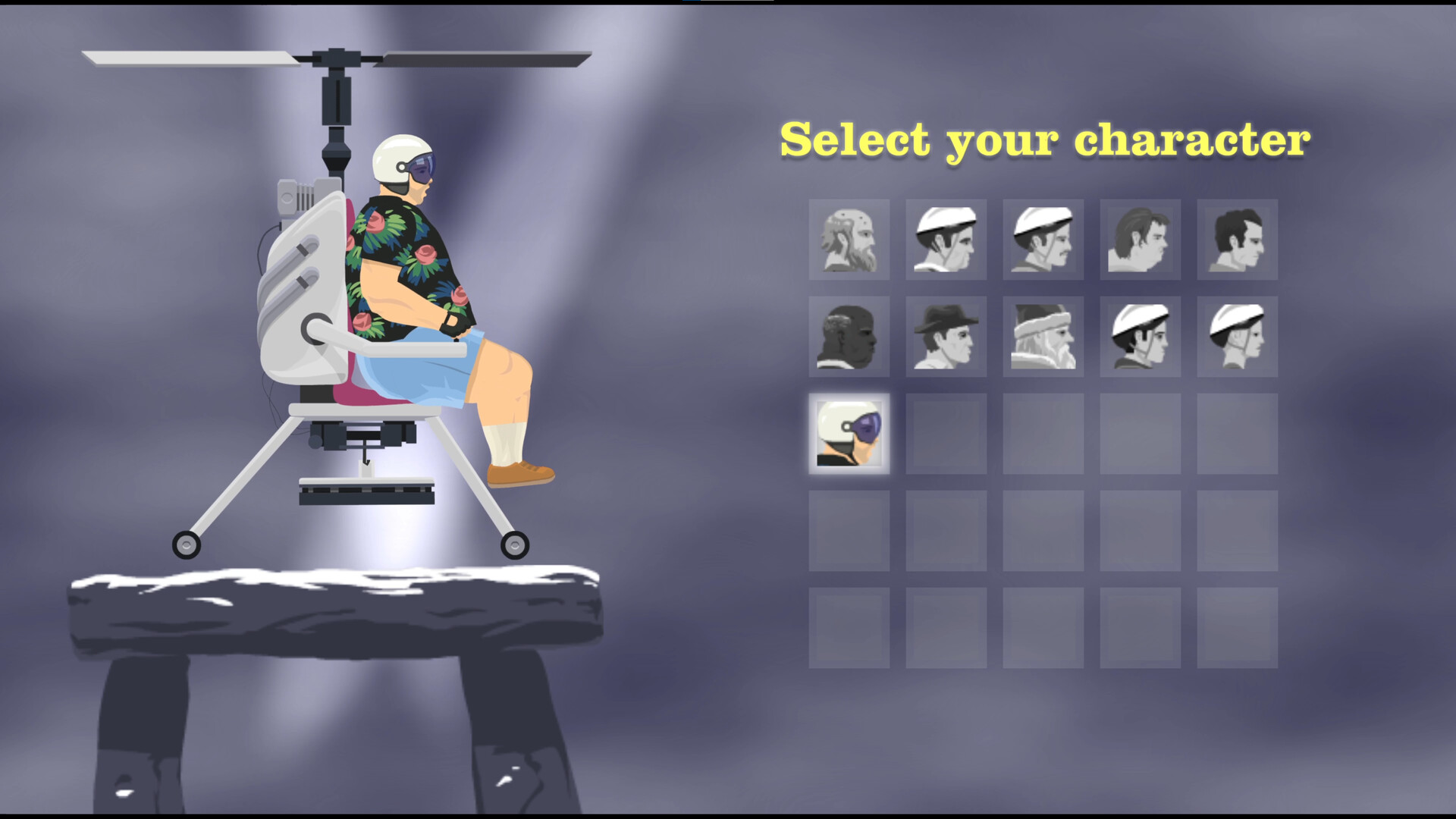
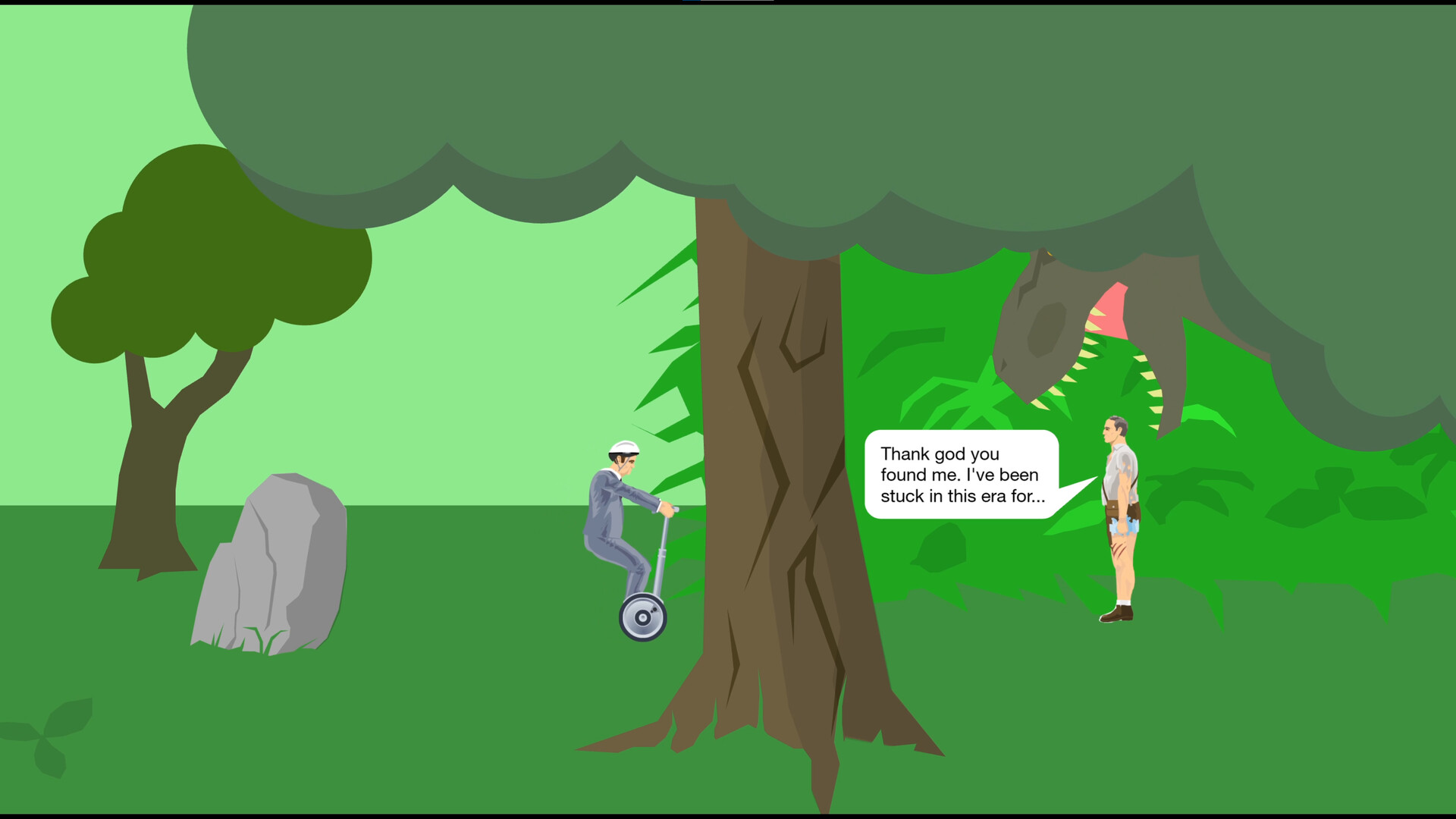
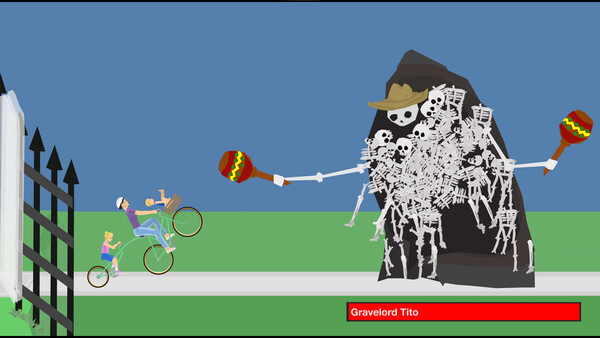
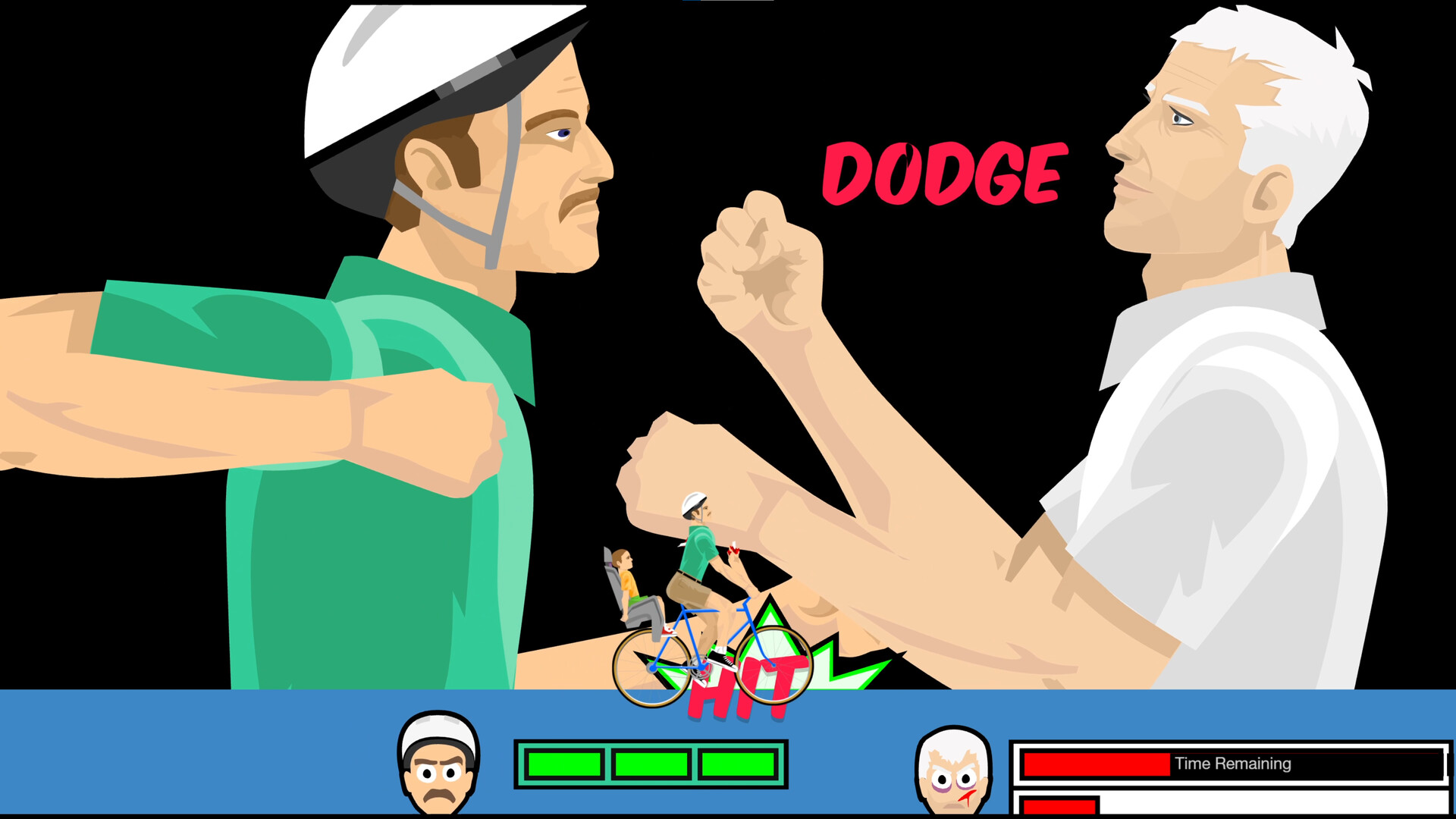
Happy Wheels is a physics-driven obstacle game where the journey matters more than a clean finish. Pick an unlikely rider and steer through courses full of traps, awkward jumps and spectacular mistakes. Each character handles differently, so even familiar hazards can turn into a new problem.
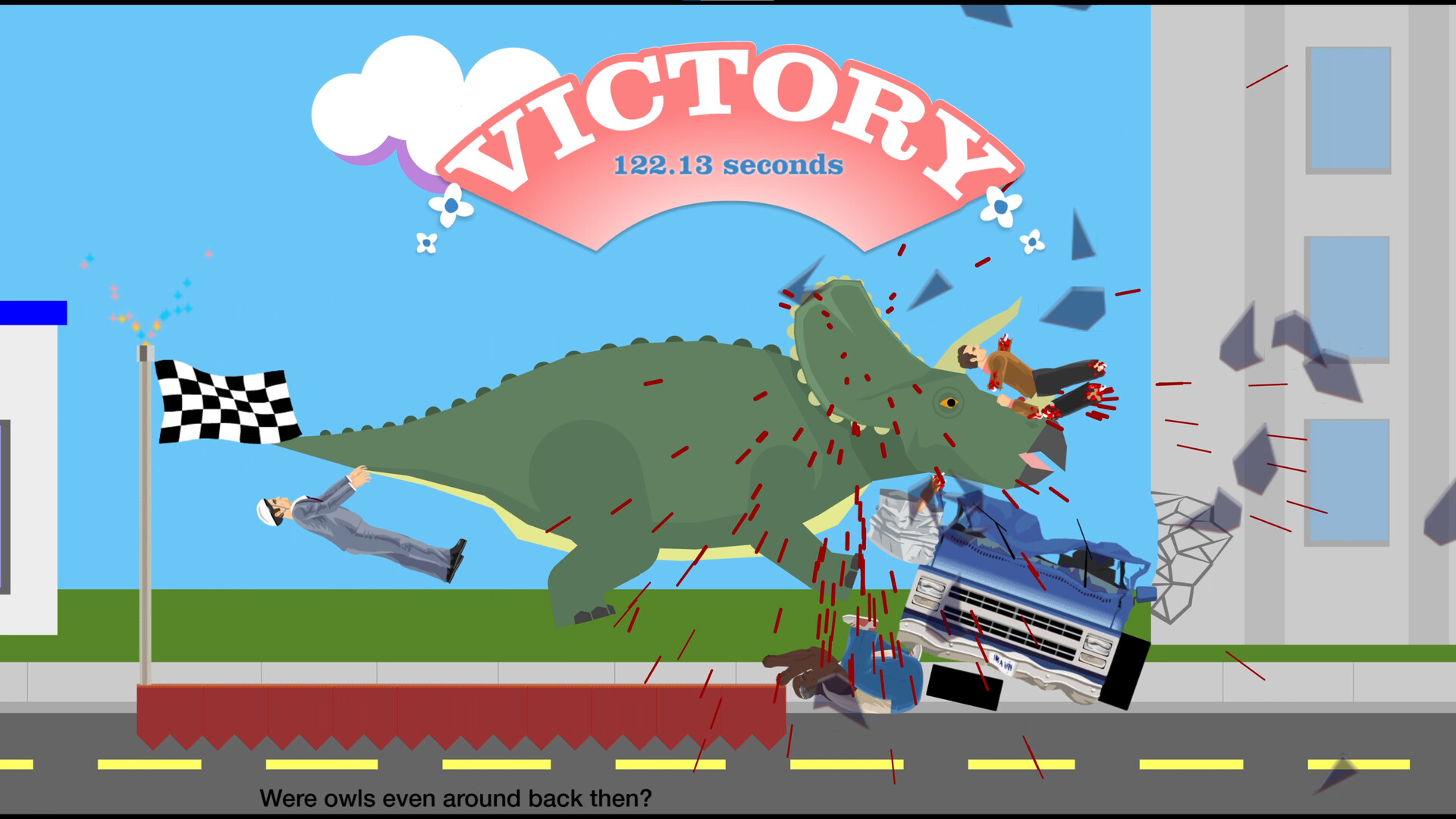
The game's absurd humor comes from the gap between careful planning and chaotic motion. Repeating a level is part of discovering a route, learning its timing and seeing just how far a vehicle can be pushed.
Official game page