FREE CHEATS FOR
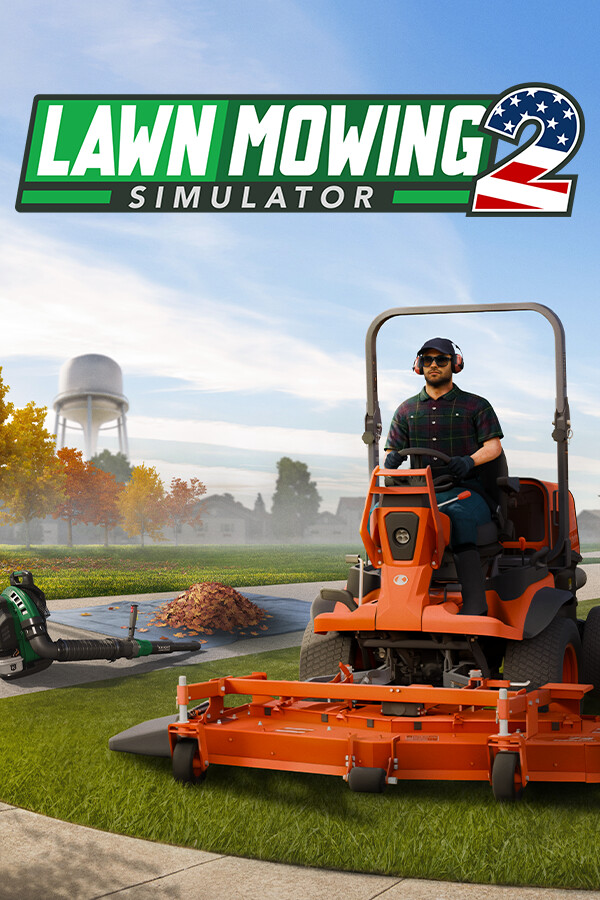
Lawn Mowing Simulator 2
Released September 23, 2026
Updated
 EAGLE CHEATS
How to use Eagle in Lawn Mowing Simulator 2
With Lawn Mowing Simulator 2 running, press Insert to open the Eagle menu. The quick keys give direct access to Unlimited Repair Parts and Instant Repair. Use the menu for No Tool Wear, Reveal Damage and Highlight Missing Components and the remaining listed features; close it with Insert to return to the app.
- F2 Unlimited Repair Parts
Press F2 to turn Unlimited Repair Parts on or off without opening the menu. - F3 Instant Repair
Press F3 to activate Instant Repair without opening the menu. - Insert No Tool Wear
Press Insert, find No Tool Wear in the feature list, and switch it on or off. - Insert Reveal Damage
Press Insert, find Reveal Damage in the feature list, and switch it on or off. - Insert Highlight Missing Components
Press Insert, find Highlight Missing Components in the feature list, and switch it on or off.
EXPLORE THE MENUFeatures
8 features
The free Lawn Mowing Simulator 2 trainer includes Unlimited Repair Parts, Instant Repair and No Tool Wear. It also offers Highlight Missing Components, Reveal Damage and Unlimited Job Funds. Press Insert to open the menu on Windows PC.
- Unlimited Repair Parts
- Instant Repair
- No Tool Wear
- Highlight Missing Components
- Reveal Damage
- Unlimited Job Funds
- Freeze Job Clock
- Free Camera
About the game
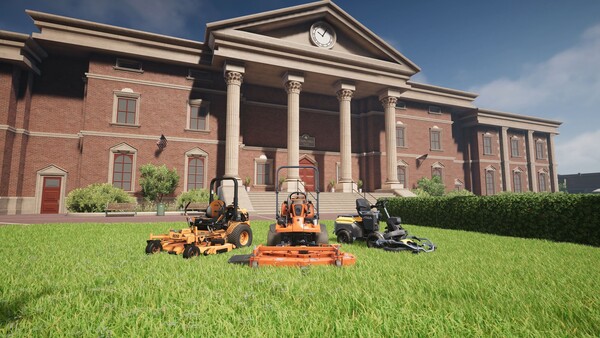
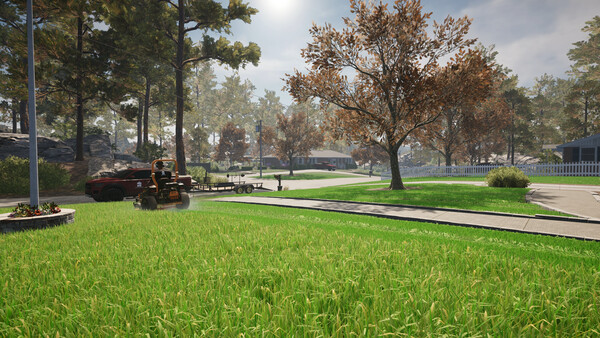
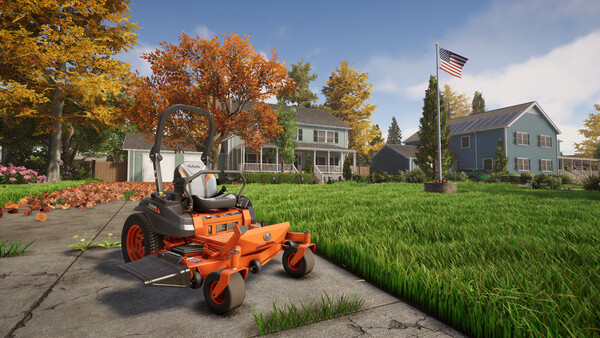
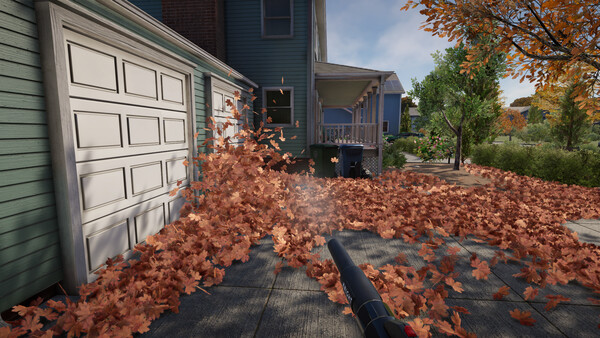
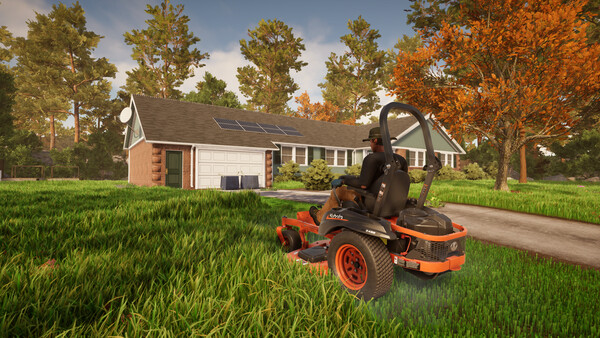
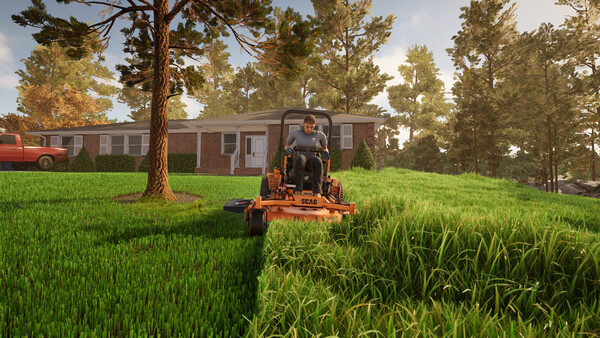
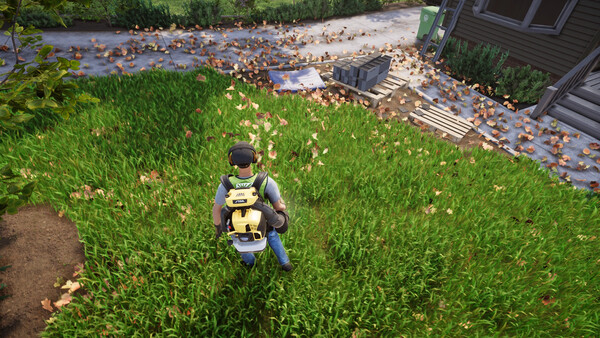
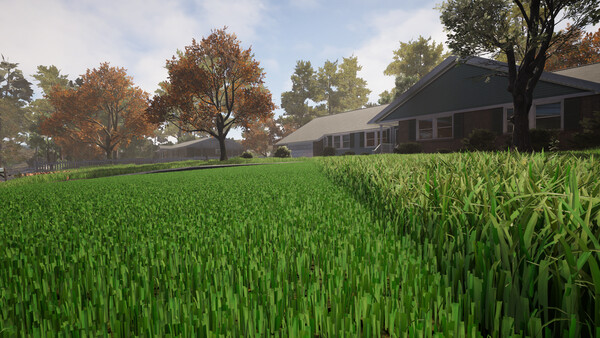
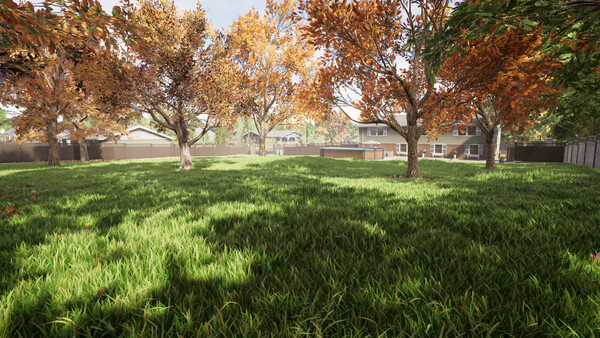
Head to the USA and grow your own business with a realistic and relaxing lawn mowing experience! Featuring brand new grass tech, the addition of leaf-blowing plus reworked systems based on player feedback to the original - including licensed equipment from Kubota, STIGA and SCAGⓇ!.
Official game page