FREE CHEATS FOR
Monster Nursery
Released October 2, 2026
Updated

 EAGLE CHEATS
How to use Eagle in Monster Nursery
With Monster Nursery running, press Insert to open the Eagle menu. The quick keys give direct access to Money Balance, Egg Amounts and Instant Egg Hatch. Use the menu for Growth Speed, Instant Monster Maturity and Monster Rarity and the remaining listed features; close it with Insert to return to the app.
- F2 Money Balance
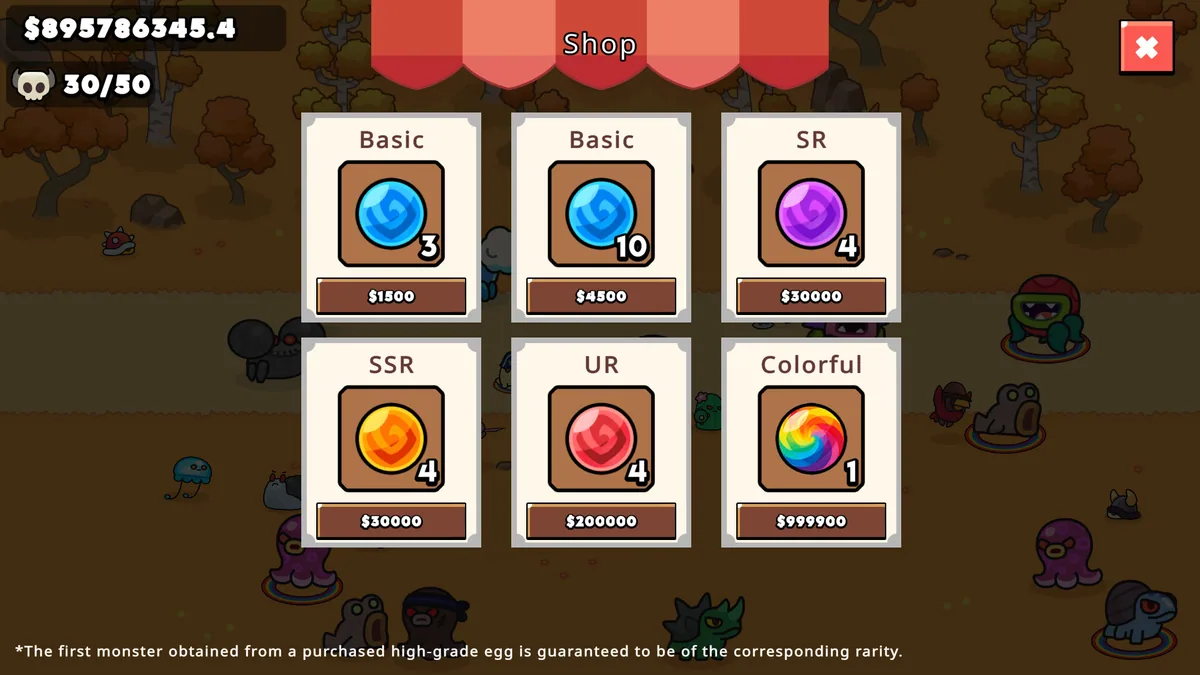
Press F2 to turn Money Balance on or off without opening the menu. - F3 Egg Amounts
Press F3 to turn Egg Amounts on or off without opening the menu. - F4 Instant Egg Hatch
Press F4 to activate Instant Egg Hatch without opening the menu. - Insert Growth Speed
Press Insert, choose Growth Speed, adjust the value, and apply. - Insert Instant Monster Maturity
Press Insert and choose Instant Monster Maturity when you want to run this action. - Insert Monster Rarity
Press Insert, find Monster Rarity in the feature list, and switch it on or off.
EXPLORE THE MENUFeatures
13 features
Manage the nursery's egg, growth and collection loop. The trainer gives quick access to hatch timing, monster rarity, sale income and handbook progress.
- Money Balance
- Egg Amounts
- Instant Egg Hatch
- Growth Speed
- Instant Monster Maturity
- Monster Rarity
- Rare Monster Odds
- Sale Value
- Auto Sell
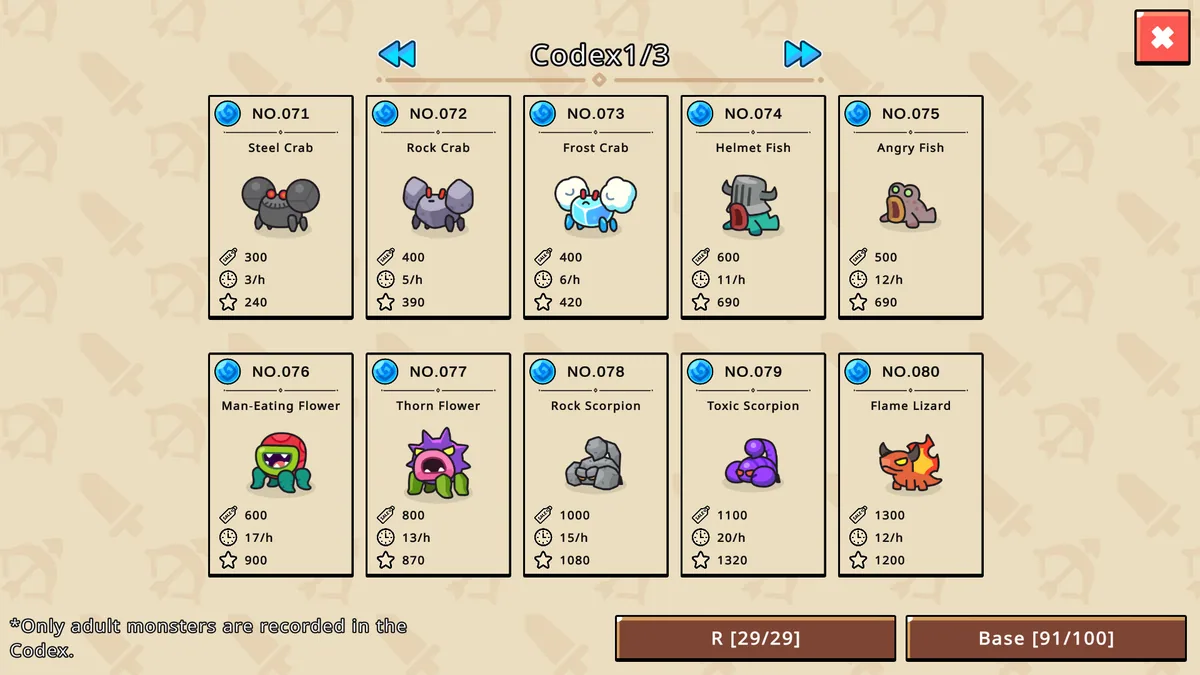
- Collection Handbook View
- Missing Entry Markers
- Offline Progress Rate
- Game Speed
About the game
Monster Nursery is a relaxed idle game about hatching eggs, raising creatures and filling a collection handbook. Juvenile monsters mature over time, and selling grown monsters supplies income for the next round of collecting.
Its collection contains hundreds of entries across rarity levels. Progress continues while the game is closed, making the nursery a cycle of new eggs, growth, sales and discoveries rather than a timed challenge.
Official game page