FREE CHEATS FOR
NEEDY STREAMER OVERLOAD
Released January 21, 2022
Updated

 EAGLE CHEATS
How to use Eagle in NEEDY STREAMER OVERLOAD
With NEEDY STREAMER OVERLOAD running, press Insert to open the Eagle menu. The quick keys give direct access to Reveal Choice Outcomes and Skip Seen Dialogue. Use the menu for Unlock Story Routes, Text Speed and Unlock Gallery and the remaining listed features; close it with Insert to return to the app.
- F2 Reveal Choice Outcomes
Press F2 to turn Reveal Choice Outcomes on or off without opening the menu. - F3 Skip Seen Dialogue
Press F3 to activate Skip Seen Dialogue without opening the menu. - Insert Unlock Story Routes
Press Insert, choose Unlock Story Routes, and apply the unlock. - Insert Text Speed
Press Insert, choose Text Speed, adjust the value, and apply. - Insert Unlock Gallery
Press Insert, choose Unlock Gallery, and apply the unlock.
EXPLORE THE MENUFeatures
8 features
The free NEEDY STREAMER OVERLOAD trainer includes Unlock Story Routes, Reveal Choice Outcomes and Skip Seen Dialogue. It also offers Text Speed, Unlock Gallery and Unlock Scenes. Press Insert to open the menu on Windows PC.
- Unlock Story Routes
- Reveal Choice Outcomes
- Skip Seen Dialogue
- Text Speed
- Unlock Gallery
- Unlock Scenes
- Max Relationship
- Save Anywhere
About the game
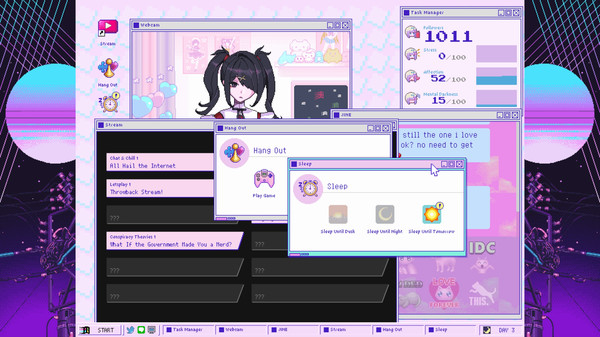
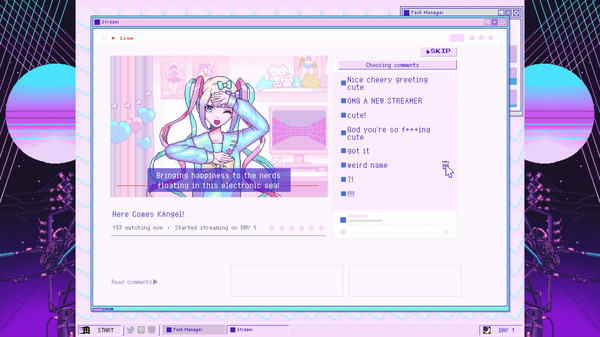
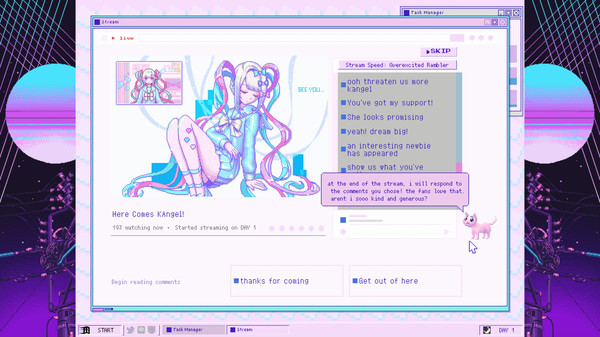
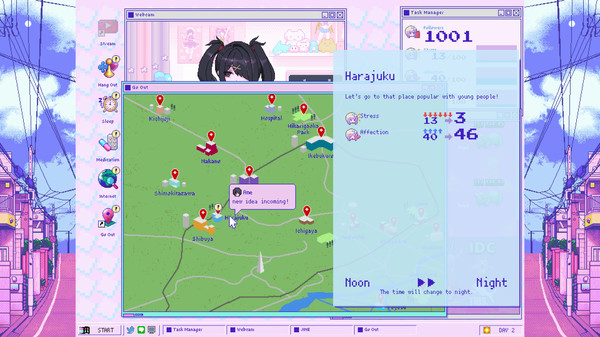
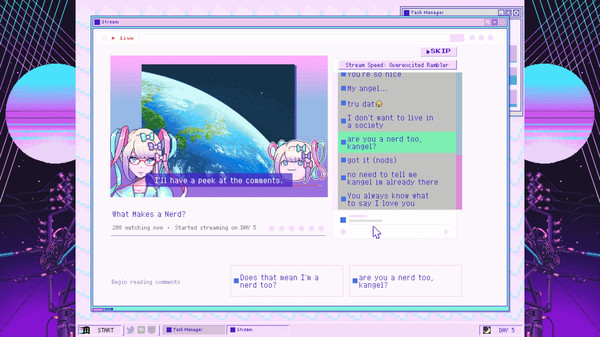
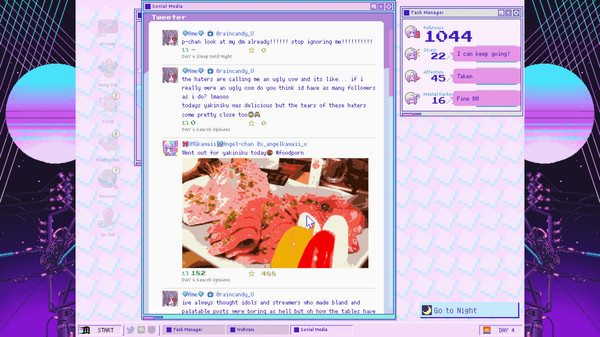
NEEDY STREAMER OVERLOAD is a “multi-ending ADV” depicting daily life with “OMGkawaiiAngel”, a young girl with a rather extreme need for approval attempting to become the #1 “Internet Angel” (streamer).
Official game page