FREE CHEATS FOR
Poppy Playtime
Released October 12, 2021
Updated

 EAGLE CHEATS
How to use Eagle in Poppy Playtime
With Poppy Playtime running, press Insert to open the Eagle menu. The quick keys give direct access to GrabPack Reach, GrabPack Target Highlight and Unlimited GrabPack Charge. Use the menu for Circuit Path Overlay, No Chase Damage and Set Game Speed and the remaining listed features; close it with Insert to return to the app.
- F2 GrabPack Reach
Press F2 to turn GrabPack Reach on or off without opening the menu. - F3 GrabPack Target Highlight
Press F3 to turn GrabPack Target Highlight on or off without opening the menu. - F4 Unlimited GrabPack Charge
Press F4 to turn Unlimited GrabPack Charge on or off without opening the menu. - Insert Circuit Path Overlay
Press Insert, find Circuit Path Overlay in the feature list, and switch it on or off. - Insert No Chase Damage
Press Insert, find No Chase Damage in the feature list, and switch it on or off. - Insert Set Game Speed
Press Insert, choose Set Game Speed, adjust the value, and apply.
EXPLORE THE MENUFeatures
13 features
The free Poppy Playtime trainer includes GrabPack Reach, GrabPack Target Highlight and Unlimited GrabPack Charge. It also offers Circuit Path Overlay, Puzzle Object Highlight and Threat ESP. Press Insert to open the menu on Windows PC.
- GrabPack Reach
- GrabPack Target Highlight
- Unlimited GrabPack Charge
- Circuit Path Overlay
- Puzzle Object Highlight
- Threat ESP
- Night Vision
- No Chase Damage
- Freeze Pursuit Timer
- Reveal Collectibles
- Free Camera
- Save Position
- Set Game Speed
About the game
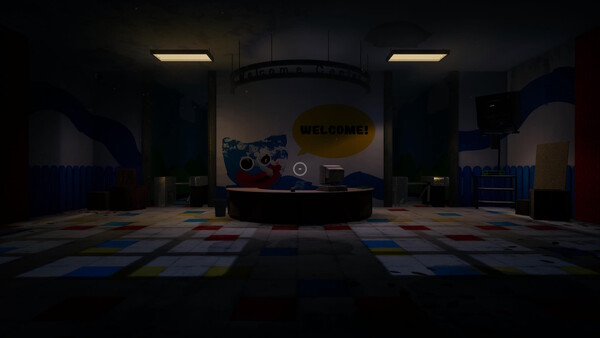
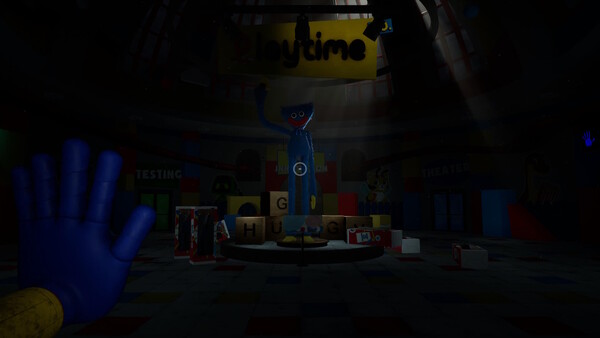
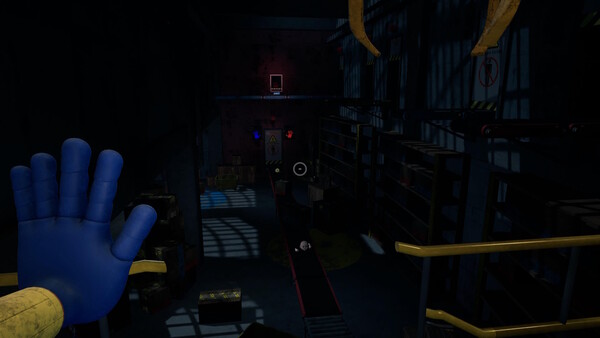
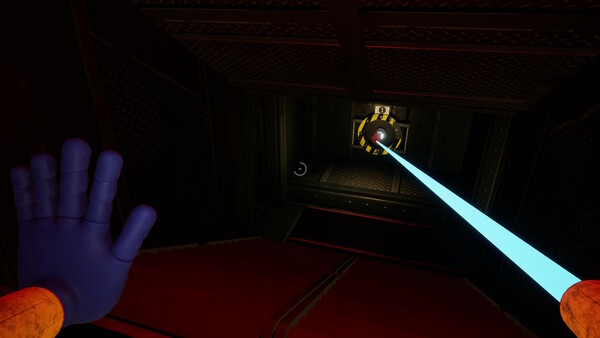
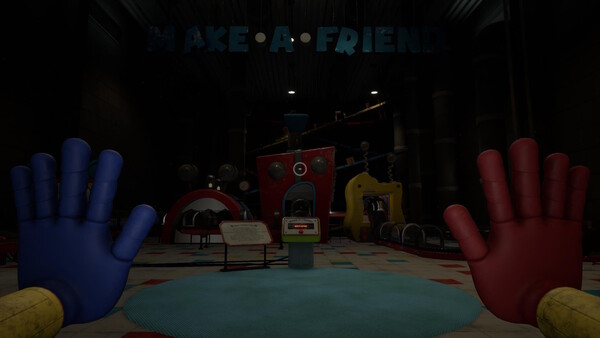
You must stay alive in this horror/puzzle adventure. Try to survive the vengeful toys waiting for you in the abandoned toy factory. Use your GrabPack to hack electrical circuits or nab anything from afar. Explore the mysterious facility... and don't get caught.
Official game page