FREE CHEATS FOR
Quarantine Zone: The Last Check
Released January 12, 2026
Updated

 EAGLE CHEATS
How to use Eagle in Quarantine Zone: The Last Check
With Quarantine Zone: The Last Check running, press Insert to open the Eagle menu. The quick keys give direct access to Inspection Timer and Patient Status View. Use the menu for Symptom Overlay, Game Speed and Supply Amount and the remaining listed features; close it with Insert to return to the app.
- F2 Inspection Timer
Press F2 to turn Inspection Timer on or off without opening the menu. - F3 Patient Status View
Press F3 to turn Patient Status View on or off without opening the menu. - Insert Symptom Overlay
Press Insert, find Symptom Overlay in the feature list, and switch it on or off. - Insert Game Speed
Press Insert, choose Game Speed, adjust the value, and apply. - Insert Supply Amount
Press Insert, choose Supply Amount, adjust the value, and apply.
EXPLORE THE MENUFeatures
8 features
Use Inspection Timer to control screening speed and Patient Status View to monitor infected individuals. These controls let you manage the checkpoint's flow and ensure the safety of your base. Press Insert to open the Eagle menu on Windows PC. The trainer is free for Windows PC.
- Inspection Timer
- Patient Status View
- Symptom Overlay
- Supply Amount
- Queue View
- Resource Editor
- Game Speed
- Free Camera
About the game
Quarantine Zone: The Last Check places you in charge of a critical checkpoint during a zombie outbreak. You must screen survivors, manage scarce resources, and prevent the infected from breaching your defenses. Every decision impacts the survival of your base and the safety of the remaining population. As the situation escalates, you’ll need to reinforce your position, allocate supplies, and use advanced tools to identify and isolate threats. The game’s core loop revolves around balancing resource management, security, and ethical dilemmas as you navigate the chaos of a collapsing city.
Players must decide who to let through and who to turn away, all while dealing with dwindling supplies and increasing threats. The game emphasizes strategic thinking and adaptability as you expand your base, unlock new tools, and prepare for the worst. The tension rises with each passing day, making every choice feel weighty and every moment crucial to survival.
Official game page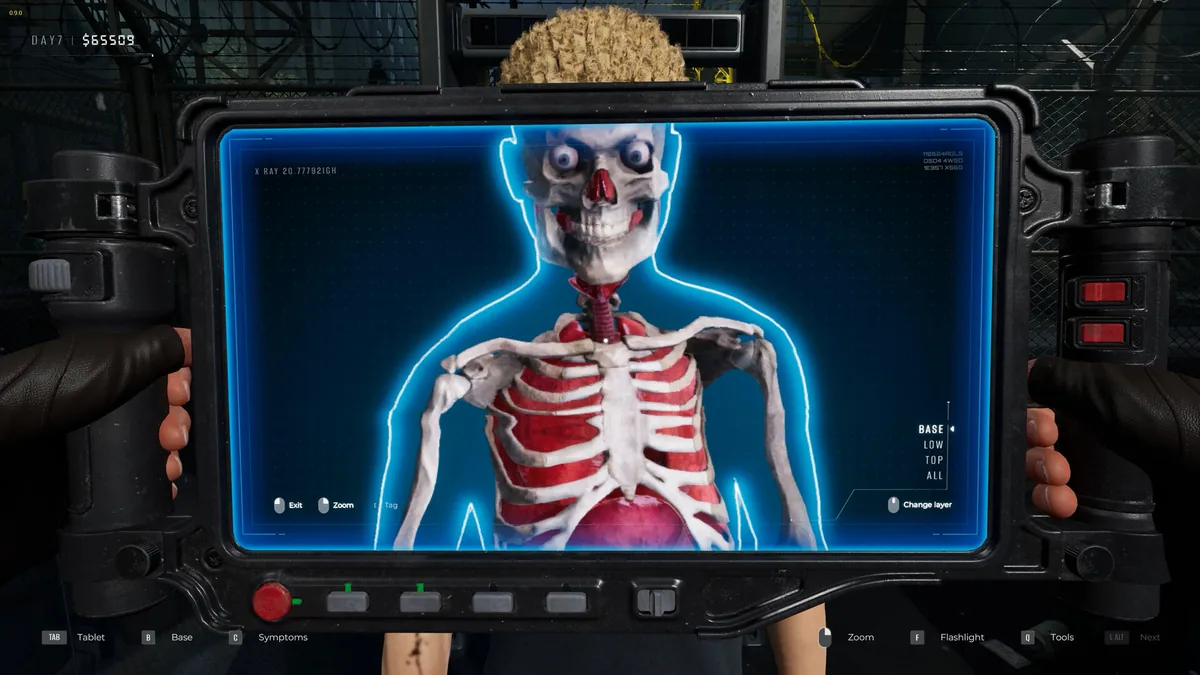

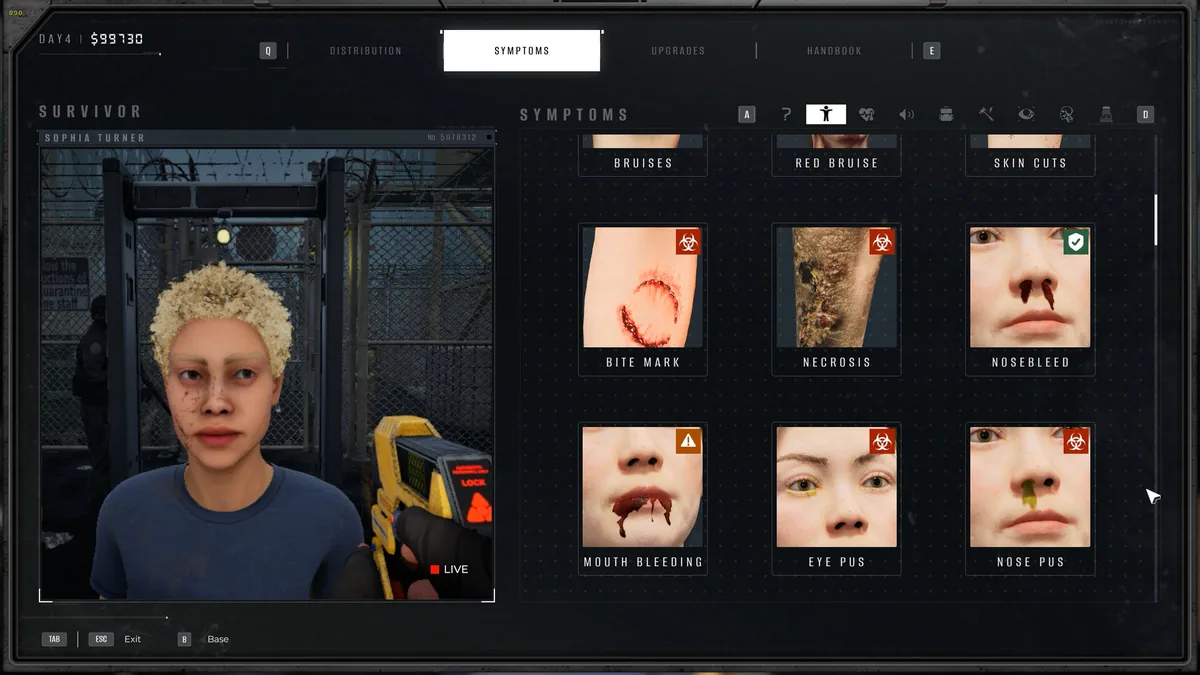
Using the Quarantine Zone: The Last Check trainer
Use Inspection Timer to adjust how quickly survivors are screened and Patient Status View to track infected individuals in real-time. These controls help manage the checkpoint's efficiency and security during critical moments in the game.