FREE CHEATS FOR
Schedule I
Released March 24, 2025
Updated

 EAGLE CHEATS
How to use Eagle in Schedule I
With Schedule I running, press Insert to open the Eagle menu. The quick keys give direct access to Infinite Stock, Fast Production and Employee Controls. Use the menu for Money Editor, Teleport and Time Controls and the remaining listed features; close it with Insert to return to the app.
- F2 Infinite Stock
Press F2 to turn Infinite Stock on or off without opening the menu. - F3 Fast Production
Press F3 to turn Fast Production on or off without opening the menu. - F4 Employee Controls
Press F4 to turn Employee Controls on or off without opening the menu. - Insert Money Editor
Press Insert, choose Money Editor, adjust its value or option, and apply. - Insert Teleport
Press Insert and choose Teleport when you want to run this action. - Insert Time Controls
Press Insert, find Time Controls in the feature list, and switch it on or off.
EXPLORE THE MENUFeatures
16 features
The free Schedule I mod menu includes Money Editor, Infinite Stock and Fast Production. It also offers Employee Controls, Inventory Editor and No Wanted Level. Press Insert to open the menu on Windows PC.
- Money Editor
- Infinite Stock
- Fast Production
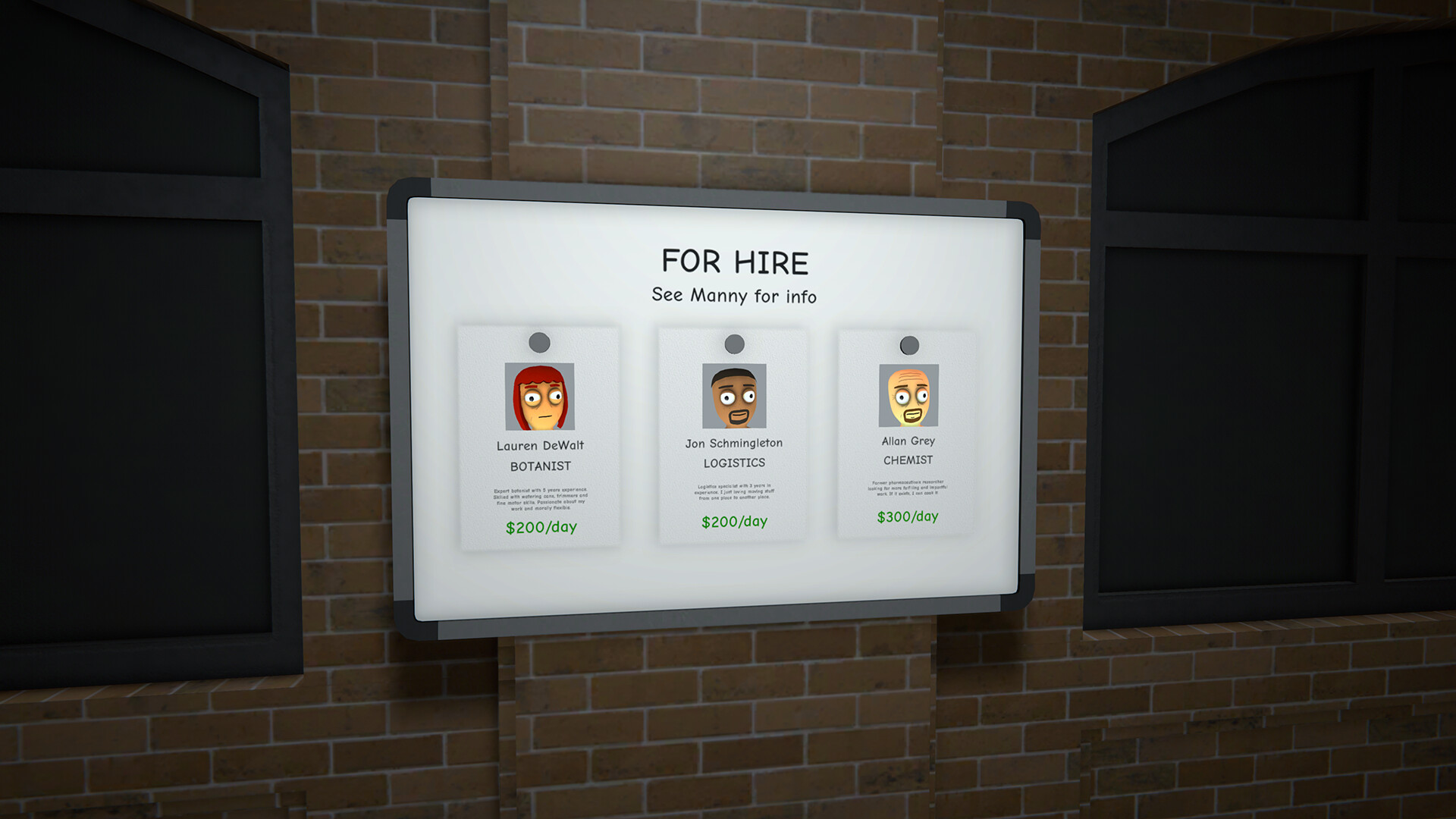
- Employee Controls
- Inventory Editor
- No Wanted Level
- Vehicle Tools
- Teleport
- Time Controls
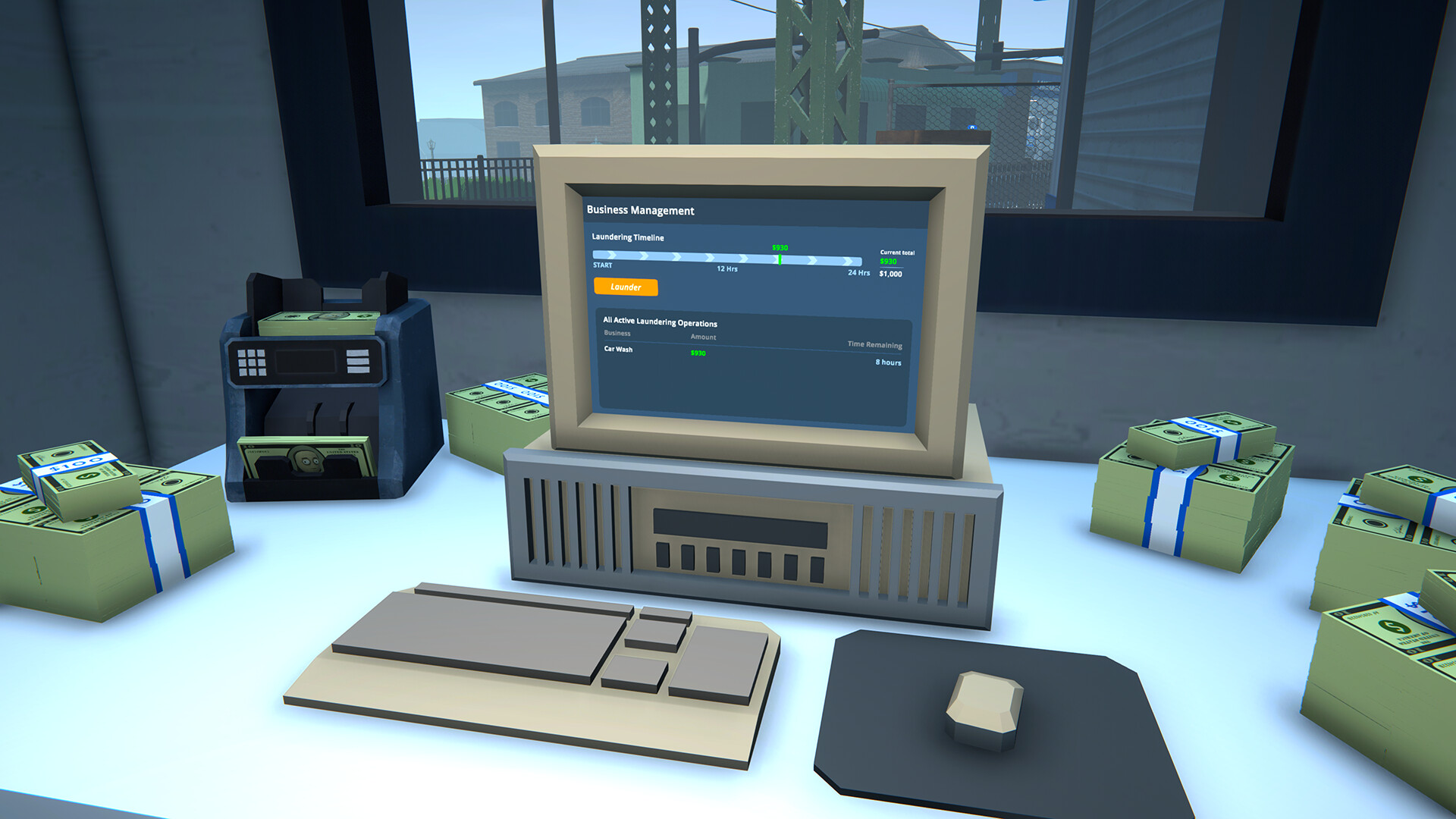
- Business Multiplier
- Max Customer Satisfaction
- Fast Orders
- Reveal Customer Demand
- Reveal Map
- Save Position
- Teleport to Waypoint
About the game
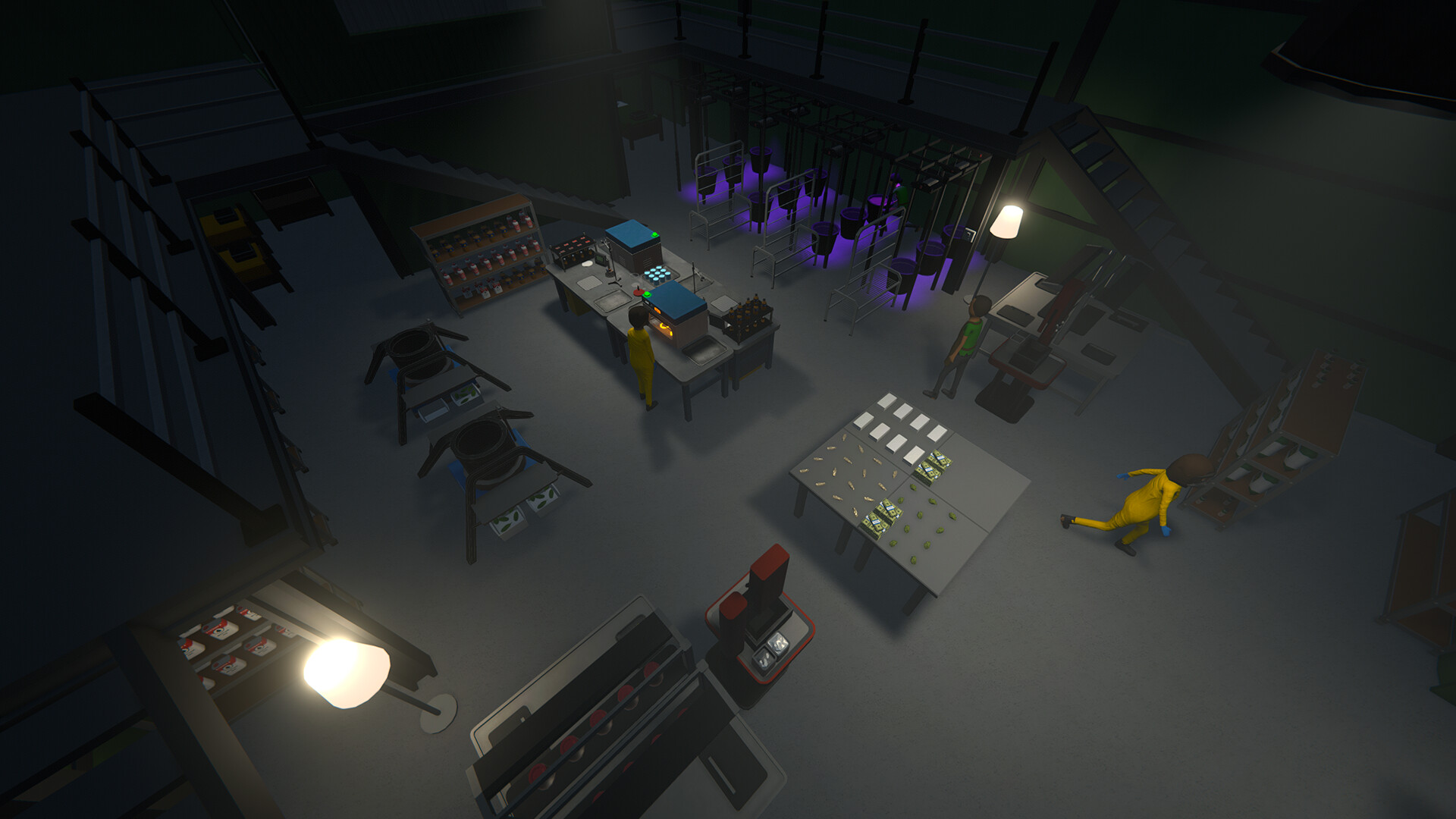
Schedule I is an open-world crime management game set in Hyland Point. Starting with a tiny operation, players produce goods, find customers and develop a distribution network across the city.
Growth brings properties, workers, vehicles and more complex logistics. The business side sits alongside exploration and risk, with new neighborhoods and rivals changing how an empire is run.
Official game page