FREE CHEATS FOR
Sora no Kiseki the 1st
Released September 19, 2025
Updated

 EAGLE CHEATS
How to use Eagle in Sora no Kiseki the 1st
With Sora no Kiseki the 1st running, press Insert to open the Eagle menu. The quick keys give direct access to Infinite Health and Infinite EP. Use the menu for CP Gauge, Enemy Health View and Game Speed and the remaining listed features; close it with Insert to return to the app.
- F2 Infinite Health
Press F2 to turn Infinite Health on or off without opening the menu. - F3 Infinite EP
Press F3 to turn Infinite EP on or off without opening the menu. - Insert CP Gauge
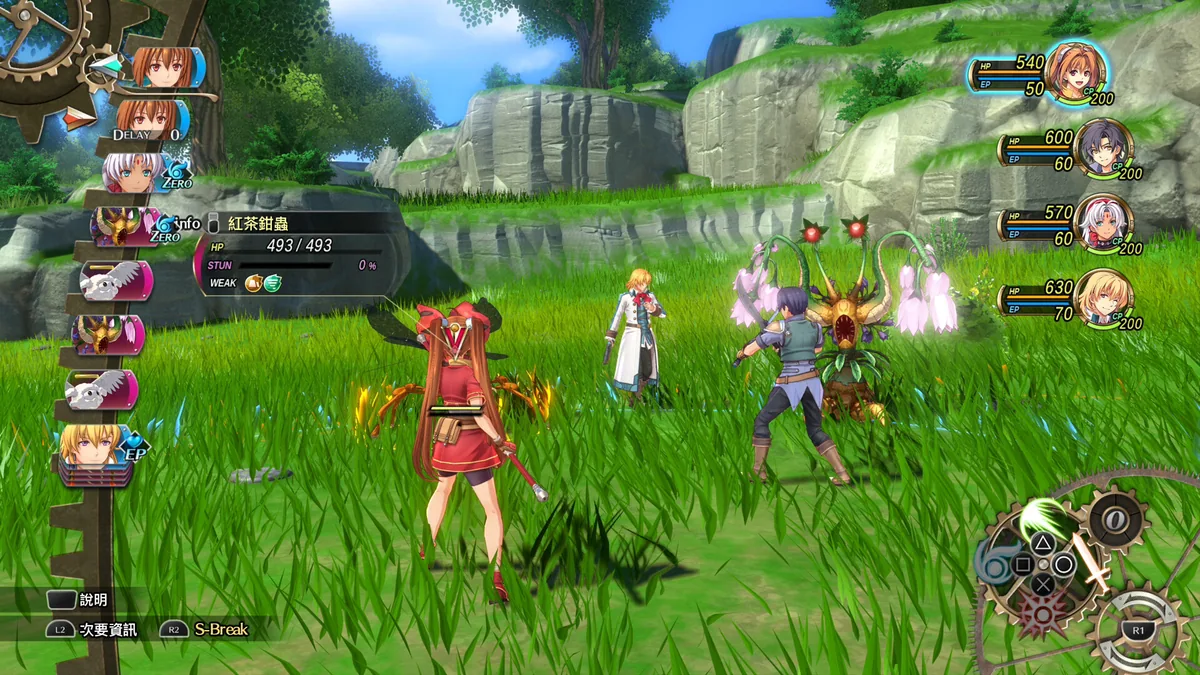
Press Insert, find CP Gauge in the feature list, and switch it on or off. - Insert Enemy Health View
Press Insert, find Enemy Health View in the feature list, and switch it on or off. - Insert Game Speed
Press Insert, choose Game Speed, adjust the value, and apply.
EXPLORE THE MENUFeatures
10 features
Party, combat and quest controls for the Bracers' journey through Liberl.
- Infinite Health
- Infinite EP
- CP Gauge
- Mira Editor
- Experience Multiplier
- Orbment View
- Quest Tracker
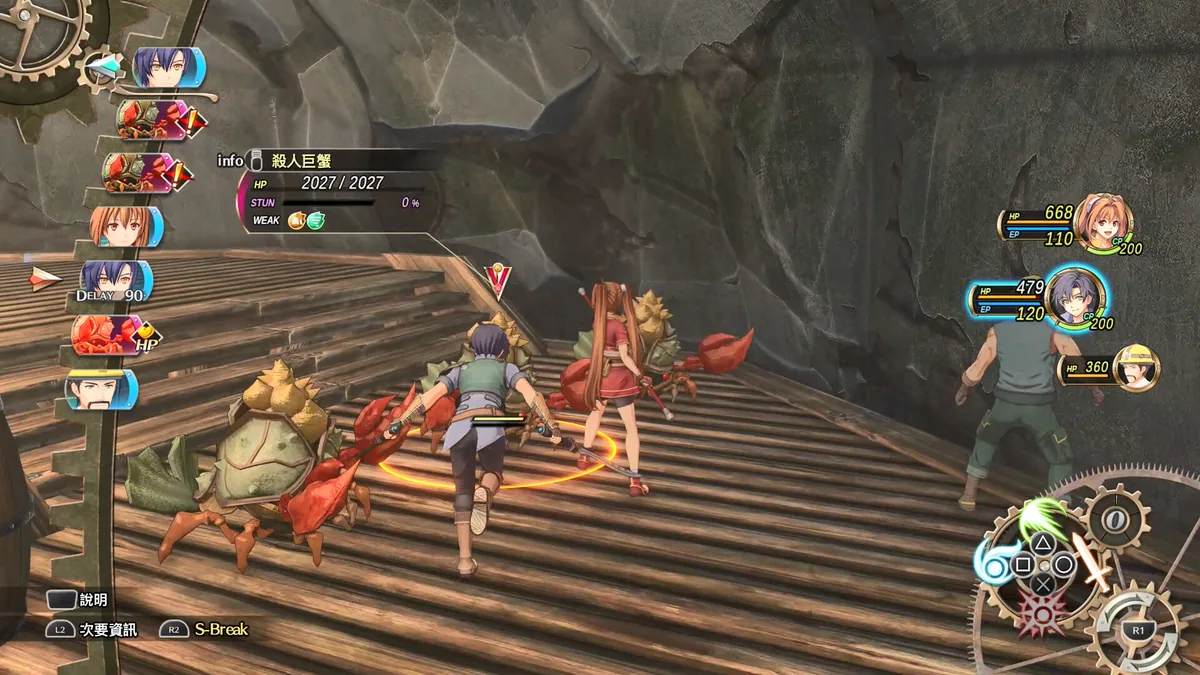
- Enemy Health View
- Map Reveal
- Game Speed
About the game
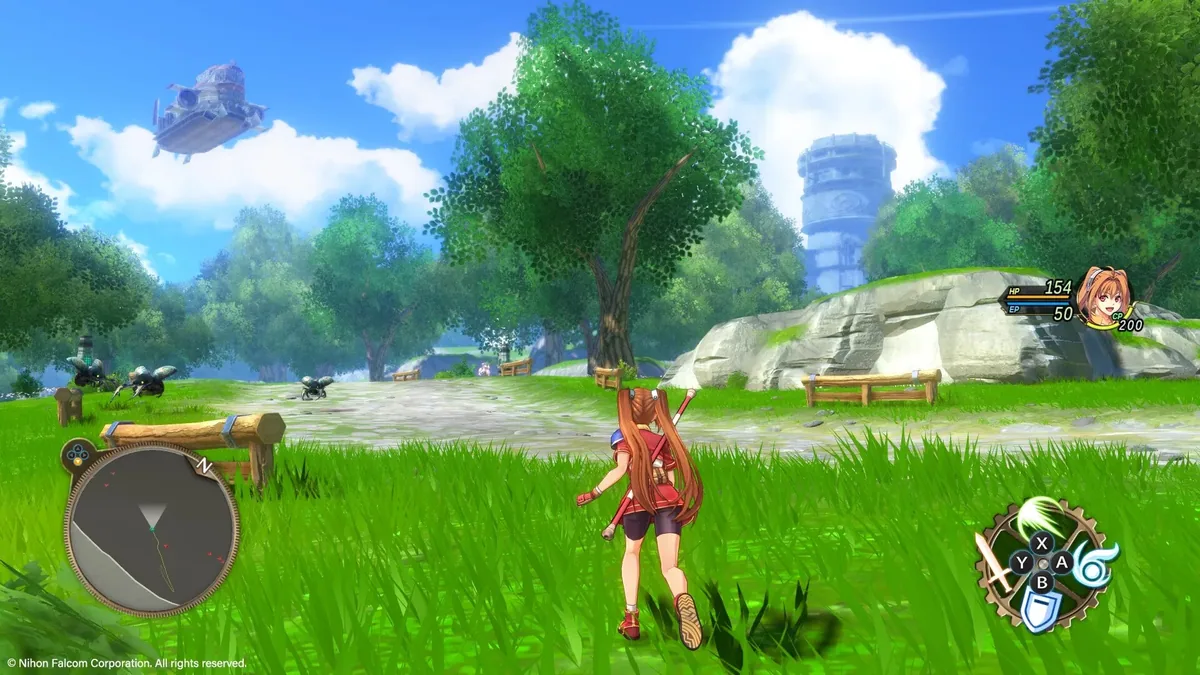
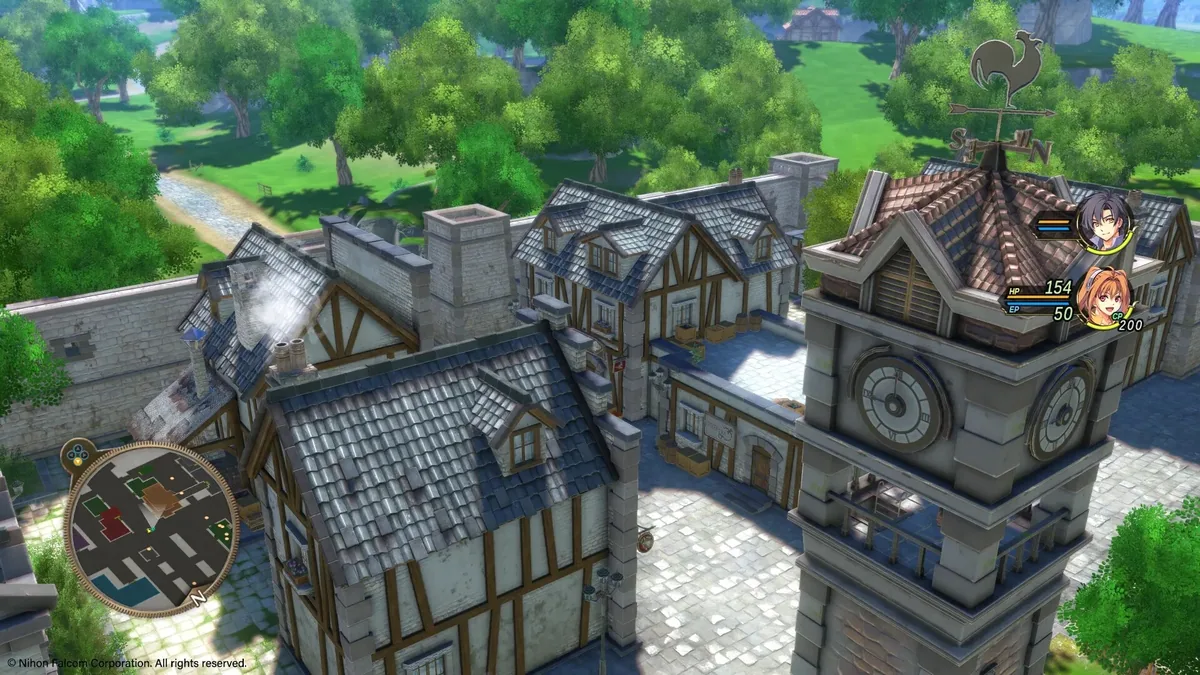
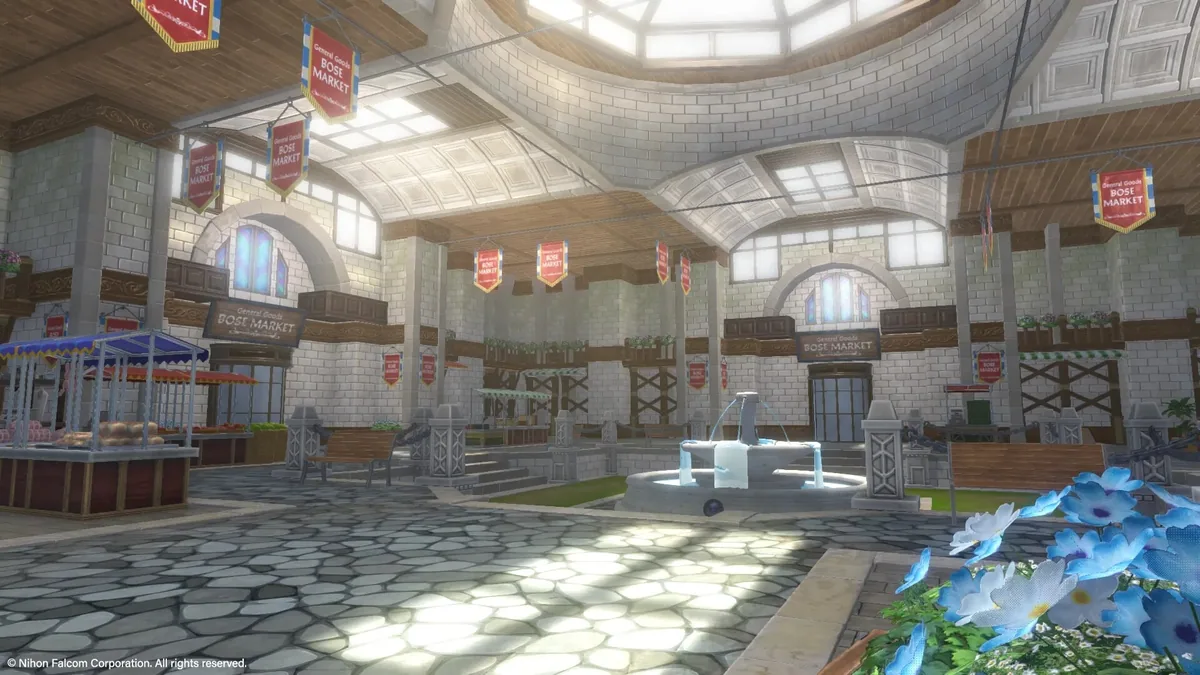
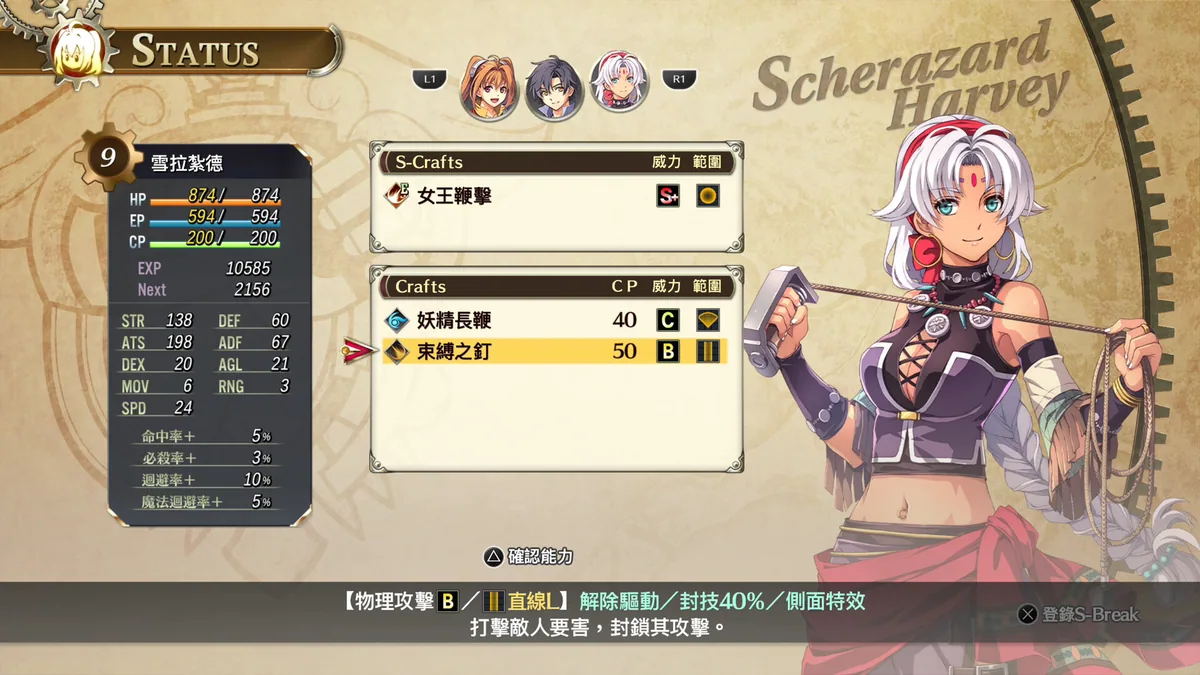
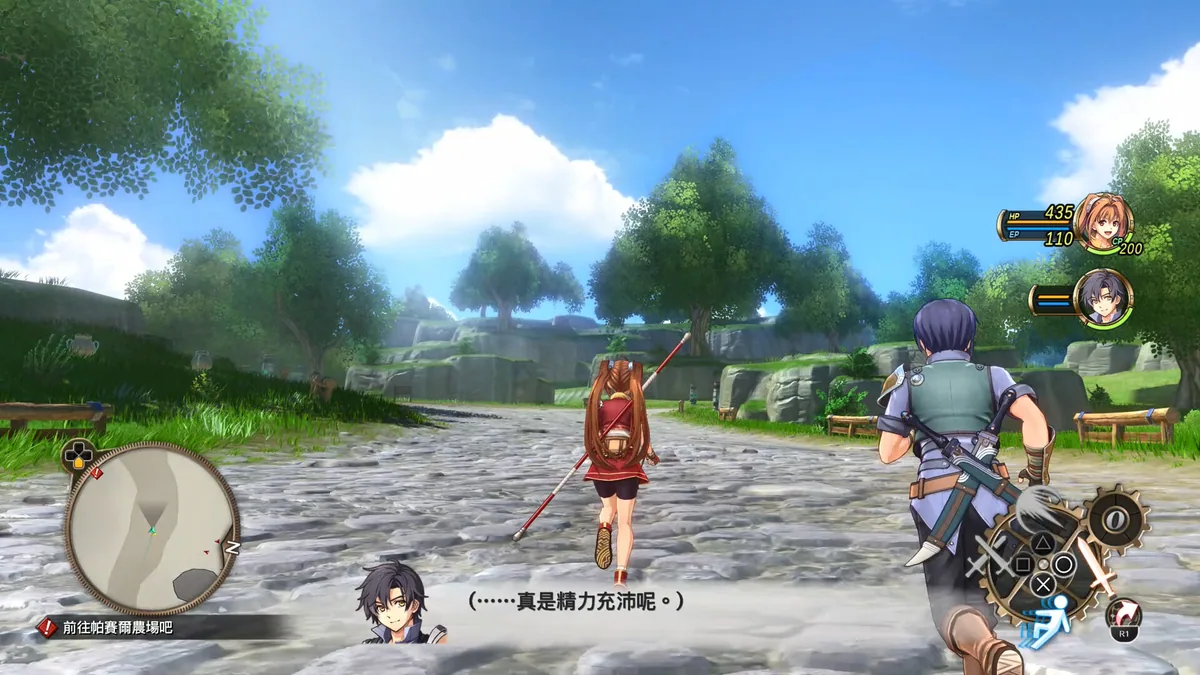
Sora no Kiseki the 1st retells the opening journey of Estelle and Joshua Bright in the kingdom of Liberl. The two young Bracers travel between towns, take on requests and become involved in a wider political mystery.
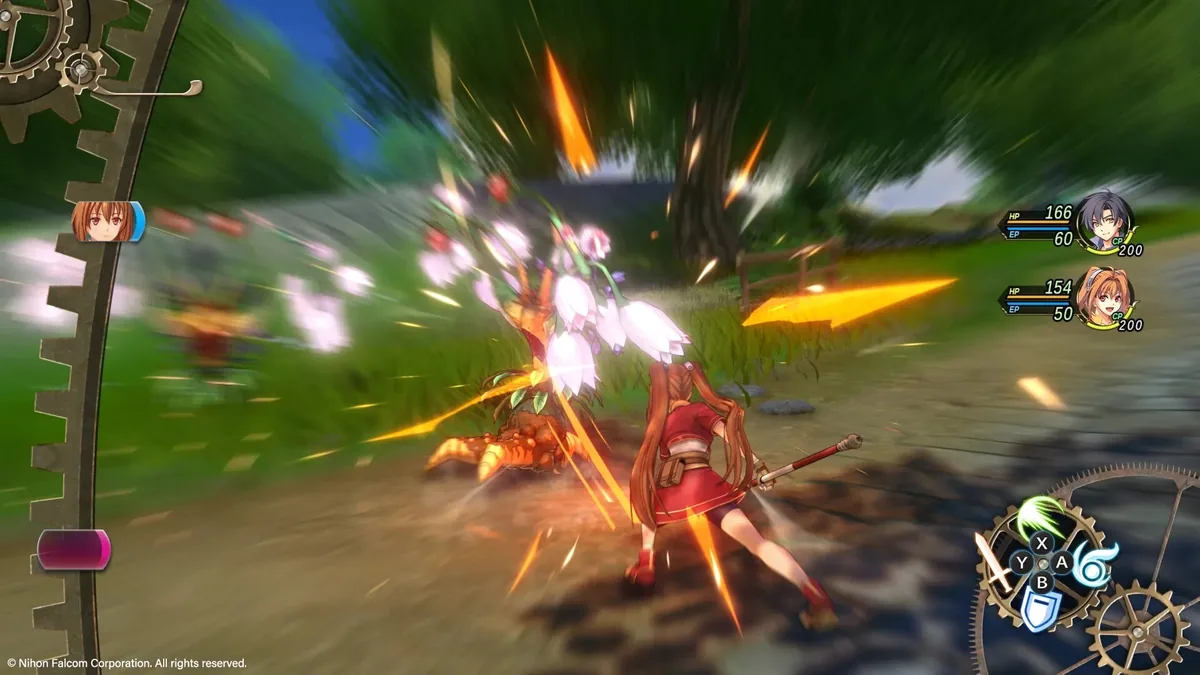
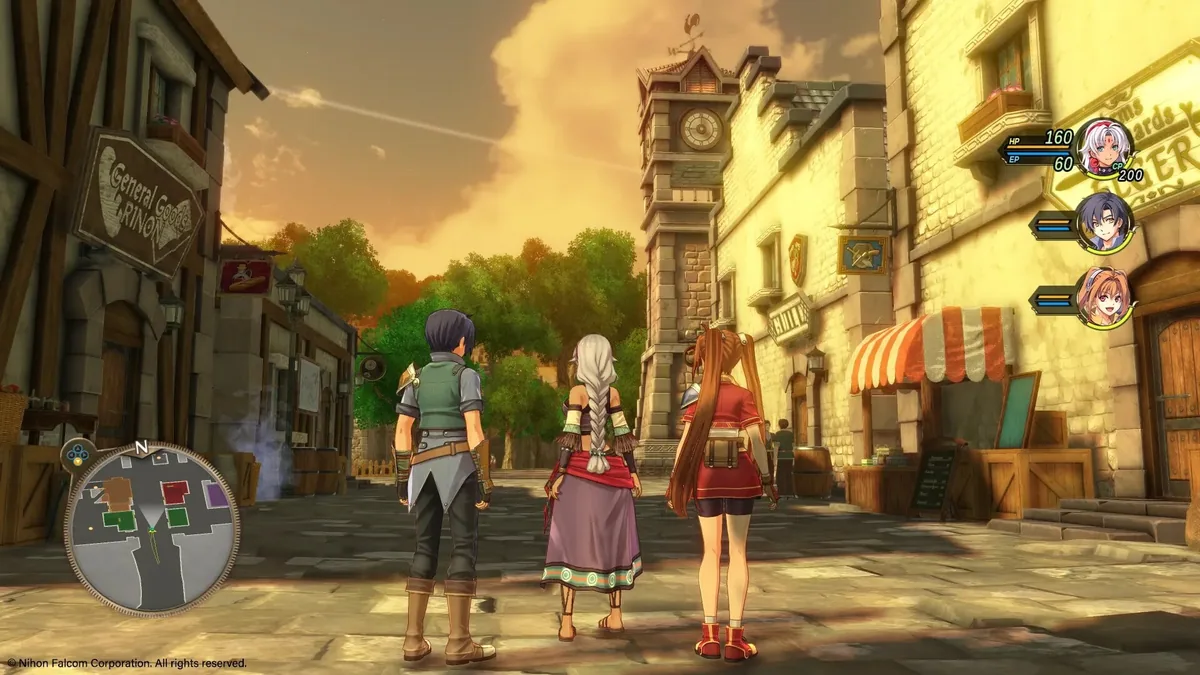
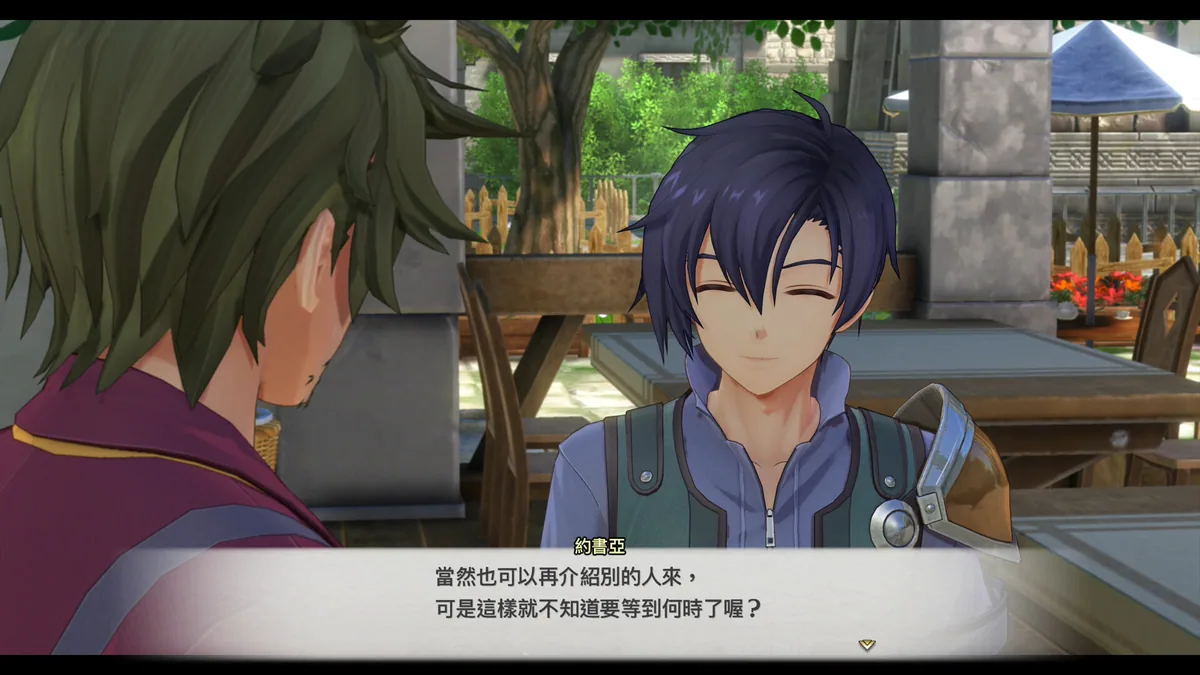
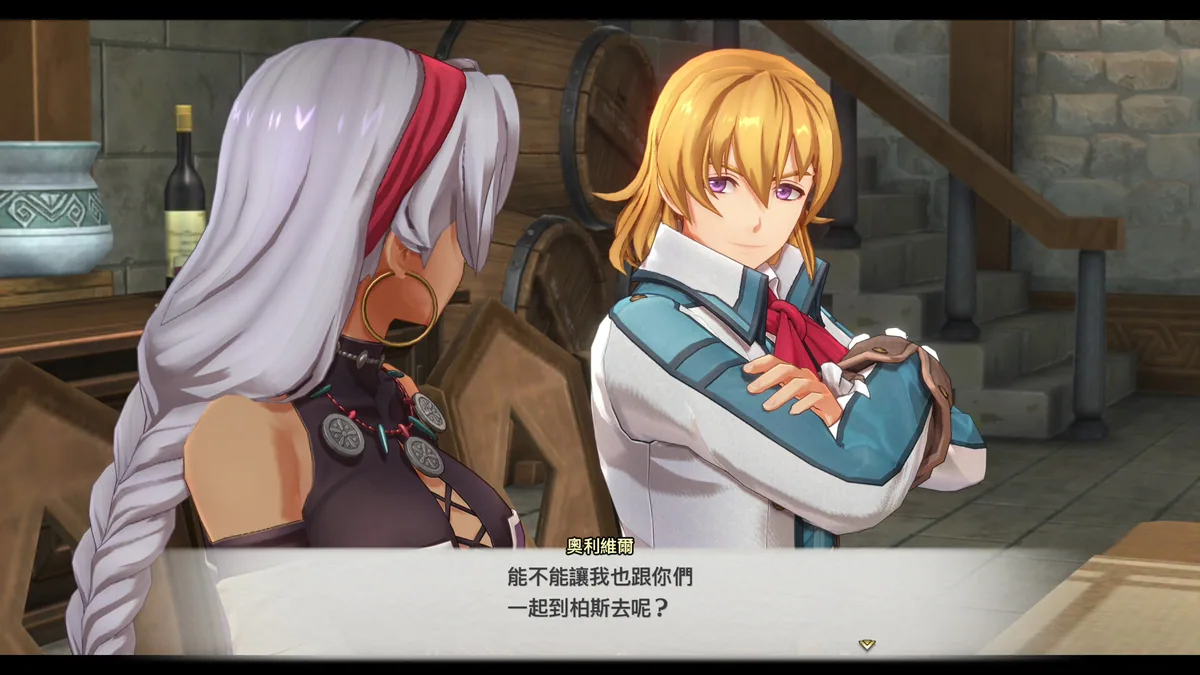
Party relationships and conversations give the adventure its pace. Exploration, tactical battles and character development build toward the revelations that define the start of the Trails series.
Official game page