FREE CHEATS FOR
Techfront
Released September 20, 2026
Updated
StatusUndetected

EAGLE CHEATSTechfront
 EAGLE CHEATS
How to use Eagle in Techfront
With Techfront running, press Insert to open the Eagle menu. The quick keys give direct access to No Vehicle Damage and Infinite Fuel. Use the menu for Flight Speed, Unlimited Materials and Set Weather and the remaining listed features; close it with Insert to return to the app.
- F2 No Vehicle Damage
Press F2 to turn No Vehicle Damage on or off without opening the menu. - F3 Infinite Fuel
Press F3 to turn Infinite Fuel on or off without opening the menu. - Insert Flight Speed
Press Insert, choose Flight Speed, adjust the value, and apply. - Insert Unlimited Materials
Press Insert, find Unlimited Materials in the feature list, and switch it on or off. - Insert Set Weather
Press Insert, choose Set Weather, adjust its value or option, and apply.
EXPLORE THE MENUFeatures
11 features
The free Techfront trainer includes No Vehicle Damage, Infinite Fuel and Flight Speed. It also offers Set Weather, Save Flight Position and Free Camera. Press Insert to open the menu on Windows PC.
- No Vehicle Damage
- Infinite Fuel
- Flight Speed
- Set Weather
- Save Flight Position
- Free Camera
- Camera Speed
- Freeze Mission Timer
- Instant Crafting
- No Build Cost
- Unlimited Materials
About the game
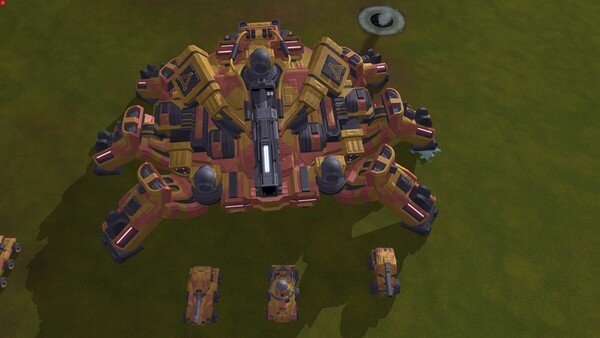
TECHFRONT is a sci-fi RTS featuring tens of thousands of units. Build bases and wage war across land, air, and sea using tanks, aircraft, fleets, submarines, nuclear missiles, and gigantic combat robots.
Official game page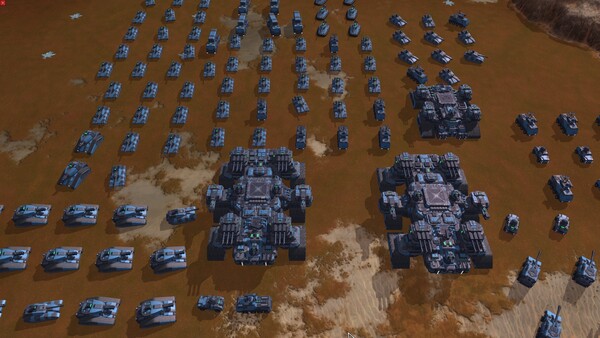




KEEP EXPLORING