FREE CHEATS FOR
The Witch's Bakery
Released October 14, 2026
Updated

 EAGLE CHEATS
How to use Eagle in The Witch's Bakery
With The Witch's Bakery running, press Insert to open the Eagle menu. The quick keys give direct access to Bakery Funds, Ingredient Inventory and Recipe Book. Use the menu for Oven Timer, Friendship Levels and Customer Order Queue and the remaining listed features; close it with Insert to return to the app.
- F2 Bakery Funds
Press F2 to turn Bakery Funds on or off without opening the menu. - F3 Ingredient Inventory
Press F3 to turn Ingredient Inventory on or off without opening the menu. - F4 Recipe Book
Press F4 to turn Recipe Book on or off without opening the menu. - Insert Oven Timer
Press Insert, find Oven Timer in the feature list, and switch it on or off. - Insert Friendship Levels
Press Insert, find Friendship Levels in the feature list, and switch it on or off. - Insert Customer Order Queue
Press Insert, find Customer Order Queue in the feature list, and switch it on or off.
EXPLORE THE MENUFeatures
12 features
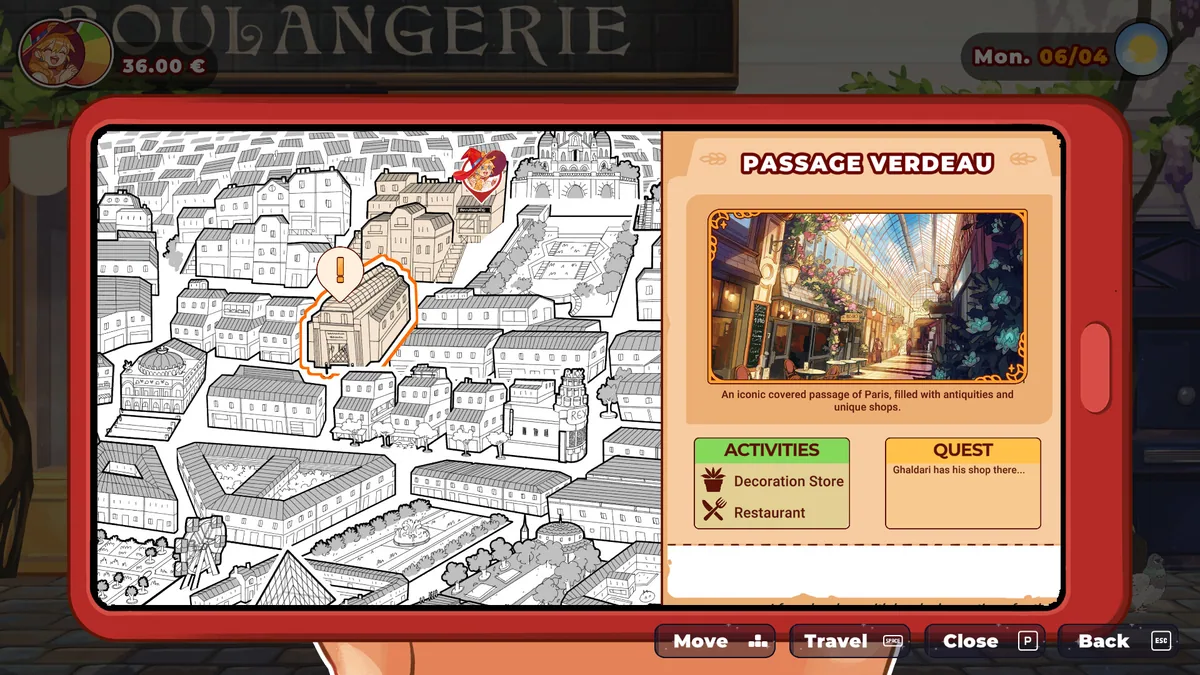
Plan bakery service and explore Paris with recipe, ingredient and friendship information.
- Bakery Funds
- Ingredient Inventory
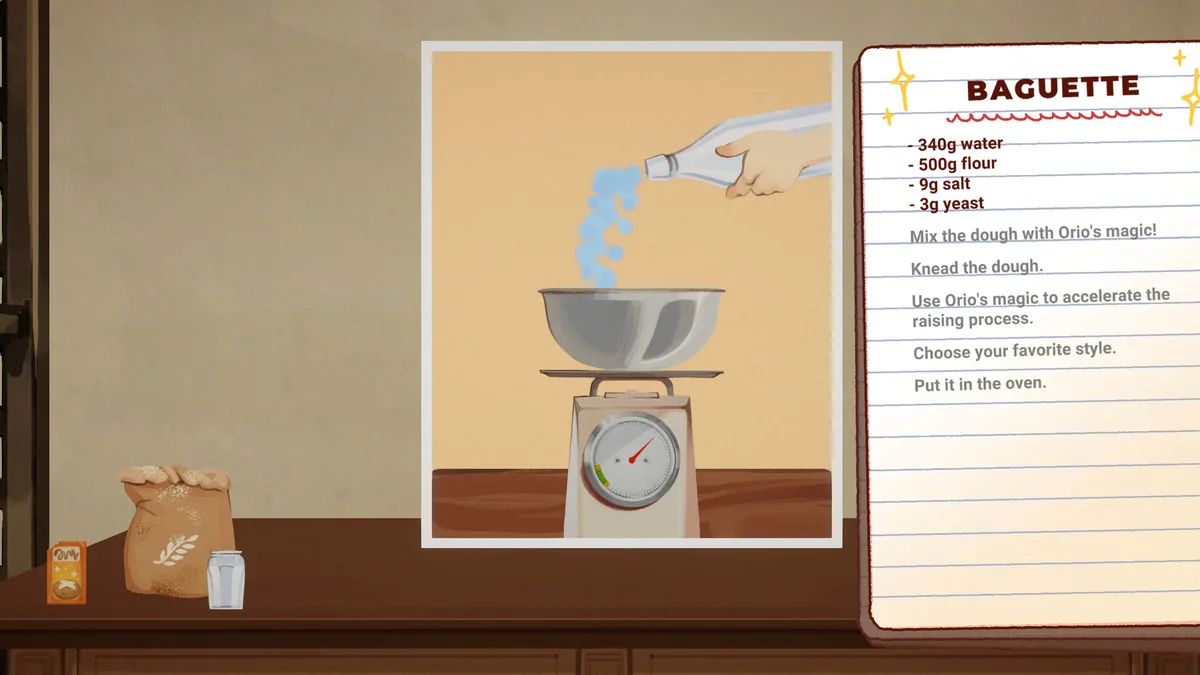
- Recipe Book
- Oven Timer
- Customer Order Queue
- Customer Patience
- Heart Healing Progress
- Friendship Levels
- Paris Map Markers
- Daily Schedule
- Pastry Collection
- Quest Tracker
About the game
The Witch's Bakery follows a magical baker building a life in Paris. Customers come for pastries, but helping them also means learning the stories behind their troubles.
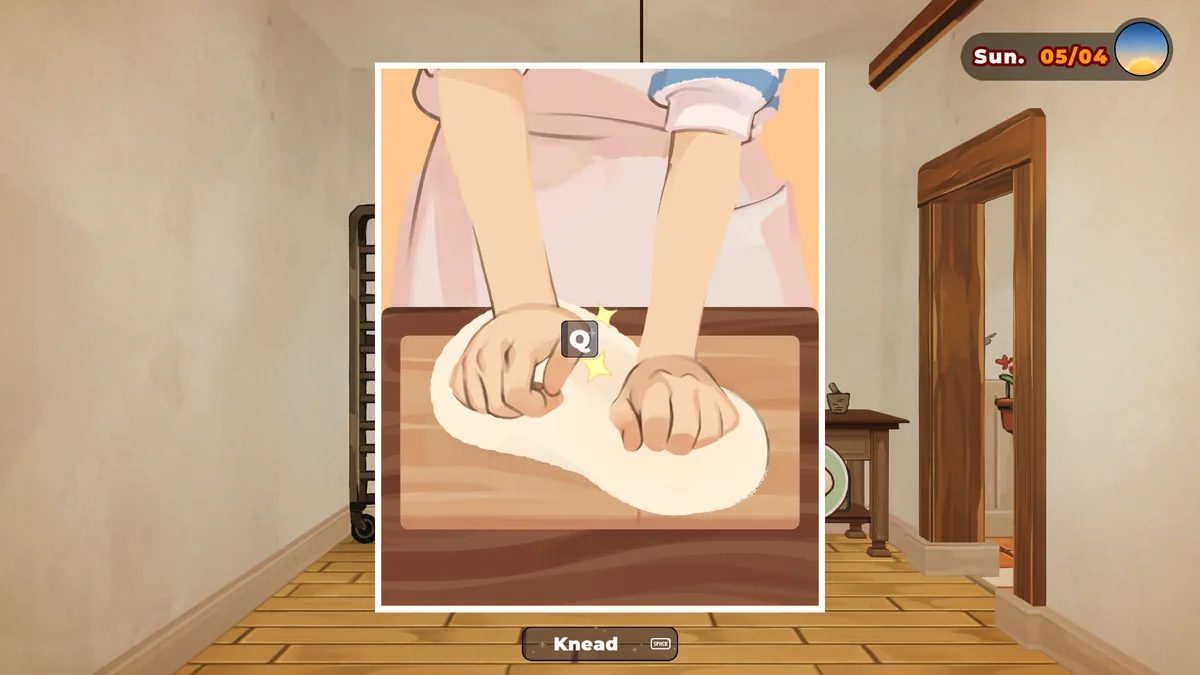
The day moves between bakery service, city visits and heart-healing encounters. Ingredients, recipes and relationships guide what the witch can make next.
Official game page















The Witch's Bakery trainer features
The day moves between bakery service, city visits and heart-healing encounters. Ingredients, recipes and relationships guide what the witch can make next.