FREE CHEATS FOR
theHunter: Call of the Wild™
Released February 16, 2017
Updated

 EAGLE CHEATS
How to use Eagle in theHunter: Call of the Wild™
With theHunter: Call of the Wild™ running, press Insert to open the Eagle menu. The quick keys give direct access to Animal ESP and Track Highlight. Use the menu for Highlight Blood Trails, No Weapon Sway and Set Time of Day and the remaining listed features; close it with Insert to return to the app.
- F2 Animal ESP
Press F2 to turn Animal ESP on or off without opening the menu. - F3 Track Highlight
Press F3 to turn Track Highlight on or off without opening the menu. - Insert Highlight Blood Trails
Press Insert, find Highlight Blood Trails in the feature list, and switch it on or off. - Insert No Weapon Sway
Press Insert, find No Weapon Sway in the feature list, and switch it on or off. - Insert Set Time of Day
Press Insert, choose Set Time of Day, adjust its value or option, and apply.
EXPLORE THE MENUFeatures
10 features
The free theHunter: Call of the Wild™ trainer includes Animal ESP, Track Highlight and Highlight Blood Trails. It also offers Animal Distance Indicator, No Weapon Sway and No Recoil. Press Insert to open the menu on Windows PC.
- Animal ESP
- Track Highlight
- Highlight Blood Trails
- Animal Distance Indicator
- No Weapon Sway
- No Recoil
- Infinite Ammo
- No Reload
- Set Wind
- Set Time of Day
About the game
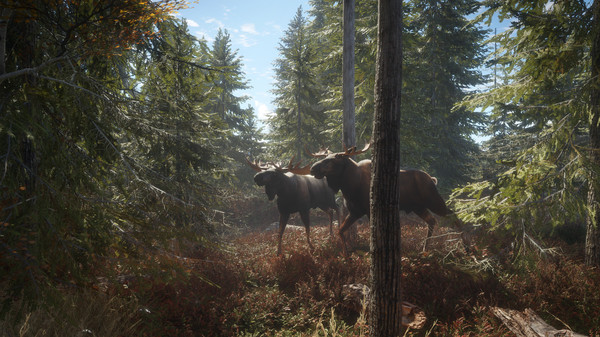
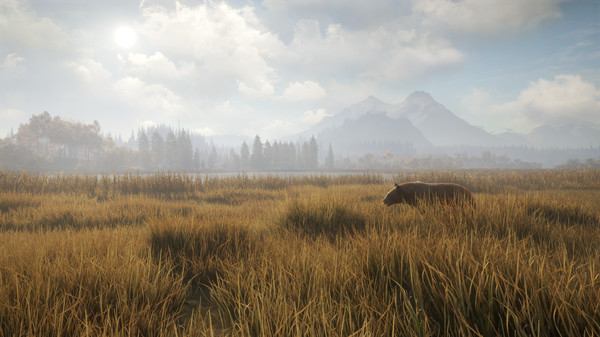
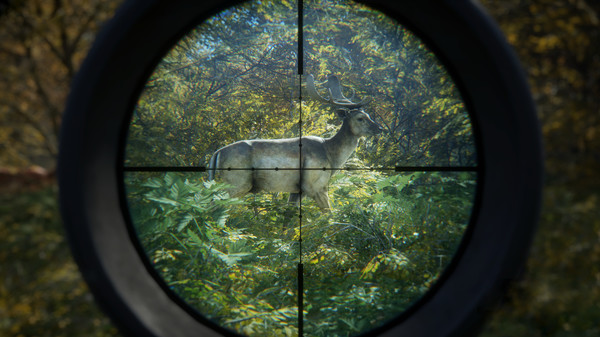
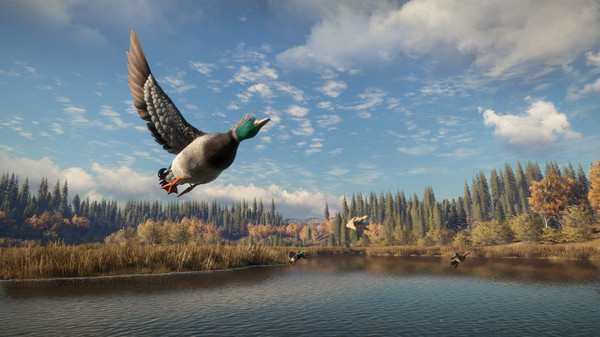
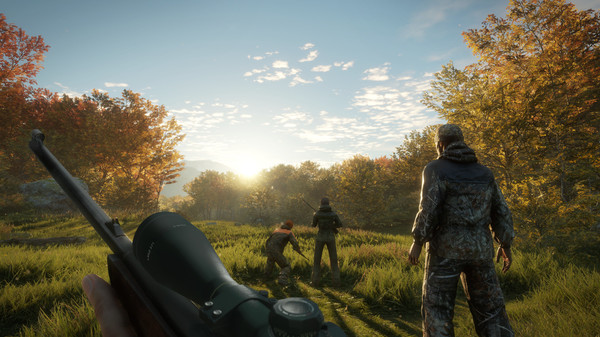
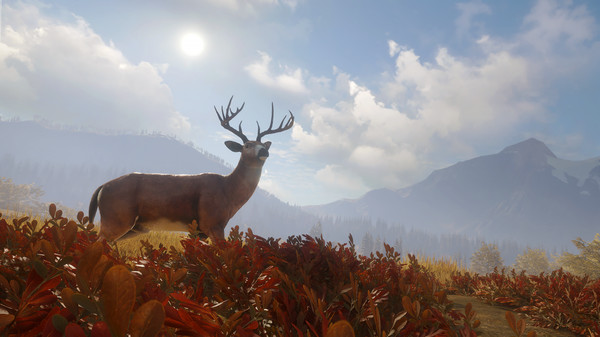
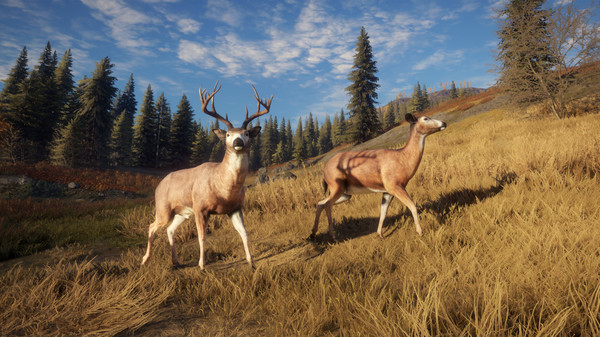
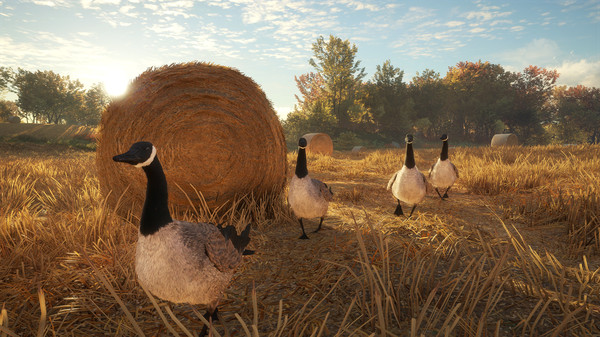
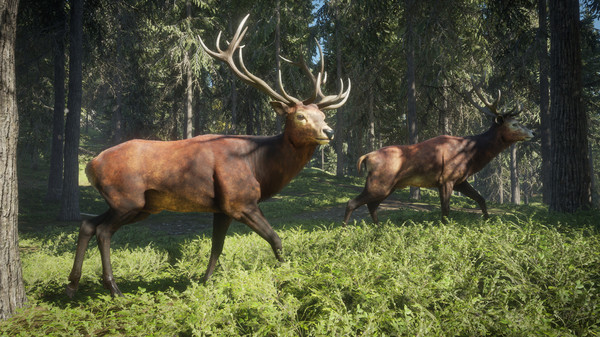
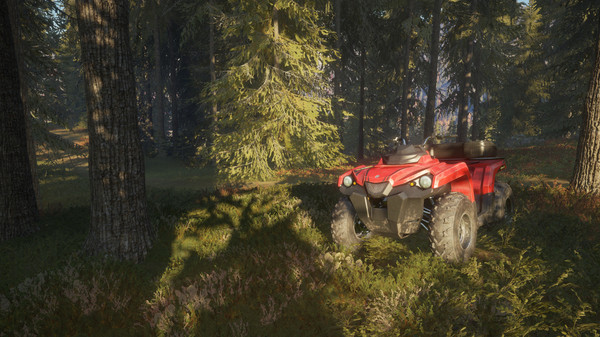
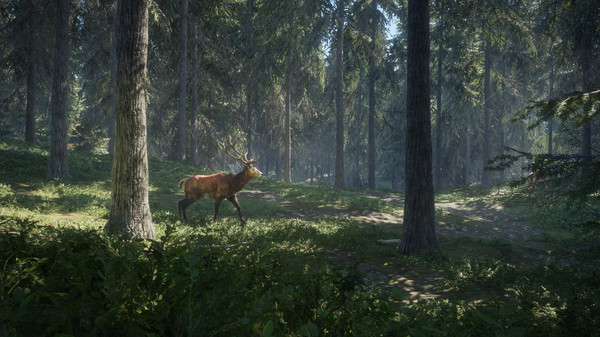
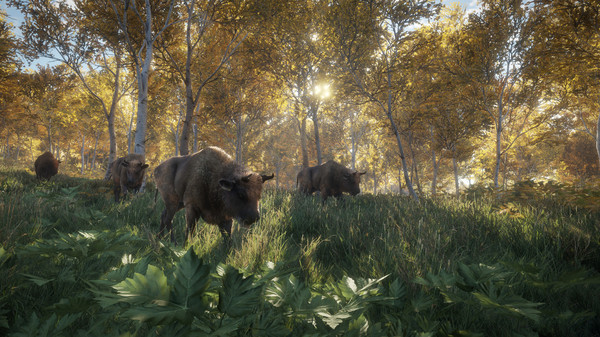
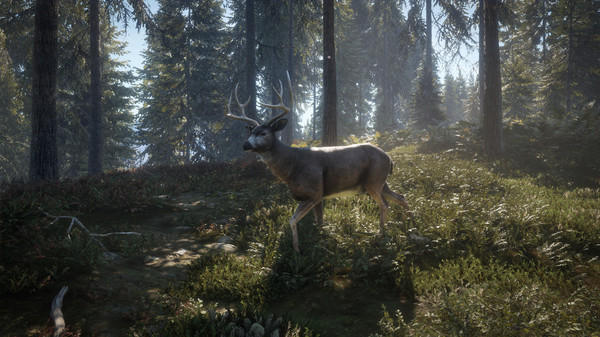
Discover an atmospheric hunting game like no other in this realistic, stunning open world – regularly updated in collaboration with the community. Immerse yourself in the single player campaign, or share the ultimate hunting experience with friends.
Official game page