FREE CHEATS FOR
Truckful
Released October 9, 2026
Updated

 EAGLE CHEATS
How to use Eagle in Truckful
With Truckful running, press Insert to open the Eagle menu. The quick keys give direct access to No Vehicle Damage, Infinite Fuel and Maximum Grip. Use the menu for Cargo Protection, No Cargo Damage and Set Game Speed and the remaining listed features; close it with Insert to return to the app.
- F2 No Vehicle Damage
Press F2 to turn No Vehicle Damage on or off without opening the menu. - F3 Infinite Fuel
Press F3 to turn Infinite Fuel on or off without opening the menu. - F4 Maximum Grip
Press F4 to turn Maximum Grip on or off without opening the menu. - Insert Cargo Protection
Press Insert, find Cargo Protection in the feature list, and switch it on or off. - Insert No Cargo Damage
Press Insert, find No Cargo Damage in the feature list, and switch it on or off. - Insert Set Game Speed
Press Insert, choose Set Game Speed, adjust the value, and apply.
EXPLORE THE MENUFeatures
15 features
The free Truckful trainer includes No Vehicle Damage, Infinite Fuel and Maximum Grip. It also offers Cargo Protection, Reveal Map and Unlock Routes. Press Insert to open the menu on Windows PC.
- No Vehicle Damage
- Infinite Fuel
- Maximum Grip
- Cargo Protection
- Reveal Map
- Unlock Routes
- Free Camera
- Set Game Speed
- No Cargo Damage
- Infinite Carrier Stamina
- Reveal Delivery Route
- Freeze Delivery Timer
- Save Route Position
- Set Weather
- Fast Travel
About the game
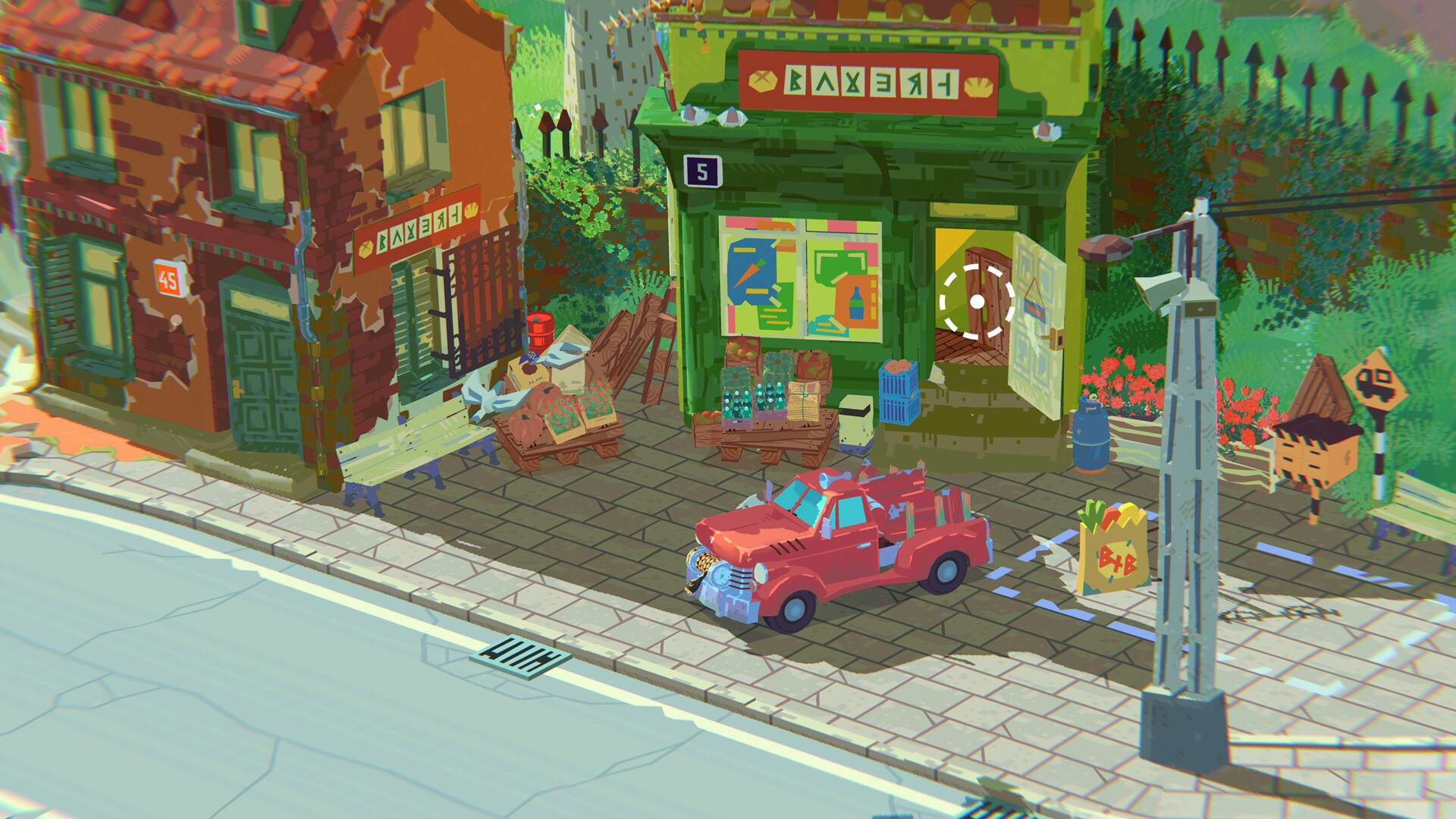
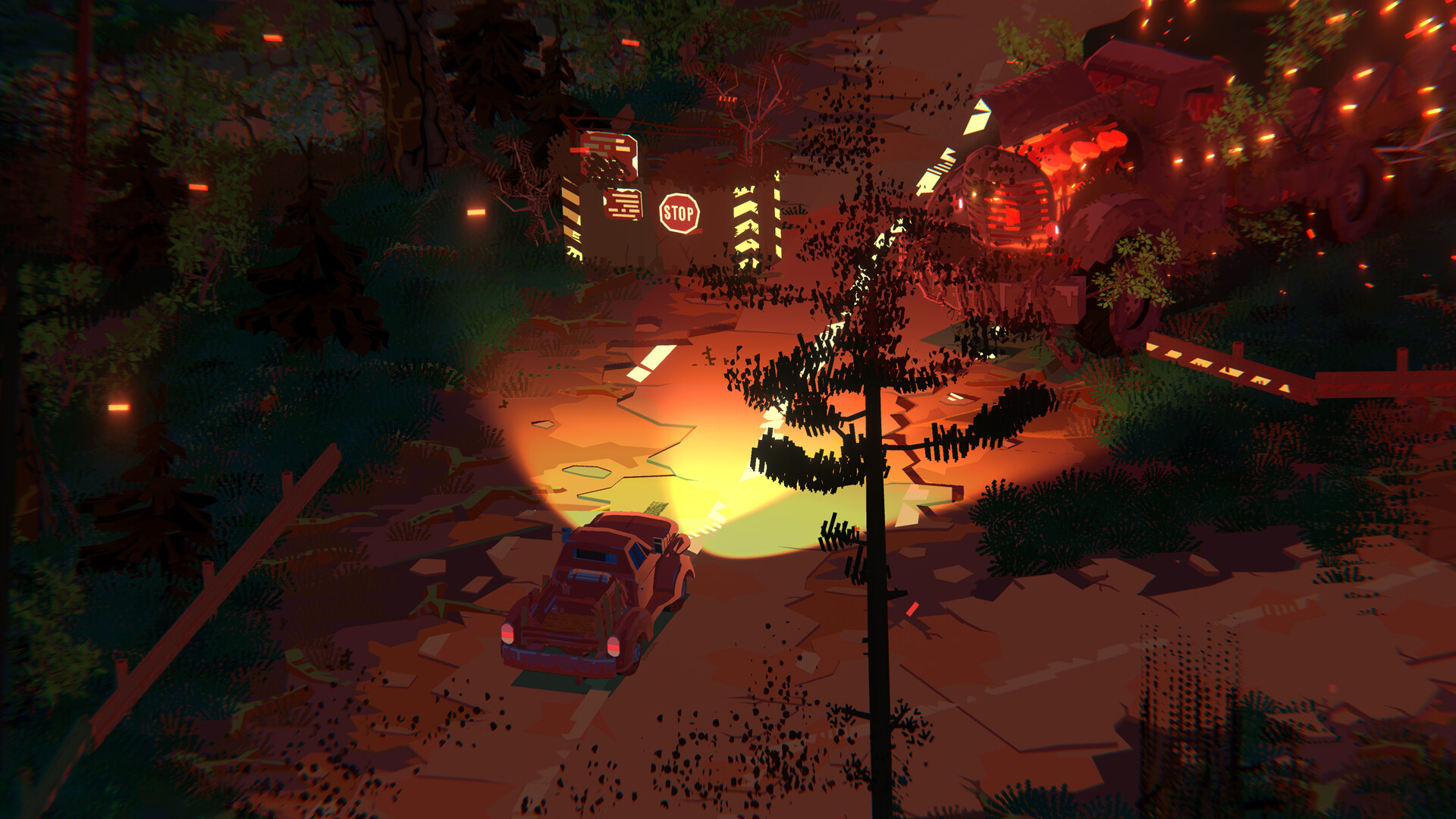
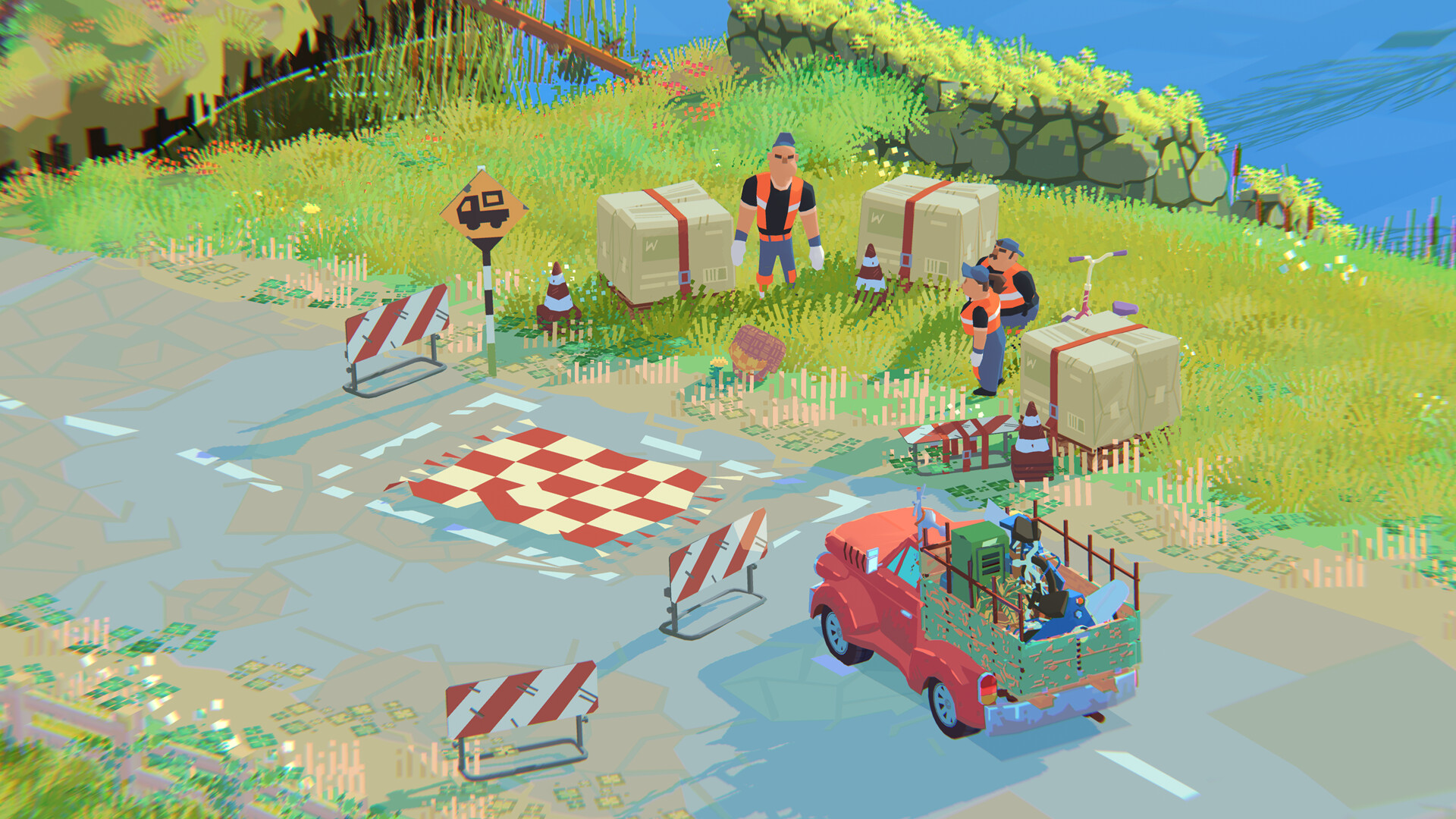
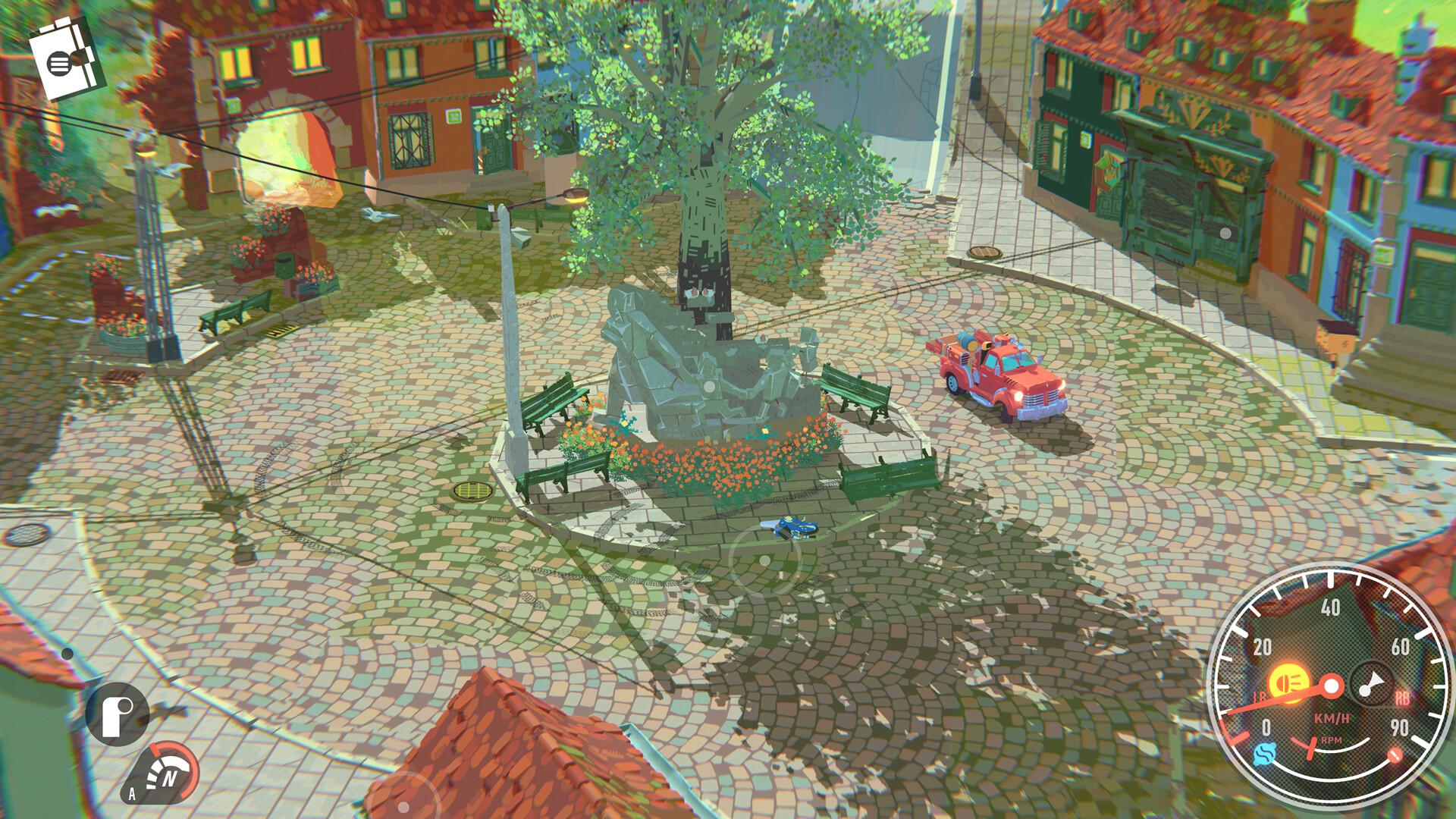
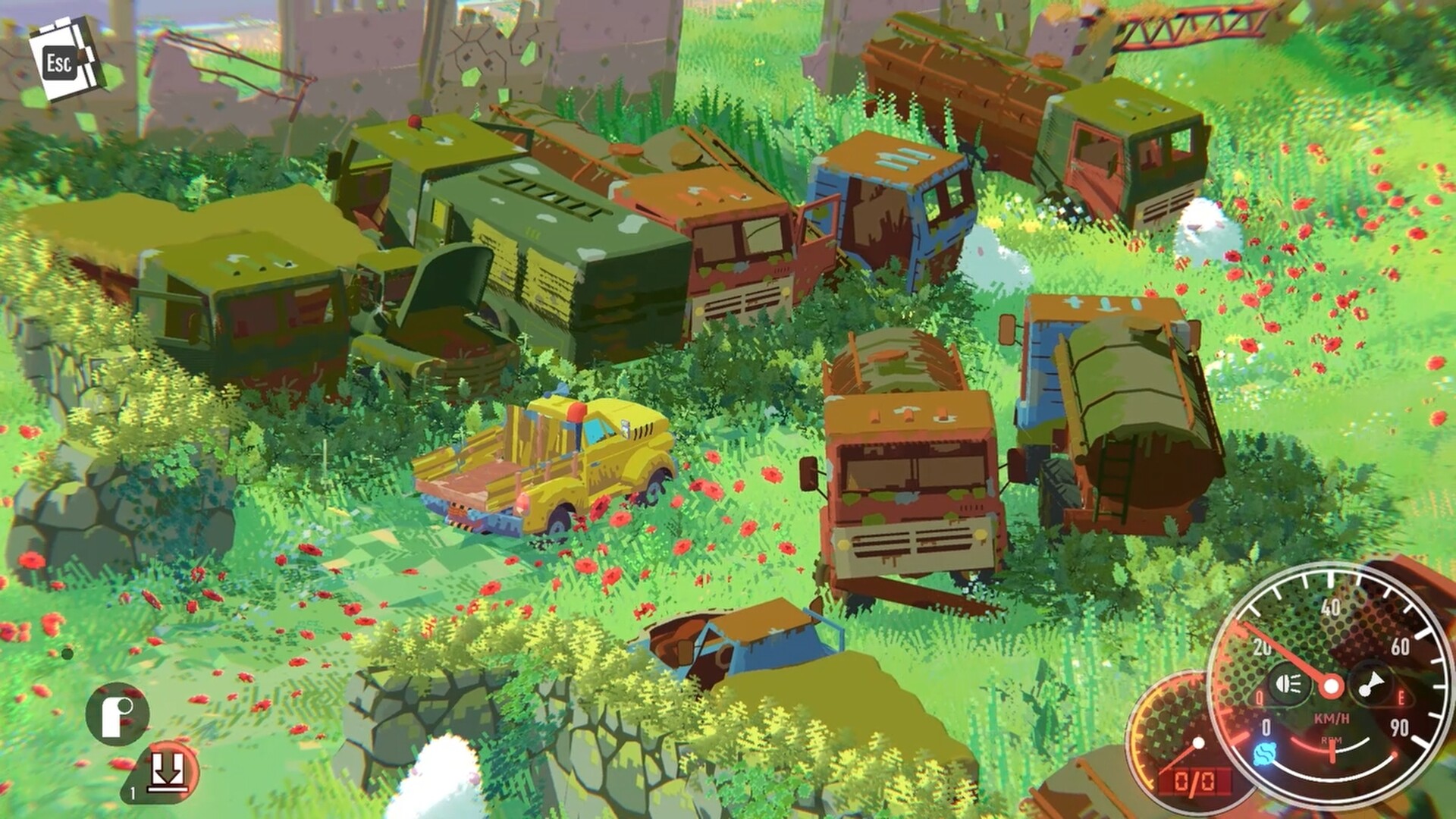
Truckful follows a pickup truck through quiet countryside valleys with deliveries to make and a local mystery to uncover. Roads, cargo and the old forest complicate what first appears to be an ordinary job. Learning the route and protecting the truck are part of each journey.
Official game page