FREE CHEATS FOR
Warhammer 40,000: Darktide
Released November 30, 2022
Updated
 EAGLE CHEATS
How to use Eagle in Warhammer 40,000: Darktide
With Warhammer 40,000: Darktide running, press Insert to open the Eagle menu. The quick keys give direct access to Infinite Health, Toughness Control and Stamina Control. Use the menu for Ammo Supply, Elite Health and Revive Timer and the remaining listed features; close it with Insert to return to the app.
- F2 Infinite Health
Press F2 to turn Infinite Health on or off without opening the menu. - F3 Toughness Control
Press F3 to turn Toughness Control on or off without opening the menu. - F4 Stamina Control
Press F4 to turn Stamina Control on or off without opening the menu. - Insert Ammo Supply
Press Insert, find Ammo Supply in the feature list, and switch it on or off. - Insert Elite Health
Press Insert, find Elite Health in the feature list, and switch it on or off. - Insert Revive Timer
Press Insert, find Revive Timer in the feature list, and switch it on or off.
EXPLORE THE MENUFeatures
18 features
Keep the strike team moving with toughness, stamina, ammunition and threat controls. Find specialists, supplies and mission targets before a horde closes in.
- Infinite Health
- Toughness Control
- Stamina Control
- Ammo Supply
- No Reload
- Weapon Heat View
- Enemy Outline
- Specialist Markers
- Elite Health
- Horde Direction
- Grenade Supply
- Medicae Station Markers
- Ammo Cache Markers
- Mission Objective Markers
- Teammate Status
- Revive Timer
- Talent Build View
- Free Camera
About the game
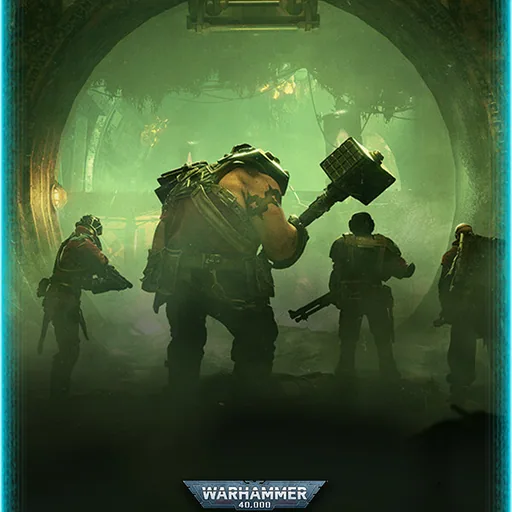
Warhammer 40,000: Darktide sends a four-player strike team into the hive city of Tertium. Close combat and ranged fire meet waves of enemies, specialists and mission objectives across industrial corridors and ruined districts.
A chosen operative grows through weapons, talents and mission rewards. Teamwork matters when toughness breaks, ammunition runs low or an ally needs help in the middle of a horde.
Official game page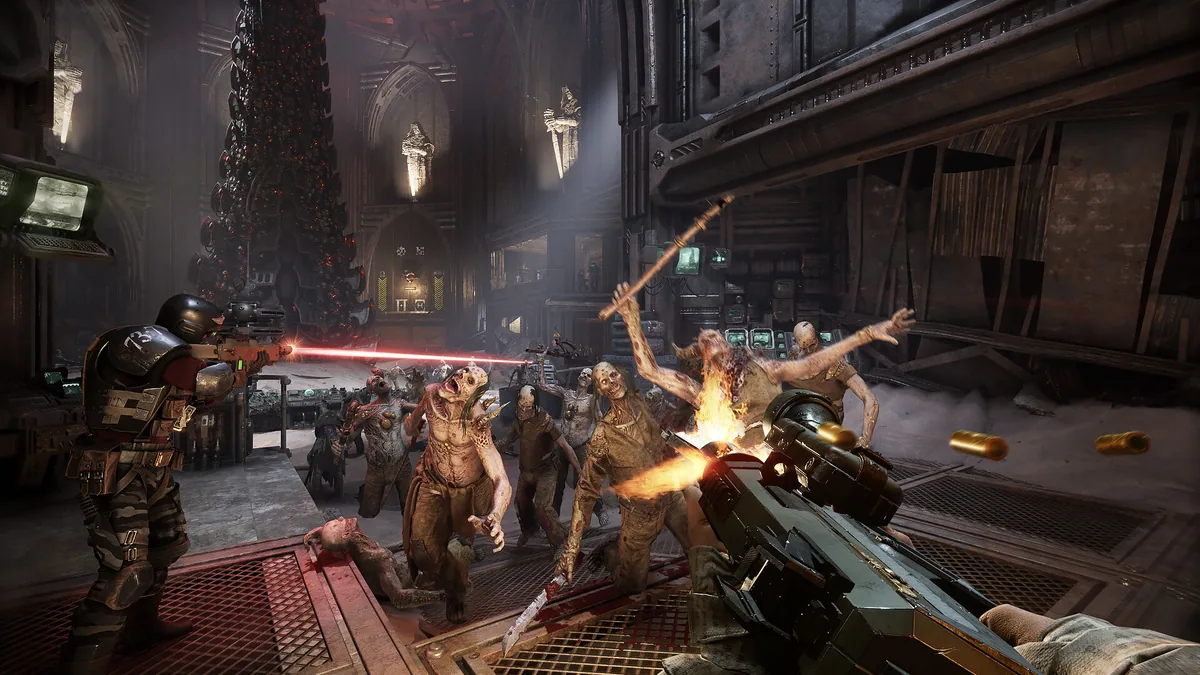
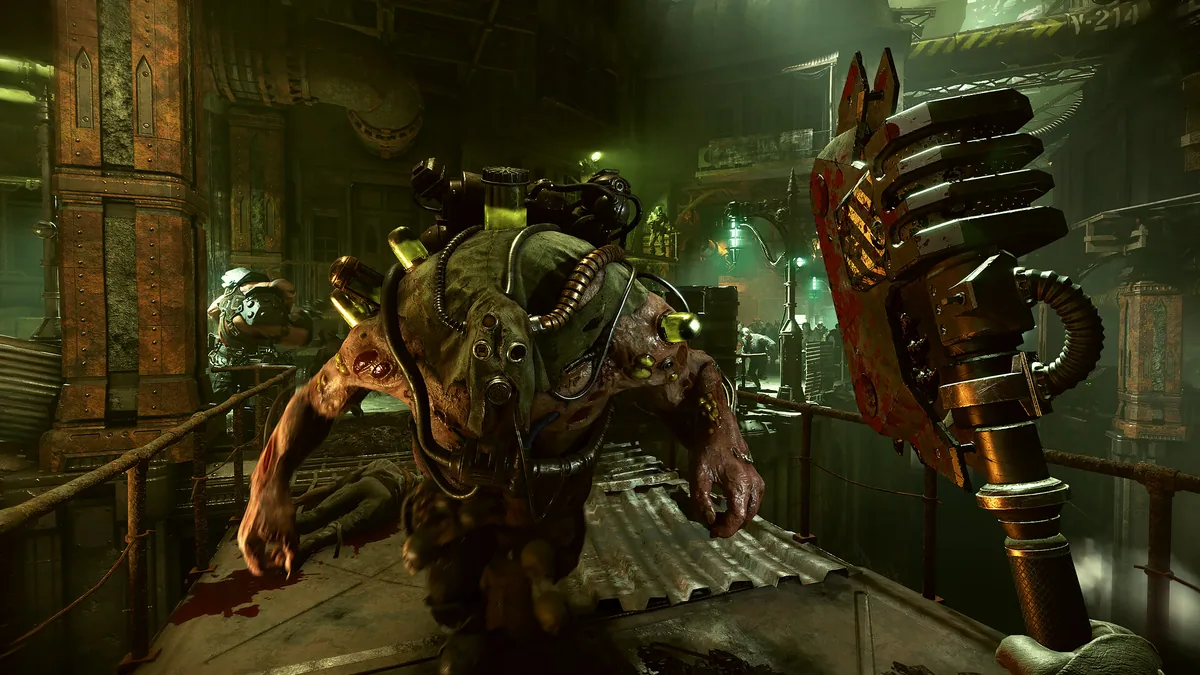
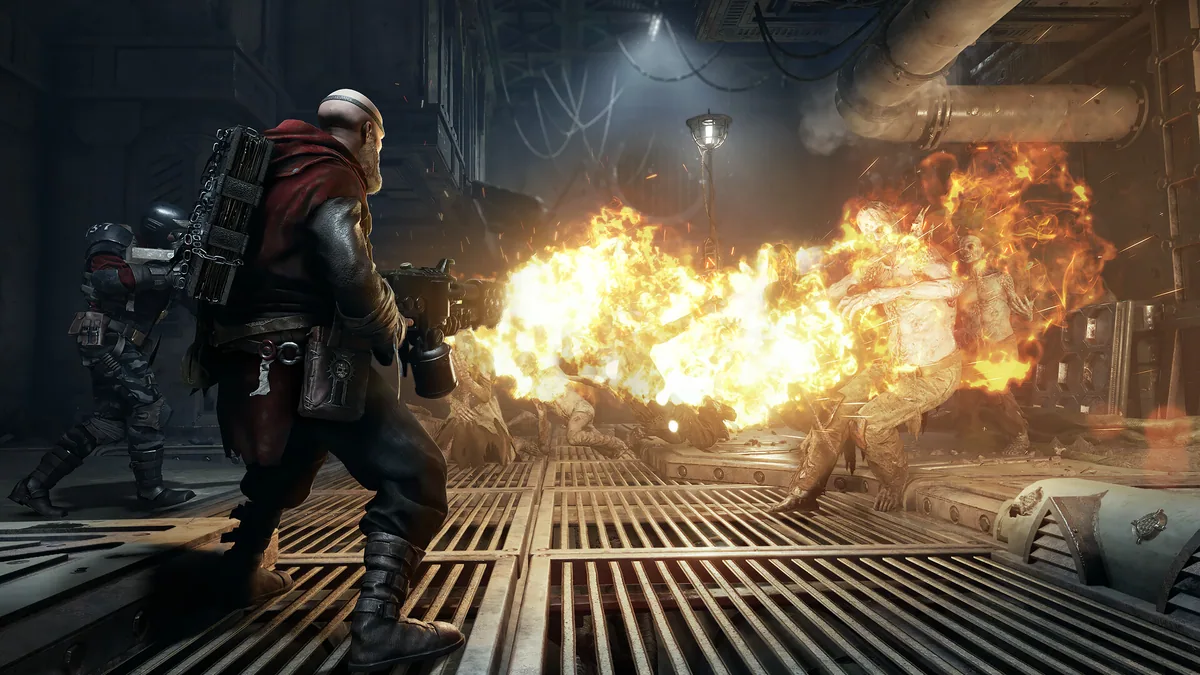
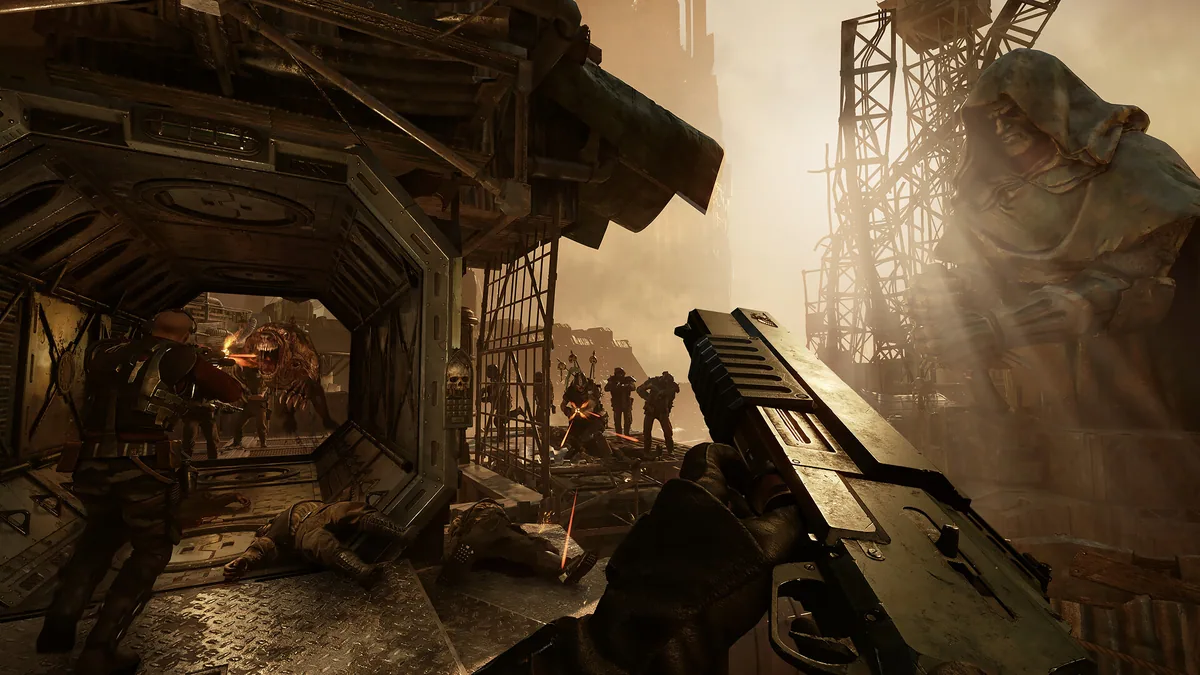
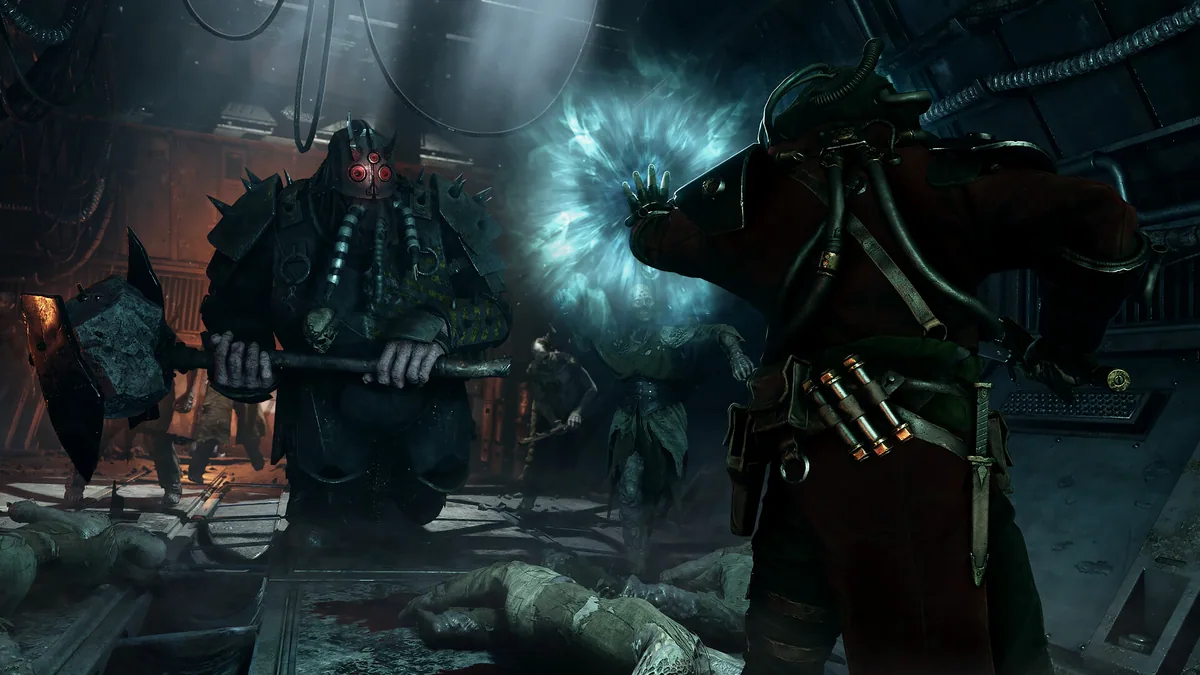
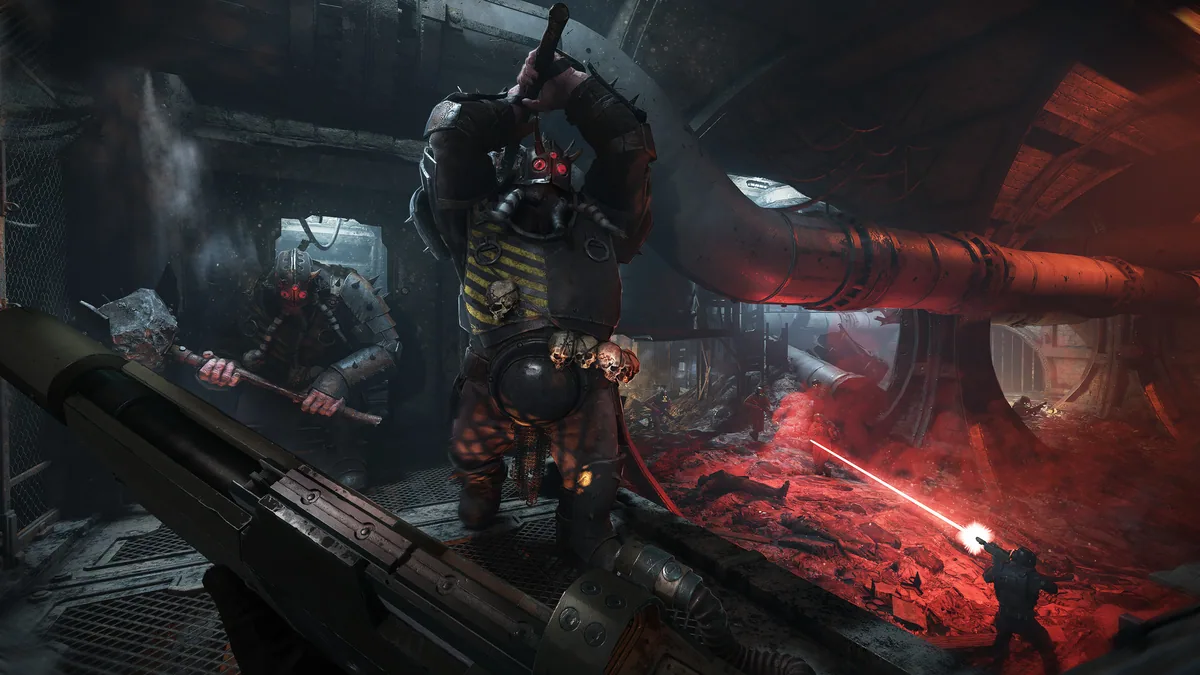
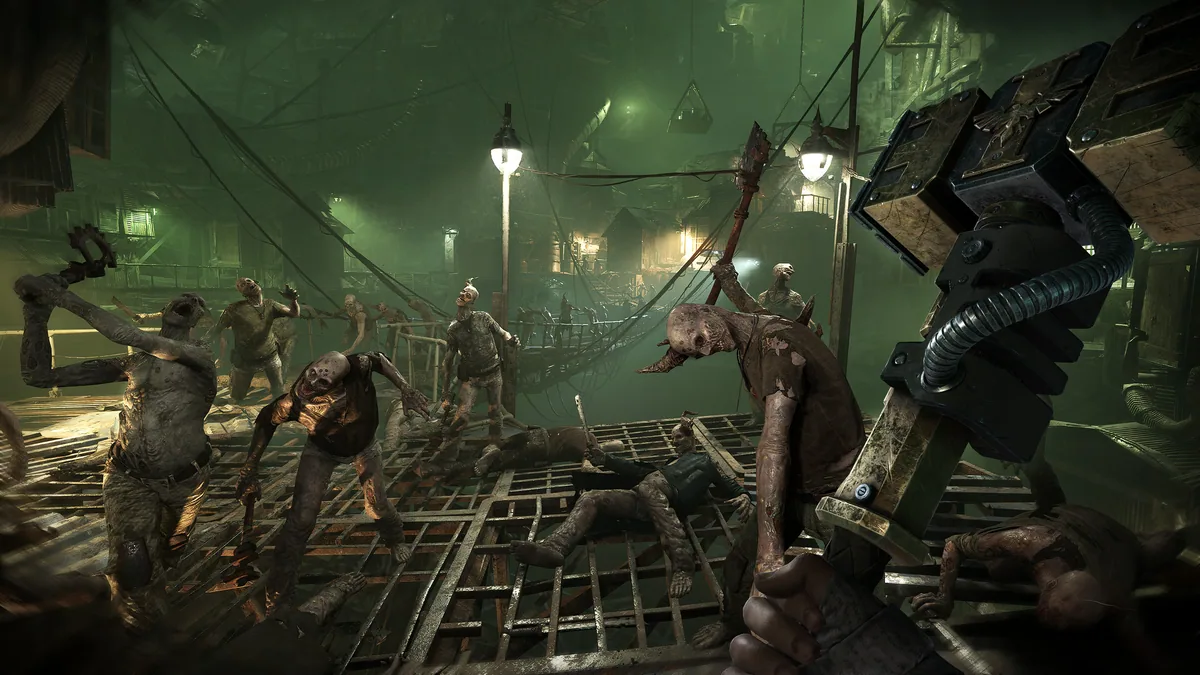
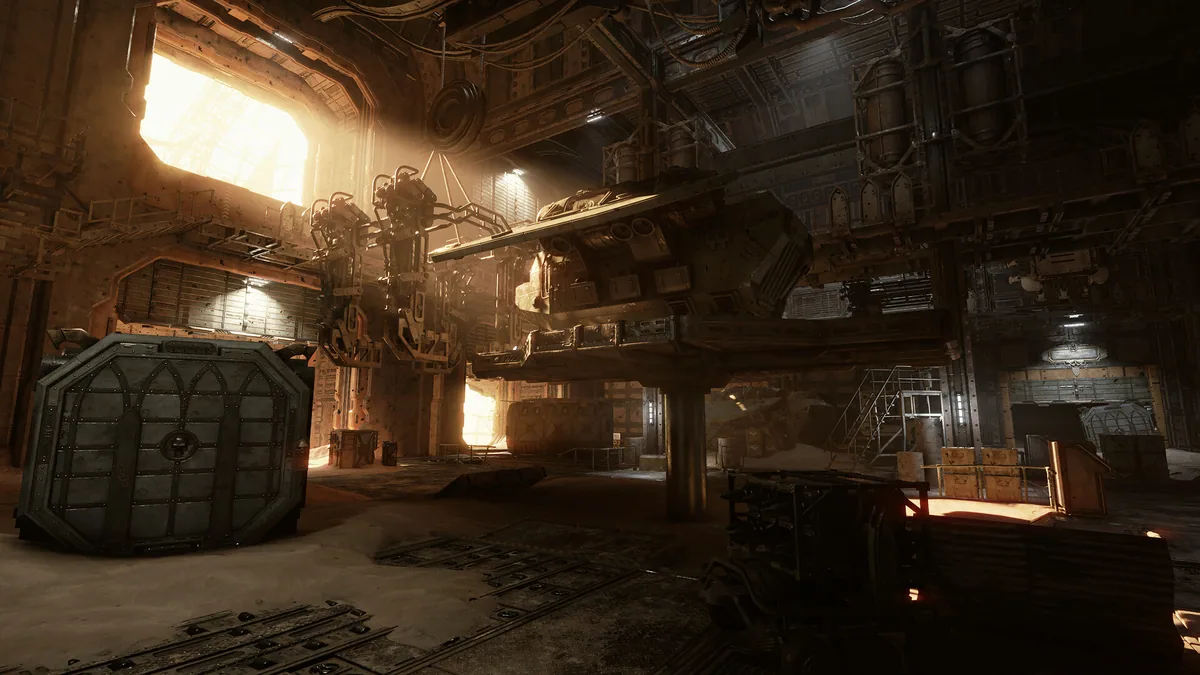
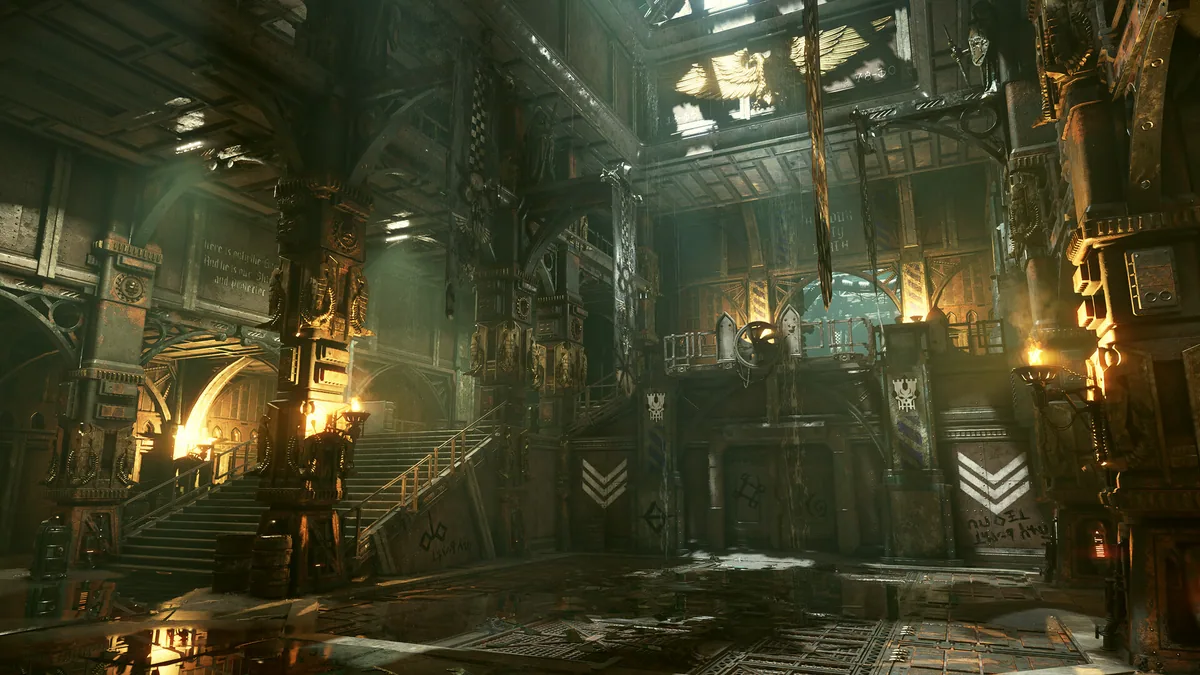
Warhammer 40,000: Darktide cheat menu features
Darktide's pressure comes from enemy waves and limited team resources. The menu separates specialists from a horde, shows supply points and keeps each operative's toughness and revive state visible.