FREE CHEATS FOR
Bug Cleaners
Released September 28, 2026
Updated
 EAGLE CHEATS
How to use Eagle in Bug Cleaners
With Bug Cleaners running, press Insert to open the Eagle menu. The quick keys give direct access to Highlight Remaining Dirt and Instant Clean. Use the menu for Unlimited Cleaning Supplies, No Tool Wear and Show Task Progress and the remaining listed features; close it with Insert to return to the app.
- F2 Highlight Remaining Dirt
Press F2 to turn Highlight Remaining Dirt on or off without opening the menu. - F3 Instant Clean
Press F3 to activate Instant Clean without opening the menu. - Insert Unlimited Cleaning Supplies
Press Insert, find Unlimited Cleaning Supplies in the feature list, and switch it on or off. - Insert No Tool Wear
Press Insert, find No Tool Wear in the feature list, and switch it on or off. - Insert Show Task Progress
Press Insert, find Show Task Progress in the feature list, and switch it on or off.
EXPLORE THE MENUFeatures
8 features
The free Bug Cleaners trainer includes Highlight Remaining Dirt, Instant Clean and Unlimited Cleaning Supplies. It also offers No Tool Wear, Show Task Progress and Free Camera. Press Insert to open the menu on Windows PC.
- Highlight Remaining Dirt
- Instant Clean
- Unlimited Cleaning Supplies
- No Tool Wear
- Show Task Progress
- Free Camera
- Camera Zoom
- Freeze Job Clock
About the game
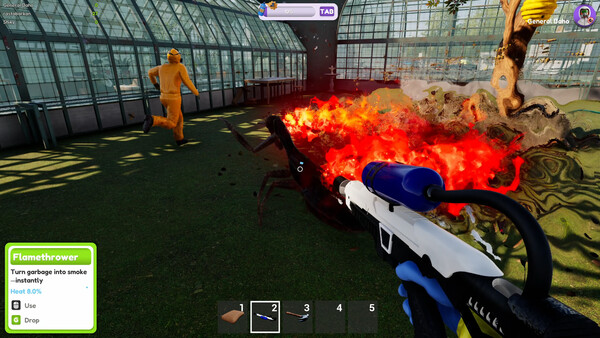
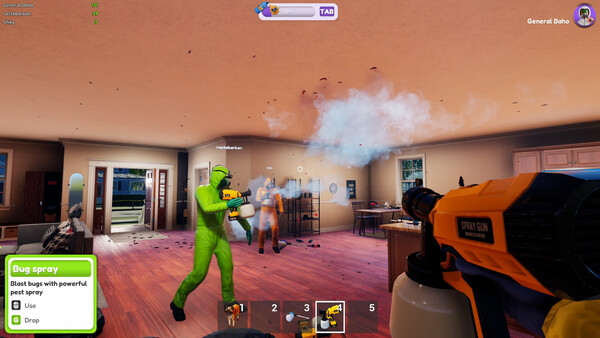
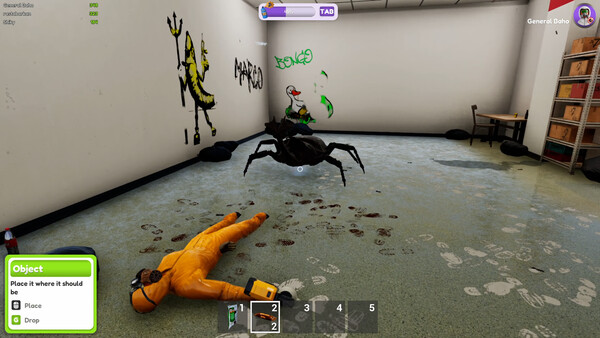
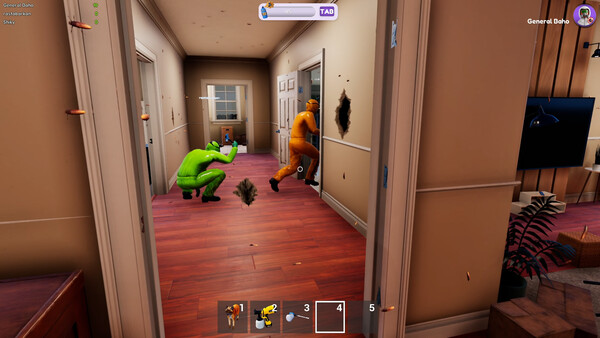
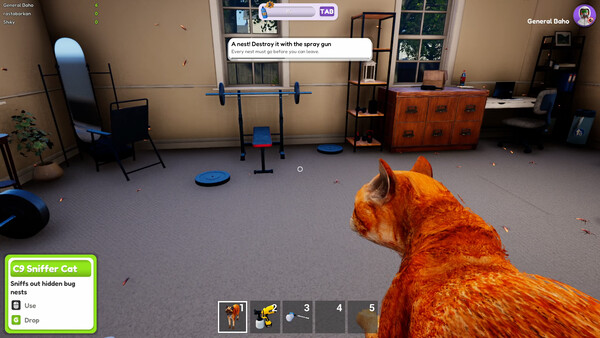
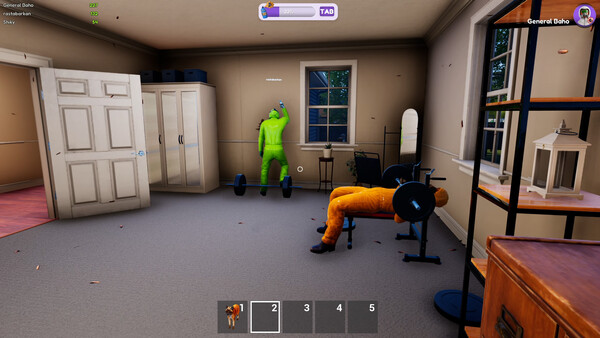
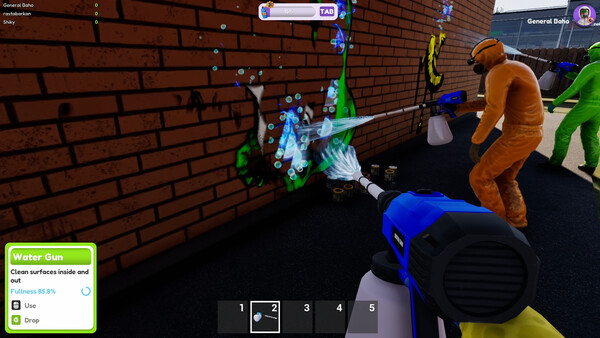
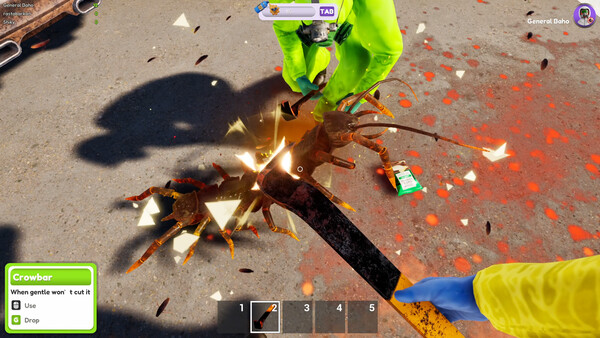
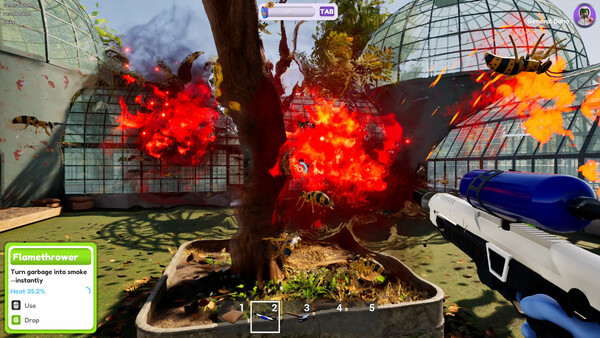
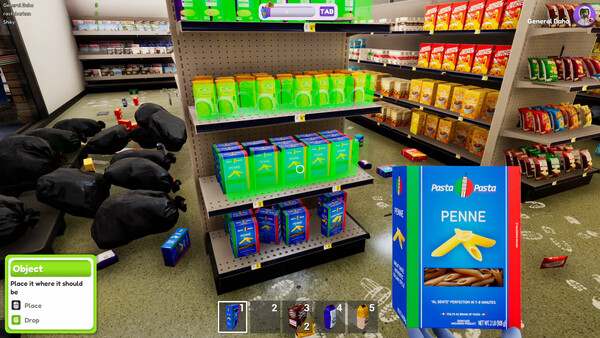
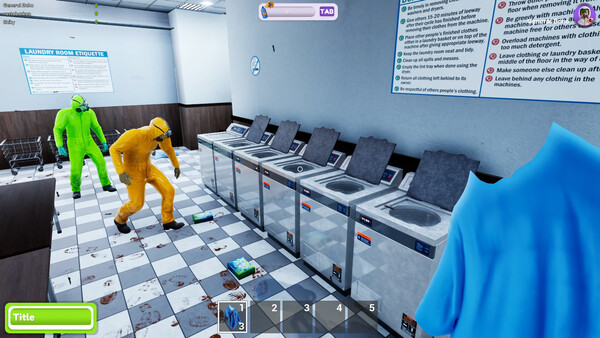
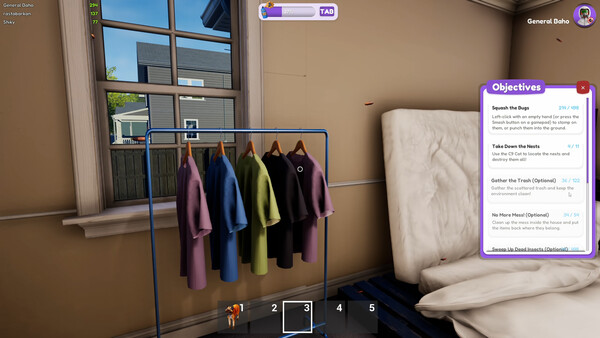
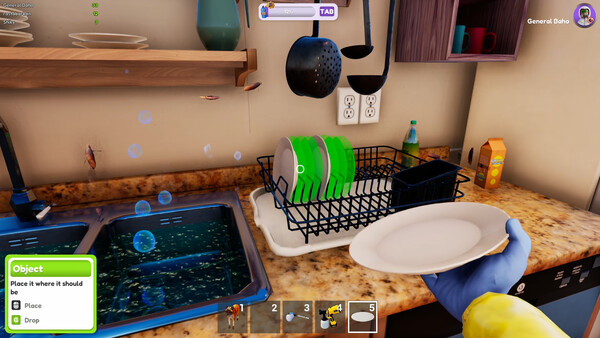
Ready to stop the bug infestation? Grab your wildest tools, go solo or team up with up to 4 players for chaotic missions, work together or totally troll the team! Bug cleaning has never been this fun and crazy!.
Official game page