FREE CHEATS FOR
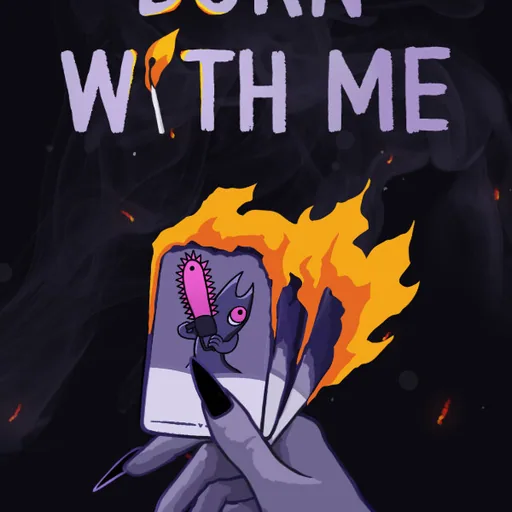
Burn With Me
Released October 12, 2026
Updated
 EAGLE CHEATS
How to use Eagle in Burn With Me
With Burn With Me running, press Insert to open the Eagle menu. The quick keys give direct access to Health View, Card Position View and Deck Composition. Use the menu for Hand Preview, Burn Pile Tracker and Card Synergy View and the remaining listed features; close it with Insert to return to the app.
- F2 Health View
Press F2 to turn Health View on or off without opening the menu. - F3 Card Position View
Press F3 to turn Card Position View on or off without opening the menu. - F4 Deck Composition
Press F4 to turn Deck Composition on or off without opening the menu. - Insert Hand Preview
Press Insert, find Hand Preview in the feature list, and switch it on or off. - Insert Burn Pile Tracker
Press Insert, find Burn Pile Tracker in the feature list, and switch it on or off. - Insert Card Synergy View
Press Insert, find Card Synergy View in the feature list, and switch it on or off.
EXPLORE THE MENUFeatures
12 features
Examine card positions, sacrifices and demon abilities before committing to a turn.
- Health View
- Card Position View
- Deck Composition
- Hand Preview
- Burn Pile Tracker
- Card Synergy View
- Demon Summon Progress
- Demon Ability Charge
- Enemy Intent View
- Encounter Route
- Resource Stock
- Turn History
About the game
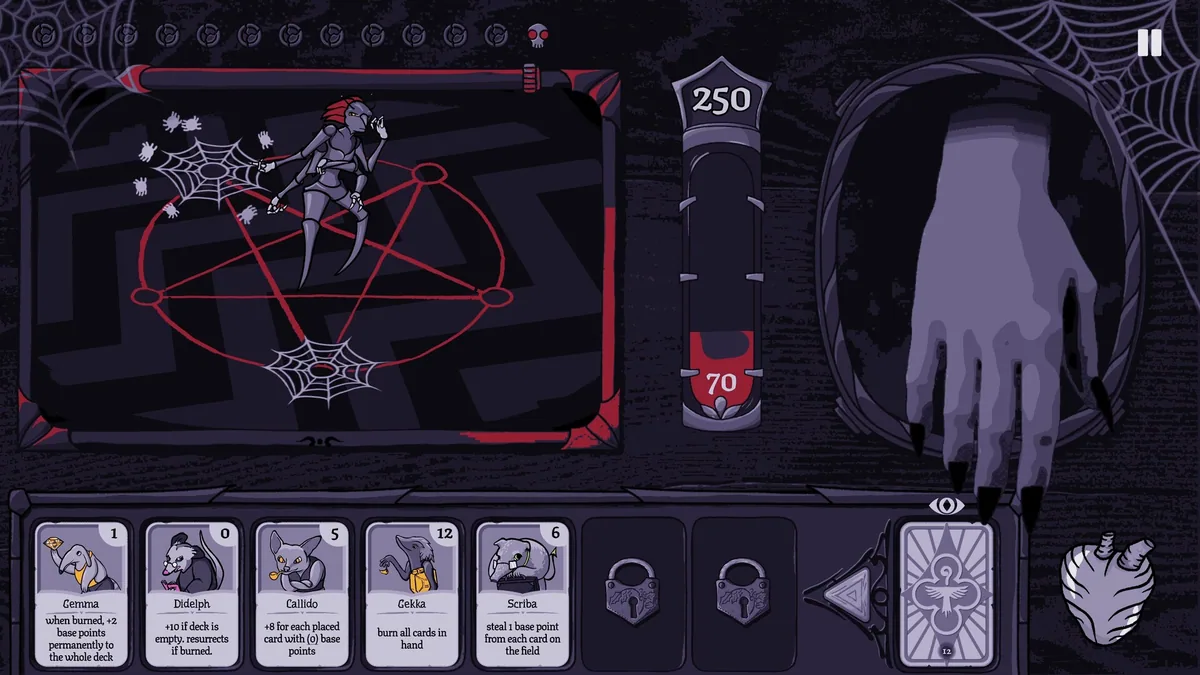
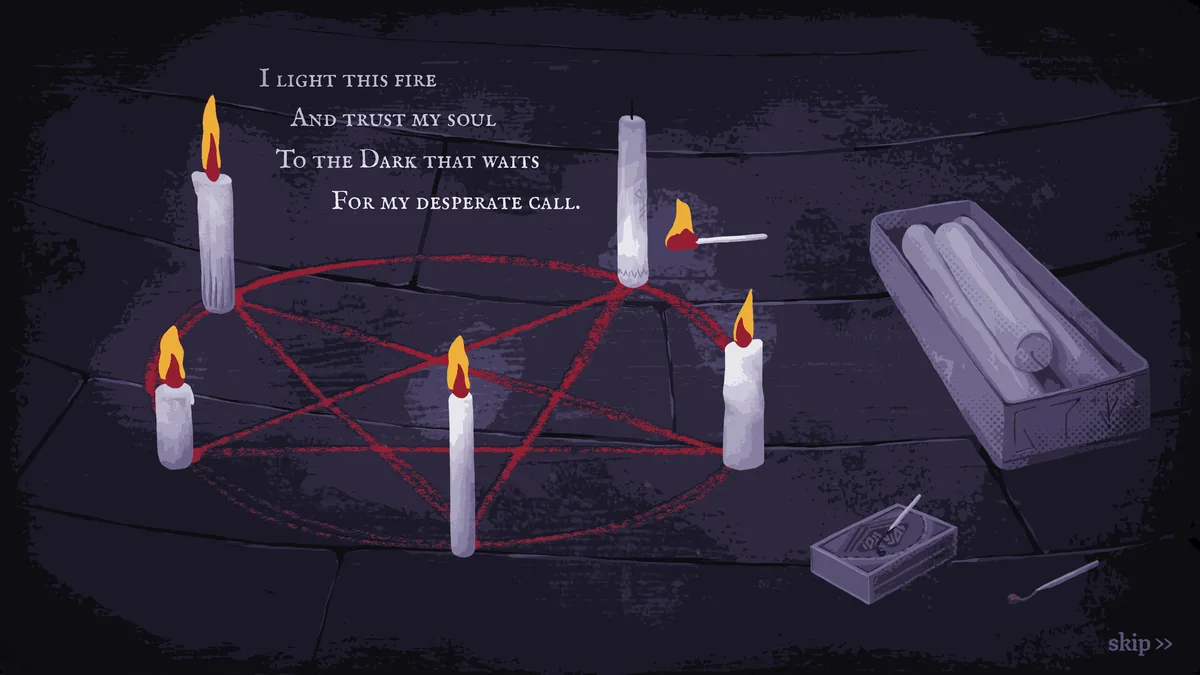
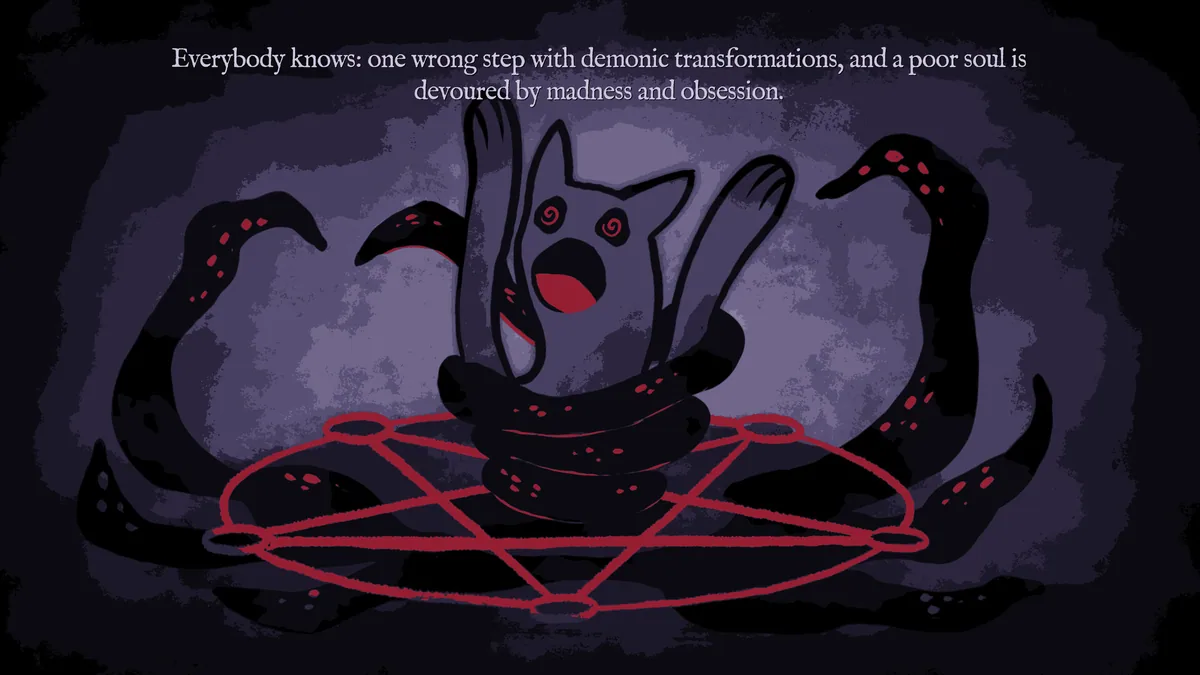
Burn With Me is an occult deckbuilder about summoning a personal demon. Battles use card placement and positional synergies, with each choice shaping the next encounter.
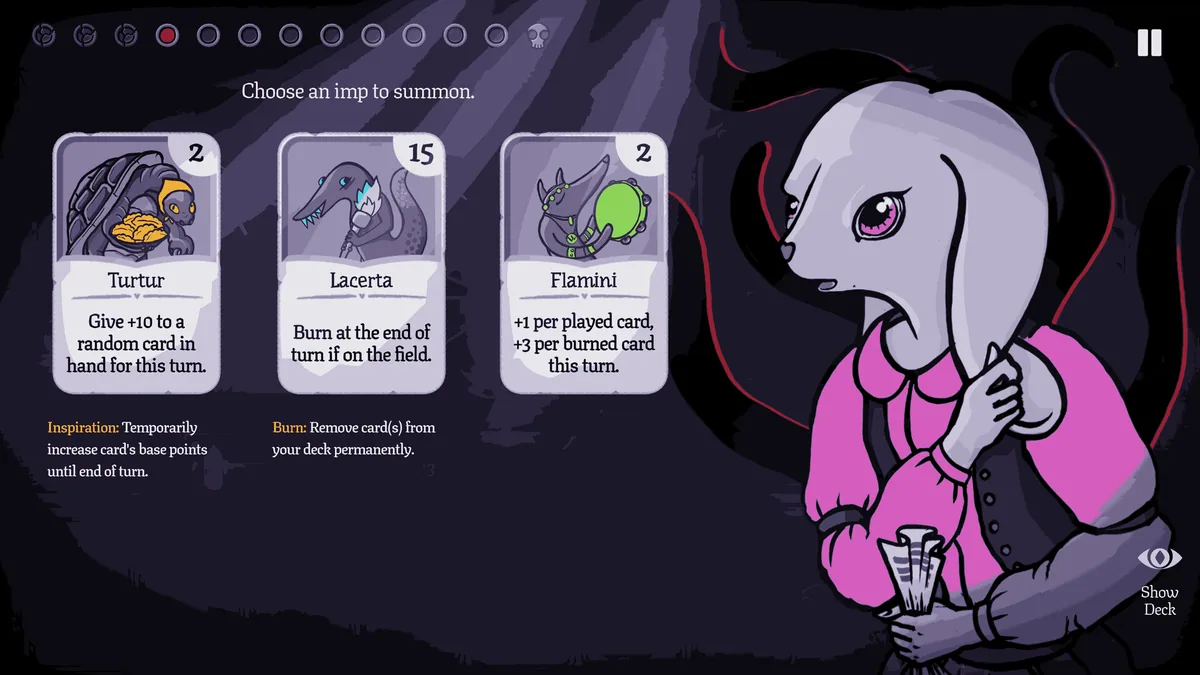
Cards can be burned permanently, making a powerful turn part of a longer sacrifice. Discovering the mystery also means deciding which pieces of the deck to keep.
Official game page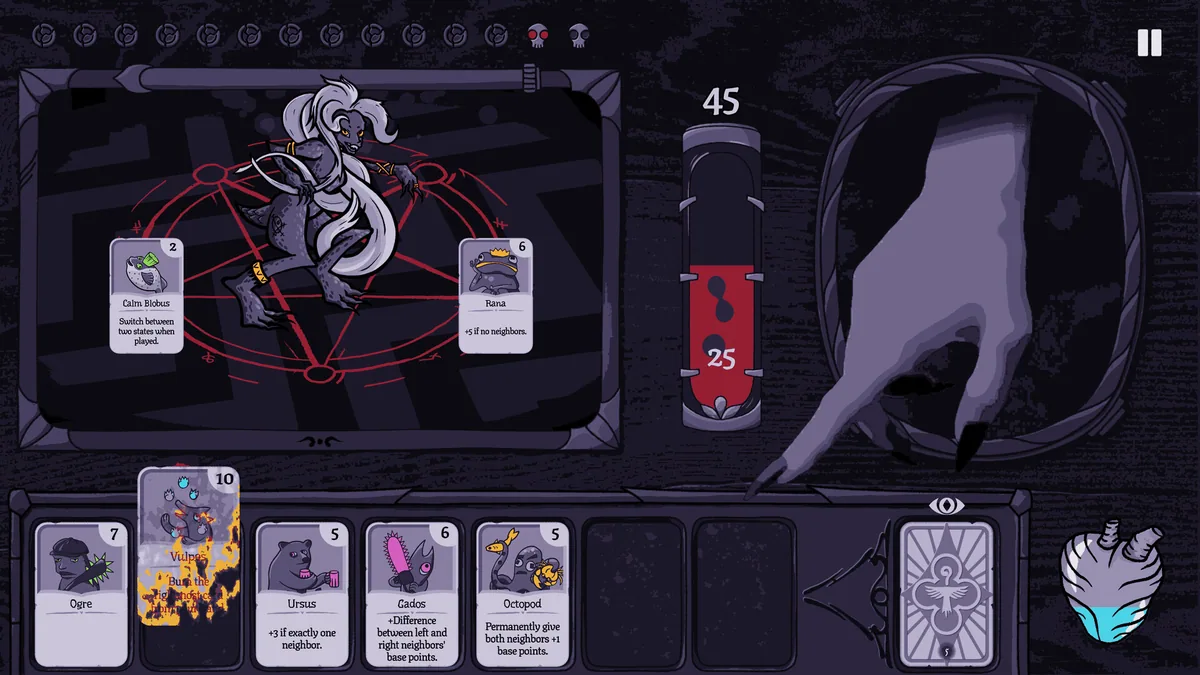
Burn With Me trainer features
Cards can be burned permanently, making a powerful turn part of a longer sacrifice. Discovering the mystery also means deciding which pieces of the deck to keep.