FREE CHEATS FOR
Cities: Skylines II
Released October 24, 2023
Updated

 EAGLE CHEATS
How to use Eagle in Cities: Skylines II
With Cities: Skylines II running, press Insert to open the Eagle menu. The quick keys give direct access to Unlimited City Funds and No Construction Cost. Use the menu for Instant Construction, Set Time of Day and No Building Maintenance and the remaining listed features; close it with Insert to return to the app.
- F2 Unlimited City Funds
Press F2 to turn Unlimited City Funds on or off without opening the menu. - F3 No Construction Cost
Press F3 to turn No Construction Cost on or off without opening the menu. - Insert Instant Construction
Press Insert and choose Instant Construction when you want to run this action. - Insert Set Time of Day
Press Insert, choose Set Time of Day, adjust its value or option, and apply. - Insert No Building Maintenance
Press Insert, find No Building Maintenance in the feature list, and switch it on or off.
EXPLORE THE MENUFeatures
10 features
The free Cities: Skylines II trainer includes Unlimited City Funds, No Construction Cost and Instant Construction. It also offers No Building Maintenance, Max Citizen Happiness and Max Land Value. Press Insert to open the menu on Windows PC.
- Unlimited City Funds
- No Construction Cost
- Instant Construction
- No Building Maintenance
- Max Citizen Happiness
- Max Land Value
- Instant Zoning Demand
- Clear Traffic Jams
- No Pollution
- Set Time of Day
About the game
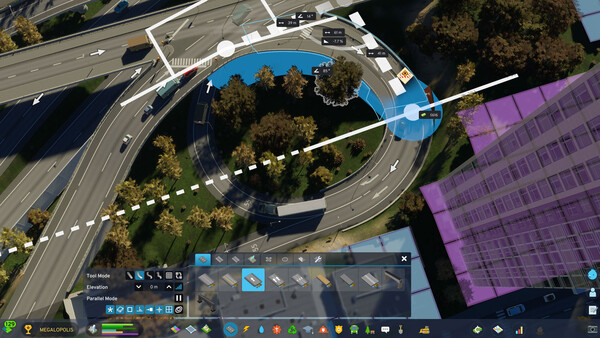
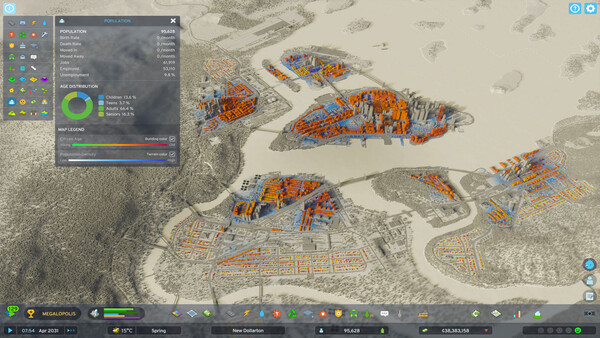
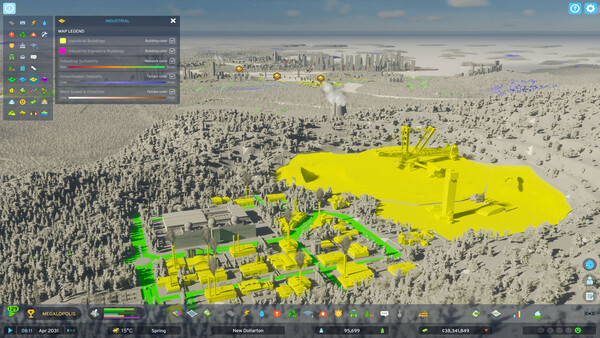
Raise a city from the ground up and transform it into a thriving metropolis with the most realistic city builder ever. Push your creativity and problem-solving to build on a scale you've never experienced. With deep simulation and a living economy, this is world-building without limits.
Official game page