FREE CHEATS FOR
Cities: Skylines
Released March 10, 2015
Updated

 EAGLE CHEATS
How to use Eagle in Cities: Skylines
With Cities: Skylines running, press Insert to open the Eagle menu. The quick keys give direct access to Unlimited City Funds and Instant Construction. Use the menu for No Building Maintenance, Set Time of Day and Max Citizen Happiness and the remaining listed features; close it with Insert to return to the app.
- F2 Unlimited City Funds
Press F2 to turn Unlimited City Funds on or off without opening the menu. - F3 Instant Construction
Press F3 to activate Instant Construction without opening the menu. - Insert No Building Maintenance
Press Insert, find No Building Maintenance in the feature list, and switch it on or off. - Insert Set Time of Day
Press Insert, choose Set Time of Day, adjust its value or option, and apply. - Insert Max Citizen Happiness
Press Insert, find Max Citizen Happiness in the feature list, and switch it on or off.
EXPLORE THE MENUFeatures
8 features
The free Cities: Skylines mod menu includes Unlimited City Funds, Instant Construction and No Building Maintenance. It also offers Max Citizen Happiness, Instant Zoning Demand and Clear Traffic. Press Insert to open the menu on Windows PC.
- Unlimited City Funds
- Instant Construction
- No Building Maintenance
- Max Citizen Happiness
- Instant Zoning Demand
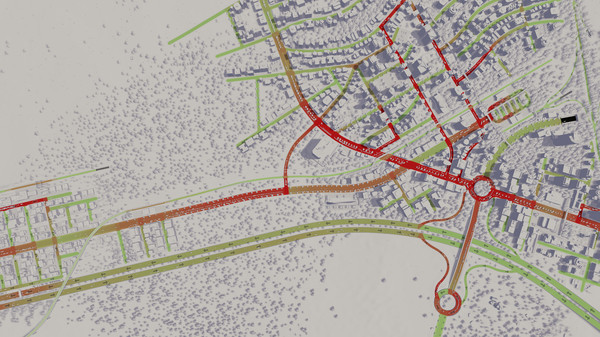
- Clear Traffic
- No Pollution
- Set Time of Day
About the game
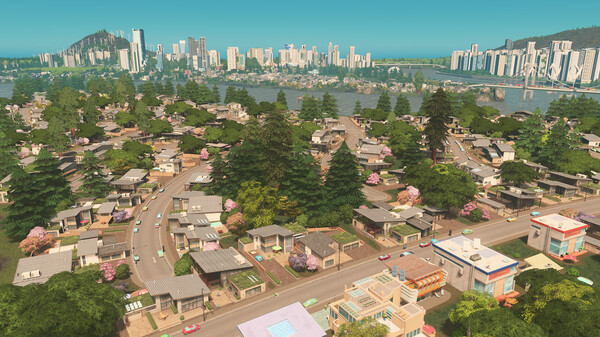
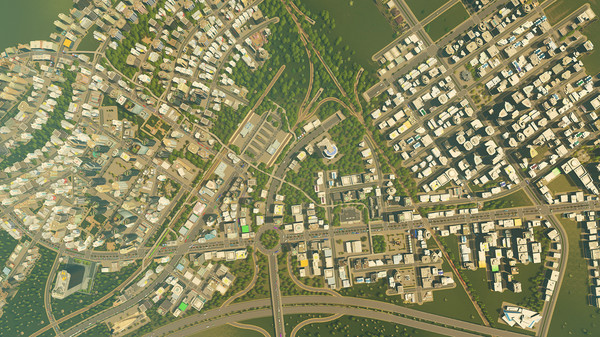
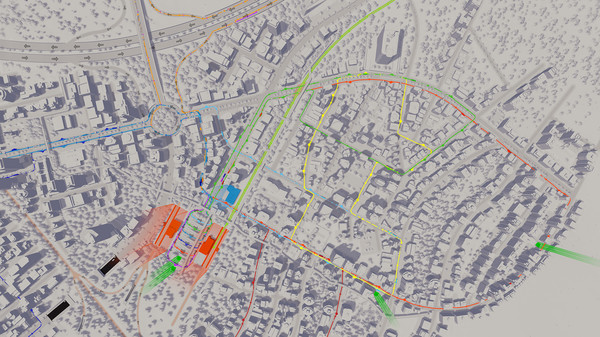
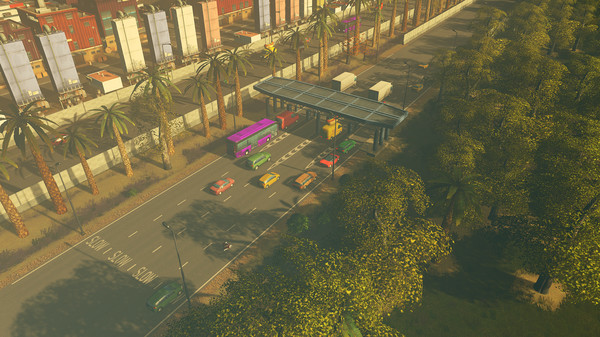
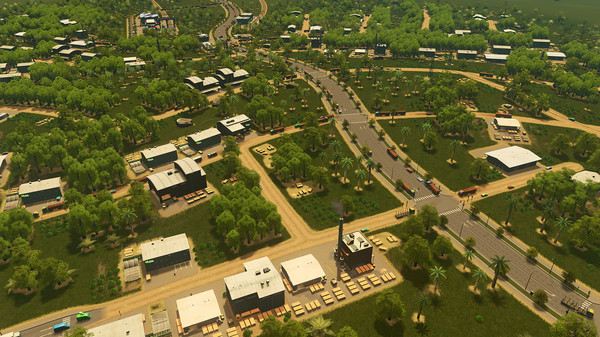
Cities: Skylines is a modern take on the classic city simulation. The game introduces new game play elements to realize the thrill and hardships of creating and maintaining a real city whilst expanding on some well-established tropes of the city building experience.
Official game page