FREE CHEATS FOR
Minecraft Java Edition
Released November 18, 2011
Updated
 EAGLE CHEATS
How to use Eagle in Minecraft Java Edition
With Minecraft Java Edition running, press Insert to open the Eagle menu. The quick keys give direct access to Kill Aura, Crystal Aura and Bed Aura. Use the menu for Aim Assist, Auto Armor and Flight and the remaining listed features; close it with Insert to return to the app.
- F2 Kill Aura
Press F2 to turn Kill Aura on or off without opening the menu. - F3 Crystal Aura
Press F3 to turn Crystal Aura on or off without opening the menu. - F4 Bed Aura
Press F4 to turn Bed Aura on or off without opening the menu. - Insert Aim Assist
Press Insert, find Aim Assist in the feature list, and switch it on or off. - Insert Auto Armor
Press Insert, find Auto Armor in the feature list, and switch it on or off. - Insert Flight
Press Insert, find Flight in the feature list, and switch it on or off.
EXPLORE THE MENUFeatures
55 features
The free Minecraft Java Edition cheat client includes Kill Aura, Crystal Aura and Bed Aura. It also offers Aim Assist, Bow Aimbot and Triggerbot. Press Insert to open the menu on Windows PC.
- Kill Aura
- Crystal Aura
- Bed Aura
- Aim Assist
- Bow Aimbot
- Triggerbot
- Auto Armor
- Auto Totem
- Auto Potion
- Auto Weapon
- Critical Hits
- Reach
- Hitbox Expansion
- Auto Trap
- Surround
- Anti Knockback
- Auto Dodge
- Flight
- Elytra Flight
- Speed
- Auto Sprint
- Step
- High Jump
- Air Jump
- No Fall
- No Slow
- Scaffold
- Blink
- Click Teleport
- Player ESP
- Mob ESP
- Health ESP
- Block ESP
- Storage ESP
- Tracers
- Nametags
- X-Ray
- Fullbright
- Freecam
- Zoom
- Waypoints
- Trajectory Preview
- Auto Eat
- Auto Fish
- Auto Tool
- Auto Replenish
- Inventory Tweaks
- Speed Mine
- Vein Miner
- Auto Farm
- Nuker
- Stash Finder
- Auto Reconnect
- Baritone Pathfinding
- Config Profiles
About the game
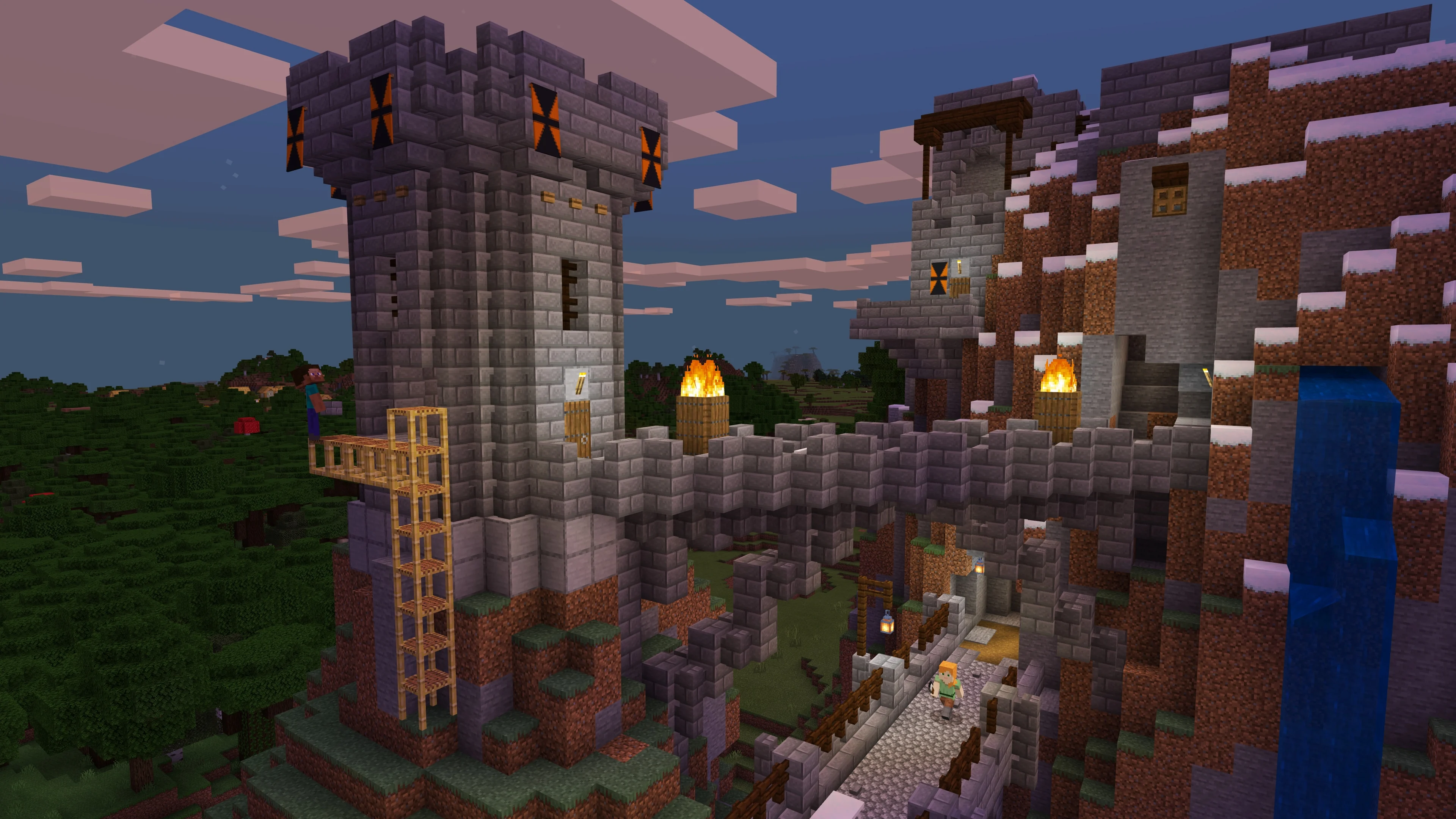
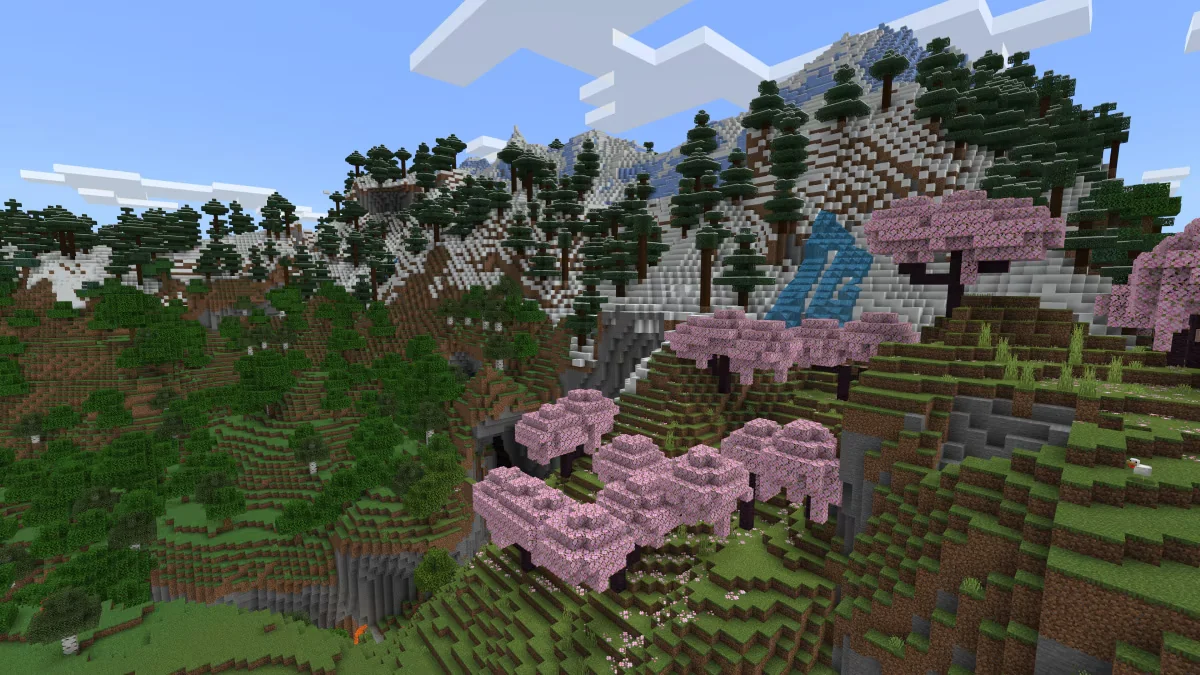
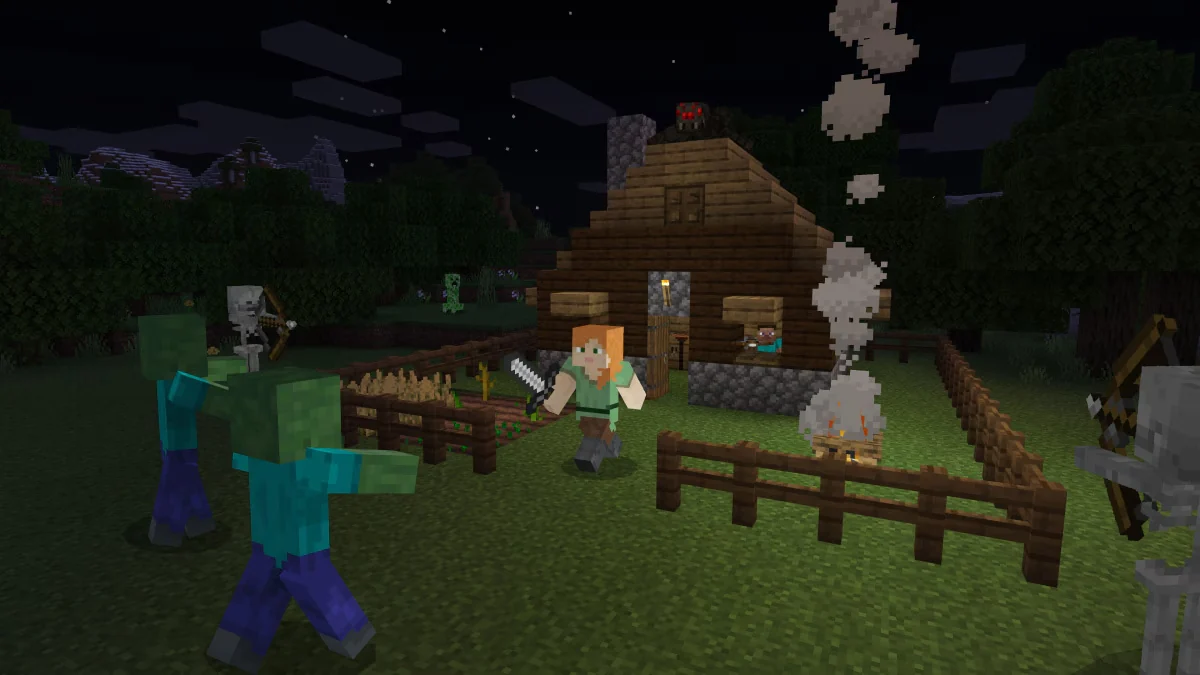
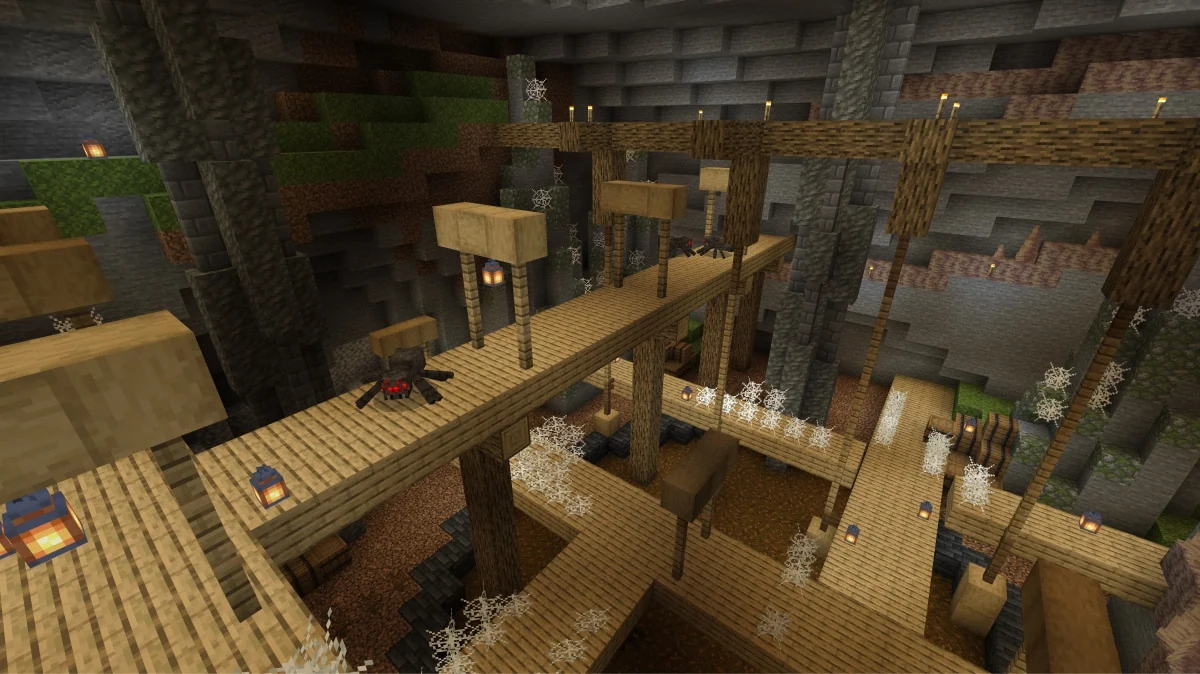
Minecraft Java Edition is the original desktop version of Minecraft, built around exploring a world made of blocks and changing it one piece at a time. A new world offers forests, caves, oceans and structures to discover. In Survival, gathering materials, building shelter and crafting tools prepare you for night-time threats and journeys farther from home. Creative mode removes those limits so you can focus on construction and experimentation.
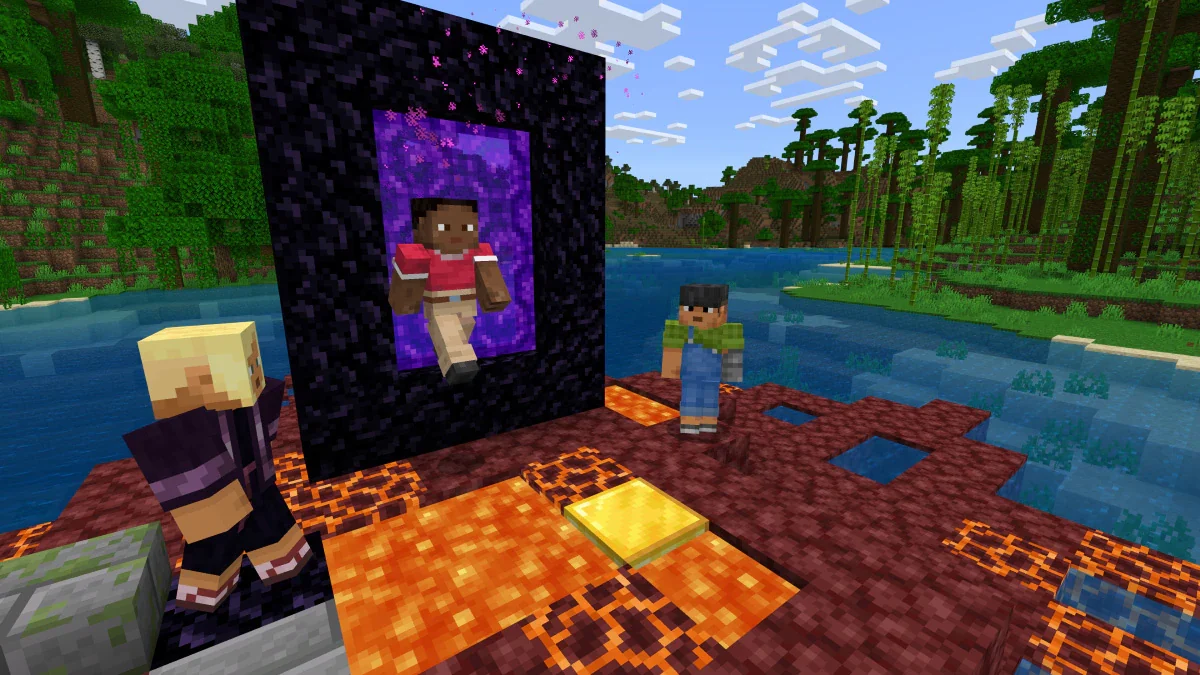
Java Edition has a long-running community of servers, custom maps, resource packs and mods. Multiplayer can turn a personal building project into a shared settlement, an adventure map or a competitive game with its own rules. Redstone adds logic and automation for players who enjoy designing machines. The PC version runs on Windows, macOS and Linux, with worlds that can be as small or ambitious as their creators want.
Official game page