FREE CHEATS FOR
Sniper Dan
Released September 17, 2026
Updated

 EAGLE CHEATS
How to use Eagle in Sniper Dan
With Sniper Dan running, press Insert to open the Eagle menu. The quick keys give direct access to Hidden Object Highlight and Target Distance Overlay. Use the menu for Shot Trajectory Preview, Freeze Level Timer and No Scope Sway and the remaining listed features; close it with Insert to return to the app.
- F2 Hidden Object Highlight
Press F2 to turn Hidden Object Highlight on or off without opening the menu. - F3 Target Distance Overlay
Press F3 to turn Target Distance Overlay on or off without opening the menu. - Insert Shot Trajectory Preview
Press Insert, find Shot Trajectory Preview in the feature list, and switch it on or off. - Insert Freeze Level Timer
Press Insert, find Freeze Level Timer in the feature list, and switch it on or off. - Insert No Scope Sway
Press Insert, find No Scope Sway in the feature list, and switch it on or off.
EXPLORE THE MENUFeatures
9 features
The free Sniper Dan trainer includes Hidden Object Highlight, Target Distance Overlay and Shot Trajectory Preview. It also offers No Scope Sway, Instant Scope Zoom and Unlimited Hints. Press Insert to open the menu on Windows PC.
- Hidden Object Highlight
- Target Distance Overlay
- Shot Trajectory Preview
- No Scope Sway
- Instant Scope Zoom
- Unlimited Hints
- Freeze Level Timer
- Free Camera
- Camera Zoom
About the game
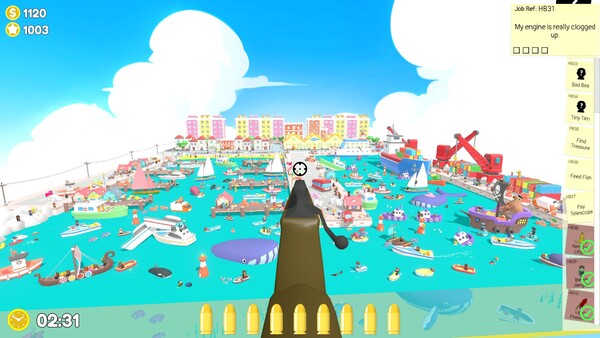
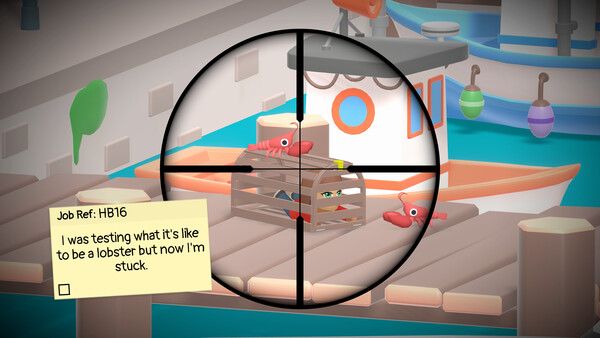
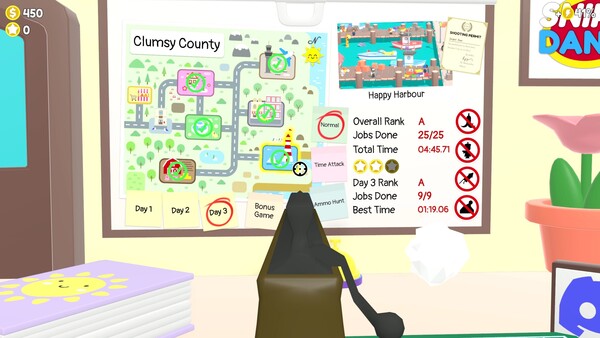
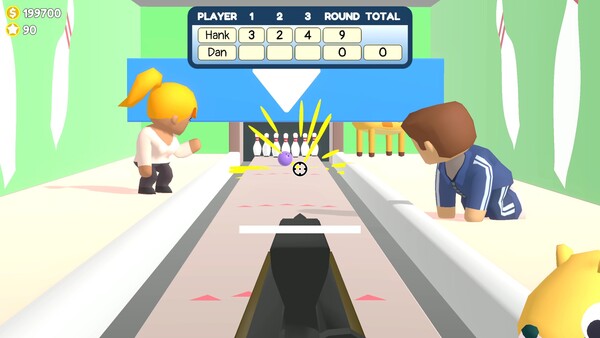
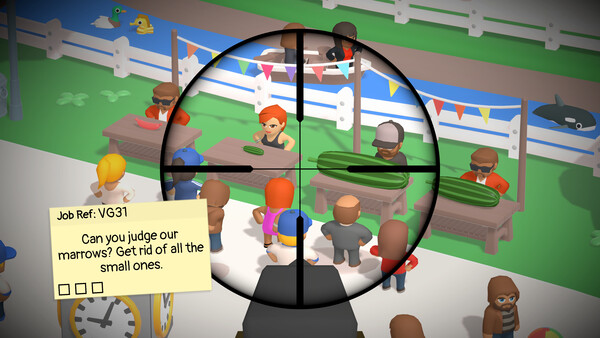
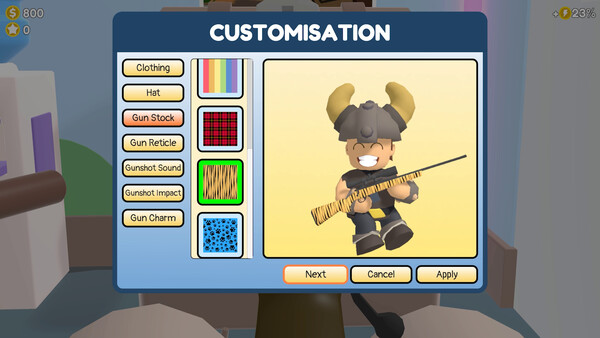
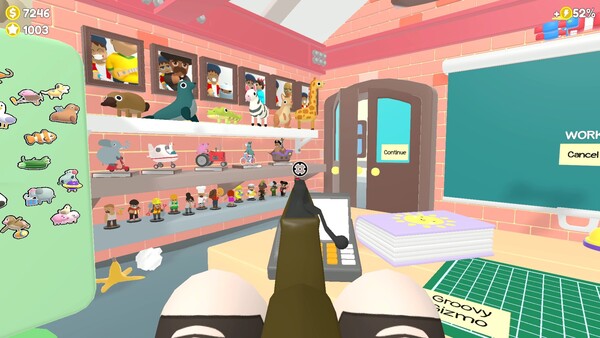
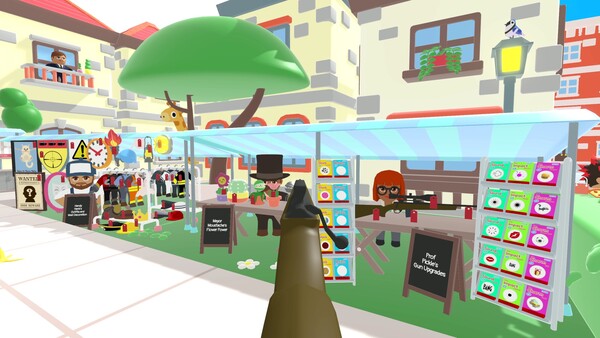
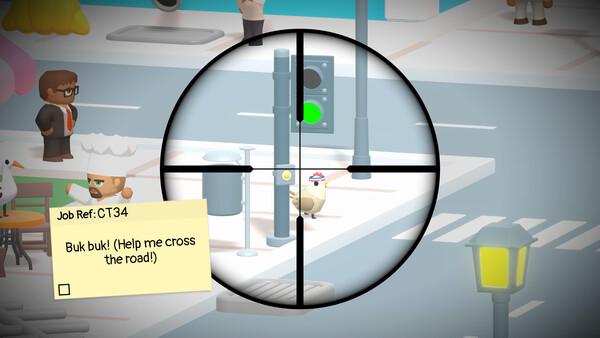
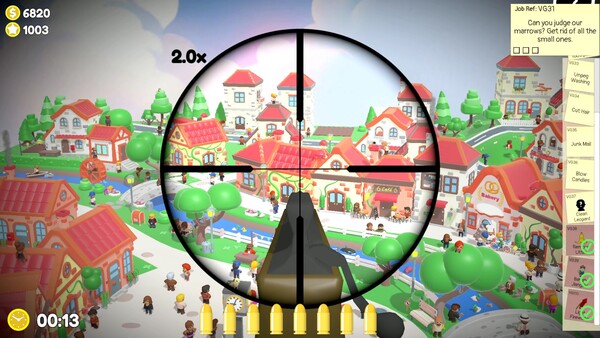
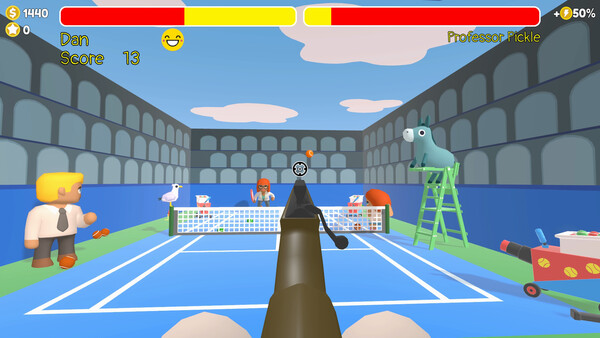
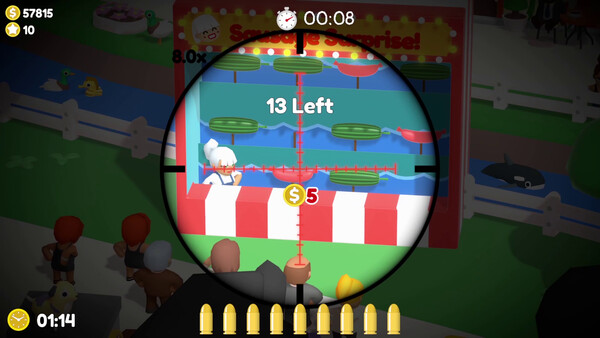
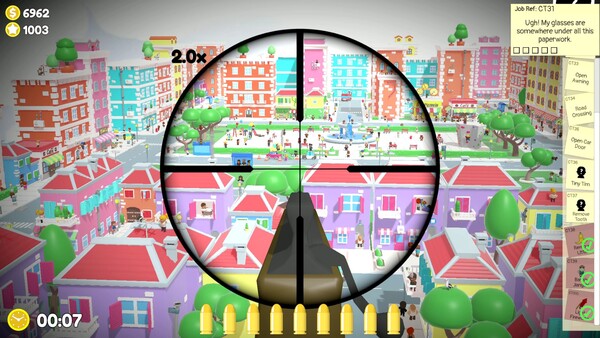
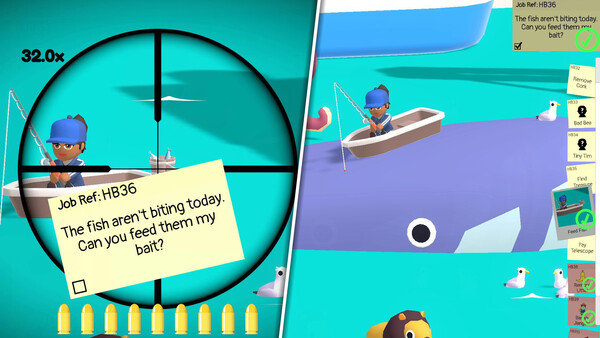
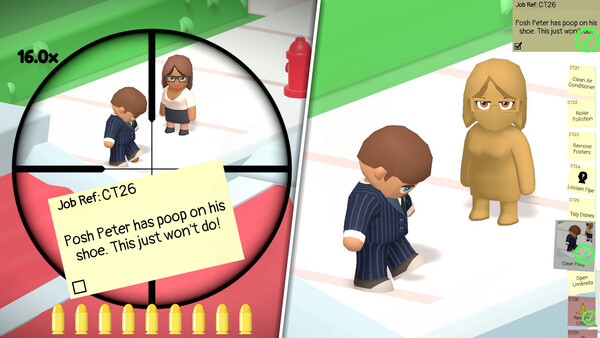
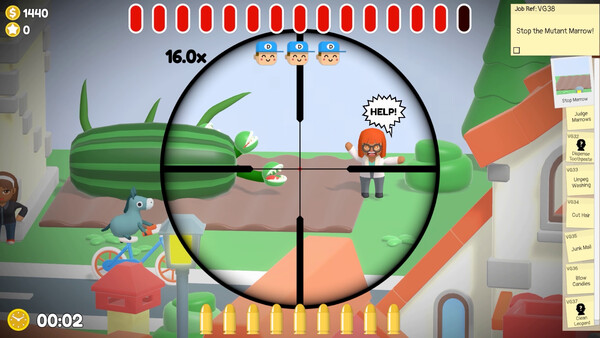
Sniper Dan is a delightfully funny, family-friendly 3D Hidden Object game with a big twist. Use a sniper rifle to solve hundreds of low-stakes jobs across six packed locations, discover surprising secrets, snap hilarious photo ops, and unlock costumes, upgrades, office décor, collectables and more!.
Official game page